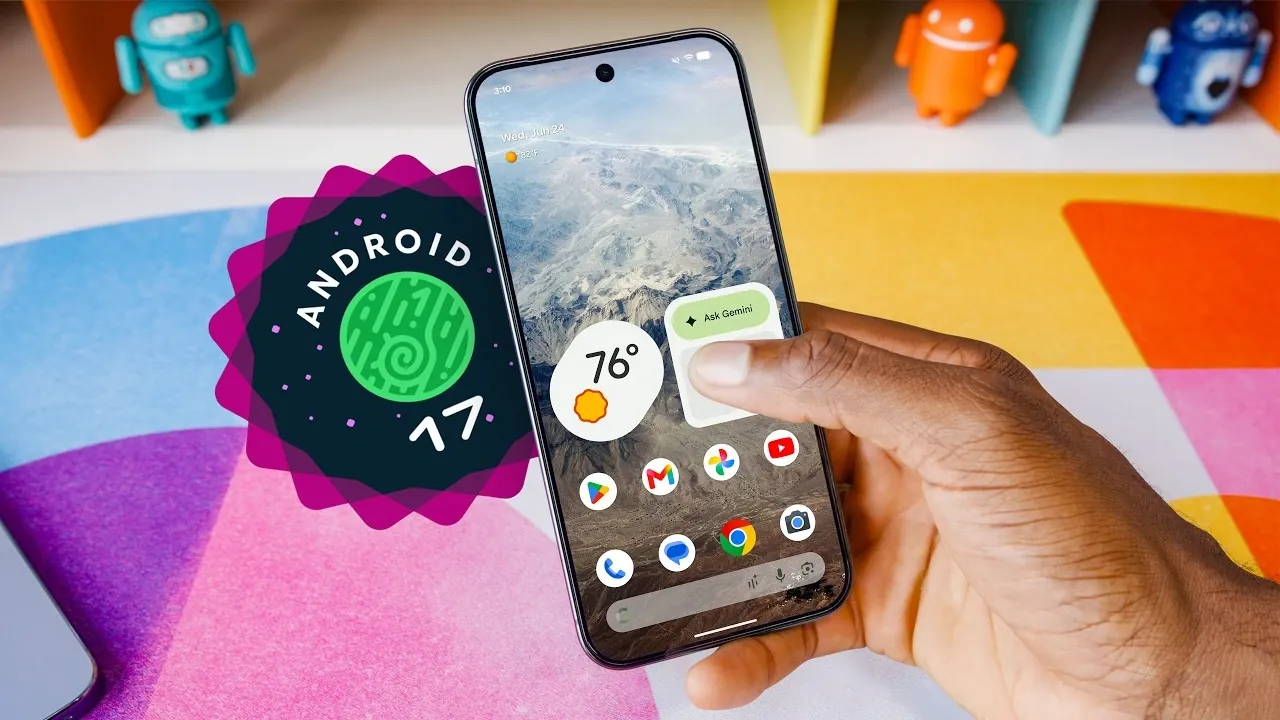
Android 17 brings a range of updates designed to improve your smartphone experience. While it doesn’t completely transform the operating system, this version focuses on practical enhancements that emphasize usability, customization and functionality. These updates, particularly advantageous for Pixel and foldable device users, demonstrate Google’s dedication to refining everyday interactions. Below, we explore the top five features that make Android 17 a significant and user-friendly update. The video below from Marques Brownlee gives us a look at the new Android 17 features.

Screen Recording with Selfie Overlay
One of the most notable additions in Android 17 is the built-in screen recording tool with a selfie overlay. This feature allows you to record your screen while simultaneously capturing your reactions through the front-facing camera. Whether you’re creating tutorials, sharing gameplay, or hosting virtual presentations, this functionality adds a personal and engaging dimension to your recordings. The ability to customize the size and position of the selfie overlay ensures that it doesn’t obstruct critical content on the screen, making it versatile for various use cases.
Split-Screen Gaming for Foldable Devices
Android 17 introduces split-screen gaming, a feature tailored specifically for foldable devices. This mode uses the unique form factor of foldables by allowing you to use one half of the screen for gameplay while the other half functions as an on-screen gamepad. By eliminating the need for external controllers, this feature enhances precision and convenience, delivering a more immersive and streamlined gaming experience. This innovation highlights Android 17’s focus on optimizing features for emerging device categories.
Enhanced Multitasking with Floating Windows
Multitasking receives a substantial upgrade with Android 17’s expanded floating window capabilities. Users can now run up to four apps simultaneously in resizable floating windows, making it easier to handle multiple tasks at once. For example, you can take notes during a video call, monitor social media while watching a live stream, or manage multiple chats seamlessly. The new “bubble bar” interface simplifies app switching, making sure a smooth and intuitive multitasking experience. This feature is particularly useful for professionals and power users who rely on their devices for productivity.
Improved UI Customization
Android 17 offers a variety of new customization options to help you personalize your device. You can now hide app labels on the home screen for a cleaner, minimalist look, reduce white space in the settings menu and add transparency to more UI elements. Additionally, dark mode can be applied to individual apps, giving you greater control over your device’s appearance. These updates are complemented by enhanced animations and performance optimizations, resulting in a smoother and more responsive interface. This focus on customization ensures that Android 17 adapts to your preferences and style.
Streamlined Connectivity with Quick Settings Toggles
In response to user feedback, Android 17 separates the Wi-Fi and mobile data toggles in the quick settings menu. This seemingly small change has a significant impact on usability, allowing you to switch between Wi-Fi and mobile data more efficiently without navigating through multiple menus. The streamlined design of the quick settings menu ensures faster access to essential connectivity options, improving overall convenience for users who frequently manage their network settings.
Additional Features and Future Updates
Android 17 also includes playful and engaging touches, such as an Easter egg featuring a constellation puzzle and a mini asteroids game. These hidden gems add a layer of fun to the operating system, appealing to users who enjoy discovering surprises within their devices. Looking ahead, Google has teased upcoming features like natural language widget creation, improved speech-to-text capabilities and new digital well-being tools. These future updates aim to integrate artificial intelligence more deeply into your daily interactions, offering smarter and more intuitive solutions to enhance productivity and accessibility.
Refining the Android Experience
While Android 17 doesn’t introduce a complete overhaul, its thoughtful updates significantly enhance the overall user experience. From the screen recording tool with a selfie overlay to split-screen gaming for foldables, these features cater to both productivity and entertainment. The emphasis on customization, multitasking and streamlined connectivity ensures that Android 17 remains user-centric and adaptable to evolving needs. By focusing on practical improvements and preparing for future innovations, Android 17 continues to refine the platform, making it a valuable update for a wide range of users.
Source & Image Credit: Marques Brownlee
Disclosure: Some of our articles include affiliate links. If you buy something through one of these links, Geeky Gadgets may earn an affiliate commission. Learn about our Disclosure Policy.
