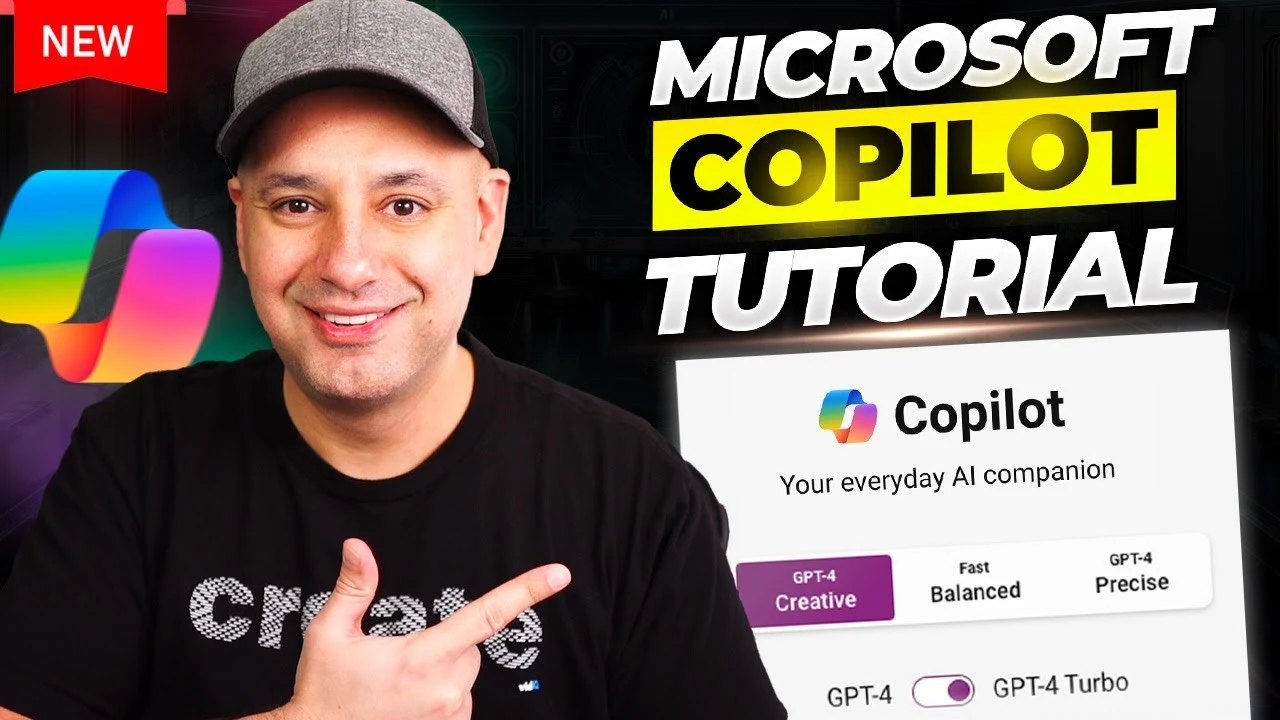
Microsoft Copilot is an innovative AI-driven platform designed to simplify and streamline a wide range of tasks, from content creation and data analysis to image generation and web research. This powerful tool is available for free on the Microsoft website and through its mobile apps, requiring only a Microsoft account to access its full suite of features. In this comprehensive guide, we will explore how Microsoft Copilot can significantly enhance your productivity and creativity through its intuitive and adaptable interface.
Understanding Microsoft Copilot
Microsoft Copilot is far more than a simple chatbot; it is a sophisticated AI tool specifically designed to boost your efficiency in both professional and personal projects. With its user-friendly interface and versatile functionalities, Copilot is tailored to meet the diverse needs of users across various industries and skill levels, making complex tasks more manageable and accessible.
Key Features of Microsoft Copilot
Microsoft Copilot offers a wide array of features that cater to different aspects of productivity and creativity:
- Content Creation: Copilot simplifies the process of generating engaging blogs, emails, and documents. Its AI algorithms assess the context and purpose of your writing, providing intelligent suggestions to enhance clarity and reader engagement.
- Text Summarization: When faced with extensive documents, Copilot’s text summarization feature can quickly identify and extract the key points, saving you valuable time and effort.
- Image Creation and Analysis: Copilot’s capabilities extend beyond text, as it can proficiently handle visual tasks. Whether you need to create images from textual descriptions or analyze existing visuals for detailed insights, Copilot has you covered.
- Efficient Web Search: Streamline your research process with Copilot’s ability to perform targeted web searches and summarize the results, eliminating the need to manually browse through multiple sources.
- Export and Sharing: Copilot allows you to easily export your work in various formats and share it with others through generated links, facilitating smoother collaboration and distribution.
- Interactive Dialogue: Engage with Copilot in a conversational manner, adjusting the tone and depth of its responses to suit your preferences and communication style.
- Customization Options: Modify Copilot’s settings to deliver balanced, creative, or precise responses based on your specific requirements and project goals.
Integration with Other Tools
One of the key strengths of Microsoft Copilot is its seamless integration with a variety of software and services, further enhancing its functionality and versatility:
- Microsoft Designer Integration: For tasks that involve visual elements, Copilot’s integration with Microsoft Designer allows for direct refinements and adjustments within your projects.
- Plugins and Tools: Copilot supports a range of plugins, such as Sunno for music creation, catering to the needs of creative professionals across different domains.
- Microsoft Office Compatibility: Enhance your productivity within the familiar environment of Microsoft Office applications, from Word to PowerPoint, by leveraging Copilot’s advanced features and capabilities.
Maximizing Copilot’s Potential
To get the most out of Microsoft Copilot and fully harness its potential, consider the following practical tips:
- Personalize Your Experience: By using your Microsoft account, you can enjoy a tailored experience and allow Copilot to track your interactions, which helps improve the AI’s future responses and recommendations.
- Utilize Examples and Prompts: If you’re new to AI tools, start by exploring the provided examples and prompts to effectively leverage Copilot’s capabilities and gain a better understanding of its potential applications.
- Provide Regular Feedback: Your feedback plays a crucial role in refining Copilot’s accuracy and responsiveness. By actively providing input and suggestions, you contribute to the continuous improvement of the platform.
Educational Opportunities
To further expand your knowledge and skills in AI, Microsoft offers Skill Leap AI courses. These educational resources are designed to enhance your understanding of prompt engineering and other AI functionalities, enabling you to use Copilot more effectively and efficiently.
Microsoft Copilot is a comprehensive platform that supports a wide range of tasks, from generating compelling content to analyzing complex data sets. Its ability to seamlessly integrate with other tools makes it a valuable addition to any professional or personal toolkit, promising to boost productivity and creativity through innovative AI technology. Whether you’re a novice exploring the world of AI or an experienced user seeking to optimize your workflow, Microsoft Copilot provides the resources and capabilities needed to accomplish more with less effort. By leveraging its intuitive interface, powerful features, and educational opportunities, you can unlock new levels of productivity and innovation in your projects and endeavors.
Source & Image Credit: Howfinity
Disclosure: Some of our articles include affiliate links. If you buy something through one of these links, Geeky Gadgets may earn an affiliate commission. Learn about our Disclosure Policy.
