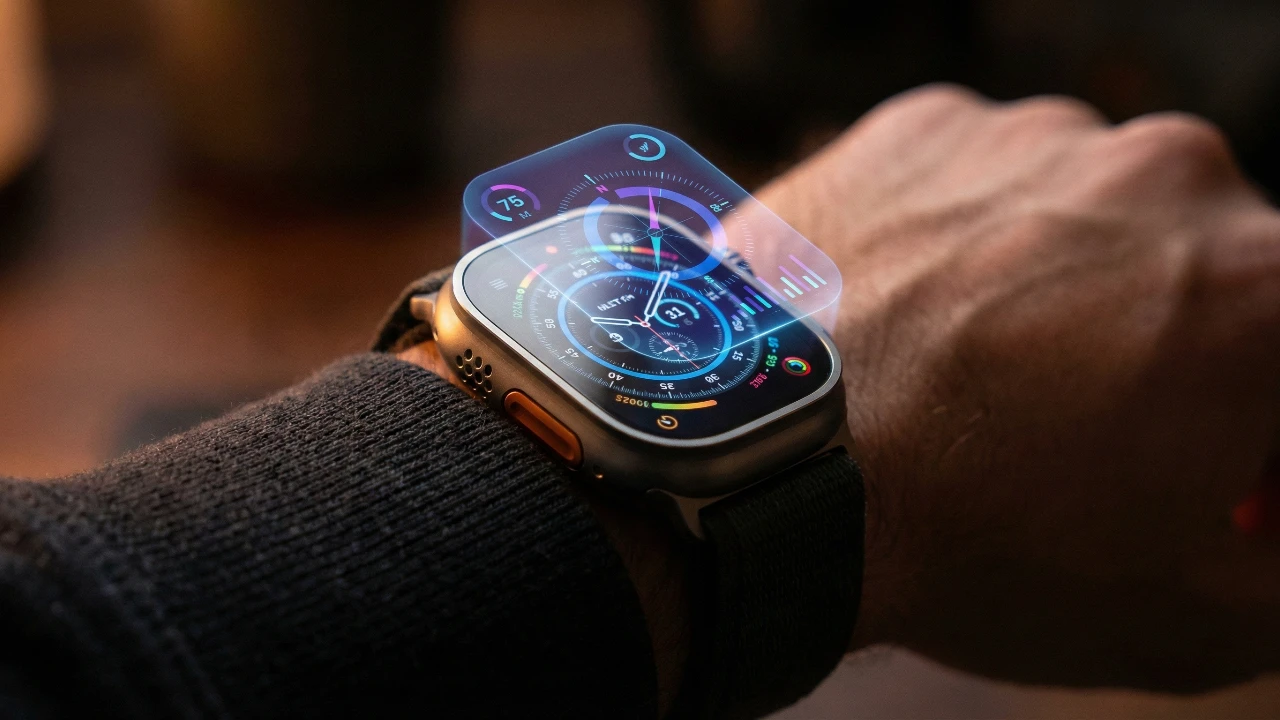
The Apple Watch is far more than a simple timepiece or fitness tracker—it’s a sophisticated device brimming with features that often go unnoticed. These lesser-known functionalities can significantly enhance your experience, offering greater convenience, customization, and usability. By exploring these hidden gems, you can unlock the full potential of your Apple Watch and tailor it to suit your lifestyle. The video below from HotshotTek gives us more details on these features.

Effortless Unlocking with Your iPhone
Manually entering your passcode on the Apple Watch can be tedious, especially when wearing gloves or in situations where it feels inconvenient. Fortunately, if you have Face ID or Touch ID enabled on your iPhone, you can automatically unlock your Apple Watch when both devices are in close proximity. This seamless integration between the two devices ensures a smoother and more efficient user experience. To enable this feature, navigate to your Apple Watch settings and activate the option for automatic unlocking. This small adjustment can save time and make daily interactions with your watch more convenient.
Handwashing Timer: A Simple Yet Effective Hygiene Tool
The Apple Watch includes a built-in handwashing timer designed to promote better hygiene. By detecting the motion and sound of washing hands, the watch automatically activates a 20-second timer, aligning with global health guidelines. This feature is particularly useful in encouraging thorough handwashing, which is essential for preventing the spread of germs. To enable the handwashing timer, access the settings on your Apple Watch or iPhone. This thoughtful addition demonstrates how technology can support healthier habits in everyday life.
Stay on Track with Auto Workout Detection
Forgetting to start or stop a workout session is a common issue, but the Apple Watch’s auto workout detection ensures your fitness data remains accurate. This feature can recognize activities such as running, cycling, or walking and prompt you to log them, even if you forget to manually start tracking. By allowing auto workout detection in your settings, you can focus on your exercise without worrying about missing important data. This functionality is particularly beneficial for maintaining consistent fitness records and achieving your health goals.
Fine-Tune Notifications with Haptic Feedback
The Apple Watch delivers notifications through haptic feedback, but the default vibration strength may not suit everyone’s preferences. Whether you’re in a noisy environment or prefer a subtler alert, you can adjust the intensity of the haptic feedback to match your needs. This customization ensures you never miss an important notification while maintaining a comfortable user experience. To modify the haptic feedback settings, visit the Sounds & Haptics section on your Apple Watch. This feature highlights the device’s adaptability to individual preferences.
Locate Your iPhone with Light and Sound
Misplacing your iPhone can be frustrating, but the Apple Watch offers a practical solution with its “Ping iPhone” feature. By tapping the ping button on your watch, your iPhone emits a sound to help you locate it. For added convenience, holding down the button also activates your iPhone’s flashlight, making it easier to find in dark settings. This dual functionality is particularly useful in situations where visibility is limited, making sure you can quickly recover your device.
Discreetly Silence Notifications
In situations where silence is essential, such as meetings or theaters, the Apple Watch allows you to mute notifications with a simple gesture. By covering the watch face with your hand, you can instantly silence incoming calls or alerts. This intuitive feature is both practical and unobtrusive, allowing you to maintain focus without drawing attention to your device. Activating this gesture in your settings ensures you’re always prepared for quiet environments.
Enhance Driving Safety with Streamlined Notifications
Receiving navigation alerts on your Apple Watch while driving can be distracting, especially when using Apple Maps with CarPlay. To enhance safety, the Apple Watch allows you to disable these vibrations while driving. This feature ensures you remain focused on the road without redundant interruptions, creating a safer and more seamless driving experience. Adjusting this setting can help you strike the right balance between staying informed and minimizing distractions.
Walkie-Talkie: Instant Communication Made Easy
The Walkie-Talkie feature on the Apple Watch offers a quick and efficient way to communicate with other Apple Watch users. Accessible through the Control Center, this feature enables real-time conversations without the need for a phone call or text message. Whether coordinating plans with friends or staying connected during outdoor activities, the Walkie-Talkie function is both practical and engaging. By allowing this feature, you can enjoy instant communication at your fingertips.
Organize Your App Layout for Better Navigation
Navigating apps on your Apple Watch doesn’t have to be a challenge. The device offers two layout options: the default grid view and an alphabetical list view. While the grid view provides a visually dynamic interface, the list view offers a more straightforward and organized approach. Switching to the list view can make it easier to locate specific apps, especially if you prefer a cleaner and more intuitive navigation experience. This customization option ensures your Apple Watch interface aligns with your personal preferences.
Theater Mode: Minimize Disruptions
Theater Mode is designed for moments when you want to minimize distractions. By allowing this mode, your Apple Watch silences notifications, disables the always-on display, and allows you to preview alerts discreetly using the digital crown. Whether you’re attending a movie, delivering a presentation, or enjoying a quiet evening, Theater Mode ensures your watch remains unobtrusive. Activating this feature can help you maintain focus and respect the environment around you.
Red Flashlight Mode: Preserve Night Vision
The flashlight app on the Apple Watch includes a red light mode, which is particularly useful for preserving night vision. This feature is ideal for activities such as stargazing, navigating dark spaces, or avoiding disturbances to others. By offering a practical solution for low-light conditions, the red flashlight mode enhances the versatility of your Apple Watch. Accessing this mode is simple and can make a significant difference in nighttime scenarios.
Discover the Full Potential of Your Apple Watch
The Apple Watch is a powerful tool with a wide range of features designed to enhance your daily life. From promoting better hygiene and fitness tracking to offering seamless communication and customization, these hidden functionalities demonstrate the device’s versatility. By taking the time to explore and enable these options, you can tailor your Apple Watch to meet your unique needs and preferences. Embrace these features to elevate your experience and make the most of this innovative device.
Find more information on Apple Watch hidden features by browsing our extensive range of articles, guides and tutorials.
- Apple Watch Series 10: Hidden Features You NEED to Know
- Apple Watch 11: Hidden Features to Unlock Its Full Potential
- How to Unlock Hidden Features on Your Apple Watch
- Hidden Apple Watch Features to Enhance Your Daily Life
- watchOS 11.1: Hidden Apple Watch Features You NEED to Try
Source: HotshotTek
Disclosure: Some of our articles include affiliate links. If you buy something through one of these links, Geeky Gadgets may earn an affiliate commission. Learn about our Disclosure Policy.
