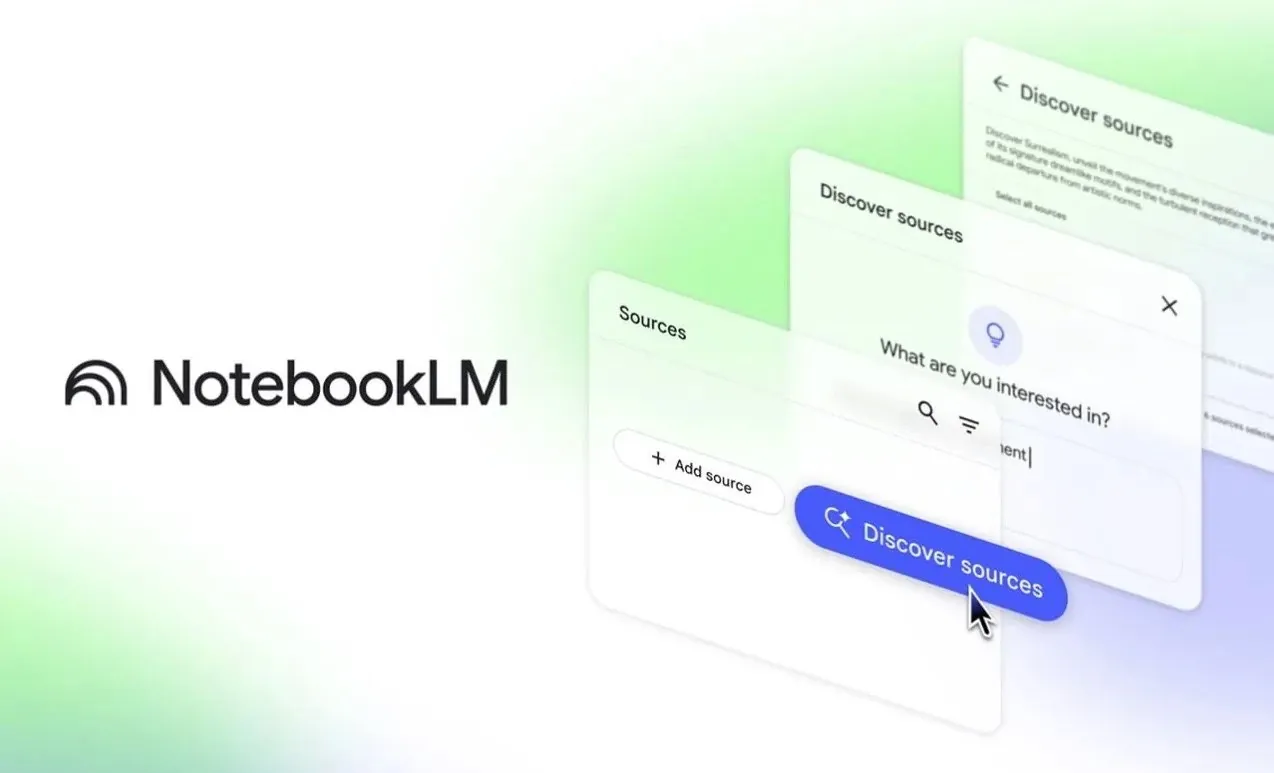
Google’s NotebookLM offers a structured way to manage information, streamline workflows, and enhance AI-driven tasks. As explored by AI LABS, this platform acts as a centralized knowledge hub, helping users organize data, synthesize insights, and reduce inefficiencies. With features like multimodal input integration and curated source management, NotebookLM addresses common challenges like unstructured data and redundant searches, making it particularly valuable for researchers, developers, and AI practitioners.
In this walkthrough, you’ll discover seven practical ways to use NotebookLM for improved productivity and decision-making. From organizing research findings into dedicated notebooks to simplifying debugging with centralized resources, you’ll learn how to apply its features to real-world scenarios. Additionally, the guide covers how the command-line interface (CLI) can help you manage notebooks efficiently and how visual aids like mind maps can clarify complex codebases. By the end, you’ll have actionable strategies to make your workflows more efficient and focused.
NotebookLM Overview
TL;DR Key Takeaways :
- NotebookLM acts as a “second brain” for AI agents, centralizing knowledge, integrating multimodal inputs, and providing curated, reliable information to enhance efficiency and decision-making.
- The CLI tool for NotebookLM simplifies notebook management, organizes sources, and optimizes resource usage with token-efficient operations, improving productivity and user experience.
- NotebookLM transforms research and knowledge management by streamlining organization, reusing findings, and minimizing inefficiencies, allowing focused and impactful research.
- It simplifies complex tasks like understanding intricate codebases and debugging by converting data into AI-friendly formats, creating visual aids, and consolidating resources for faster problem-solving.
- NotebookLM fosters collaboration and accessibility by allowing centralized knowledge sharing, context-specific queries, and compatibility with tools like Gemini, supporting diverse, multidisciplinary teams.
The Challenge with AI Agents
AI agents often face challenges when dealing with unstructured or irrelevant data, leading to inefficiencies, redundant searches, and inaccurate outputs. These issues can hinder productivity and compromise the quality of results. NotebookLM addresses this problem by providing a centralized, structured source of truth. By grounding AI agents with reliable and contextually relevant information, it minimizes errors, enhances decision-making, and improves overall performance. This makes it an essential tool for teams striving to optimize their workflows and achieve consistent results.
Streamlining with the NotebookLM CLI Tool
The command-line interface (CLI) for NotebookLM simplifies interactions with the platform, offering a practical way to manage notebooks, organize sources, and handle multimodal inputs. Its intuitive design and robust functionality make it a valuable asset for users aiming to maximize efficiency. Key features of the CLI include:
- Easy installation and authentication through Google accounts, making sure quick setup and secure access.
- A comprehensive set of commands to organize and retrieve information effectively.
- Token-efficient operations, ideal for long-term tasks that require optimized resource usage.
By reducing computational overhead and streamlining operations, the CLI enhances productivity while maintaining a user-friendly experience.
How To Use NotebookLM in 2026

Take a look at other insightful guides from our broad collection that might capture your interest in NotebookLM.
- NotebookLM Update Expands Prompt Limit to 10,000 Characters
- Google NotebookLM Deep Research, AI Research Assistant Update
- How NotebookLM Uses Gemini 3 to Build Decks, Visuals & Data
- NotebookLM Tips Pros Use for Better Decks and Infographics Today
- Using Google NotebookLM with Gemini 3.0 for Smarter Research
- NotebookLM + Gemini 3 Stack for Dev, Students, Founders & Analysts
- 12 Genius Ways to Use NotebookLM That Will Change Your Workflow
- Plan, Learn & Present Faster with NotebookLM and Gemini 3 Together
- NotebookLM : 7 Smart Ways to Speed up Your Work Daily
- How Gemini 3 Upgrades NotebookLM for Marketers and Teams
NotebookLM as Your “Second Brain”
NotebookLM functions as a centralized repository for critical project information, such as architectural decisions, research findings, and documentation. By synthesizing answers from curated sources, it eliminates the need for AI agents to sift through extensive datasets, saving time and improving accuracy. Whether you’re managing a large-scale project or conducting focused research, NotebookLM ensures that essential information is always accessible. This capability not only enhances efficiency but also enables teams to make informed decisions with confidence.
Transforming Research and Knowledge Management
For researchers, NotebookLM offers a structured approach to organizing and retrieving information, transforming the way knowledge is managed. By breaking research tasks into smaller, manageable segments, it reduces redundant searches and saves valuable time. Key benefits include:
- Streamlined organization of sources into dedicated notebooks for easy access.
- Efficient reuse of research findings, maximizing their long-term value across multiple projects.
- Improved focus on impactful research by minimizing distractions and inefficiencies.
This approach ensures that research efforts are both efficient and meaningful, allowing users to achieve their objectives with greater precision.
Decoding Complex Codebases
Understanding intricate codebases is a common challenge for developers, but NotebookLM simplifies this process by converting codebases into AI-friendly formats using tools like RepoMix. This enables the creation of visual aids that enhance comprehension and collaboration. Examples of these resources include:
- Mind maps that outline the structure and relationships within the codebase.
- Infographics that visually represent key components and workflows.
- Data tables that summarize critical information for quick reference.
These tools help both AI agents and team members navigate and query codebases more effectively, reducing the time spent on comprehension and debugging.
Enhancing Debugging and Problem-Solving
Debugging is a time-intensive process, but NotebookLM streamlines it by consolidating resources such as documentation, community forums, and technical guides into a single, centralized notebook. This approach offers several advantages:
- Structured responses to specific queries, reducing ambiguity and confusion.
- Minimized token wastage, making sure efficient use of computational resources during problem-solving.
- Faster, more reliable solutions grounded in curated, accurate information.
By replacing scattered web searches with a centralized knowledge base, NotebookLM makes debugging more efficient and effective, allowing teams to resolve issues quickly and focus on innovation.
Building a Security Handbook
Security is a critical aspect of any project, and NotebookLM excels in helping teams maintain robust security practices. By integrating resources such as OWASP guides and CVE databases, it enables the creation of security-focused notebooks that streamline key processes. With these tools, you can:
- Perform quick security checks to identify potential vulnerabilities.
- Generate detailed vulnerability overviews for comprehensive analysis.
- Ensure that your security measures are thorough and reliable, reducing risks and enhancing compliance.
This functionality enables teams to proactively address security challenges, making sure that their projects remain secure and resilient.
Fostering Collaboration and Accessibility
NotebookLM enhances collaboration by allowing users to share notebooks with both technical and non-technical team members. Its compatibility with tools like Gemini and Cursor further extends its utility, making it a versatile resource for diverse teams. Key features that foster collaboration include:
- Context-specific queries that provide quick access to relevant information, improving efficiency.
- Centralized knowledge sharing, streamlining teamwork and reducing communication gaps.
- Improved accessibility for team members with varying levels of technical expertise.
By promoting seamless collaboration and accessibility, NotebookLM supports multidisciplinary teams in achieving their goals more effectively.
Transforming Workflows with NotebookLM
NotebookLM is a versatile and practical tool that addresses the challenges of managing and using information in today’s fast-paced, data-driven environment. By grounding AI agents with structured, curated knowledge, it enhances workflows, improves research efficiency, and simplifies complex tasks such as debugging and codebase visualization. Whether you’re a developer, researcher, or project manager, NotebookLM offers practical solutions to help you work smarter, collaborate effectively, and achieve better results.
Media Credit: AI LABS
Disclosure: Some of our articles include affiliate links. If you buy something through one of these links, Geeky Gadgets may earn an affiliate commission. Learn about our Disclosure Policy.
