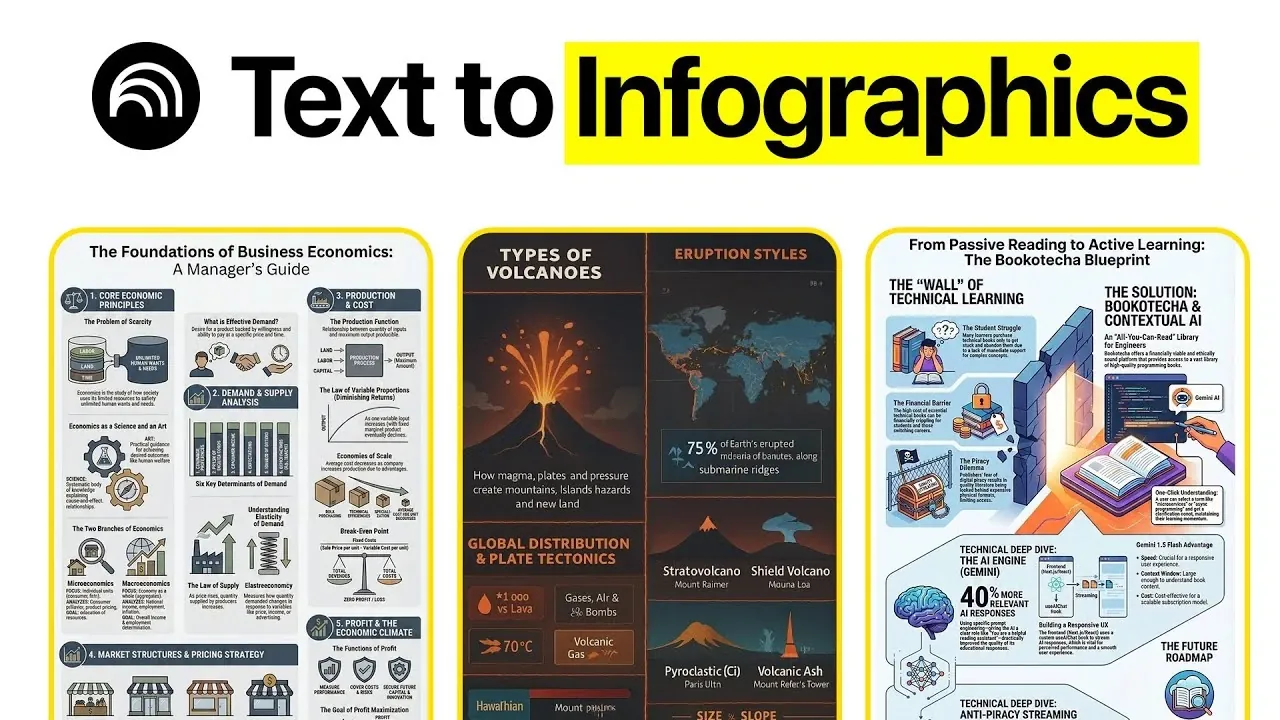
What if you could create stunning, professional-grade infographics without spending hours wrestling with complicated software, or even a single dollar? Rick Mulready explains how Google’s NotebookLM, an AI-powered platform, makes this not only possible but surprisingly simple. Imagine turning a dense research paper, a lengthy podcast, or even meeting notes into visually engaging, shareable content in just minutes. Whether you’re a seasoned marketer or someone who’s never touched design software, this hands-on walkthrough will show you how to harness NotebookLM’s intuitive features to elevate your content game.
In this guide, you’ll discover how to transform raw information into polished infographics that captivate and inform. From customizing layouts and integrating your branding to using AI for summarizing complex ideas, NotebookLM offers a free and versatile solution for all your visual storytelling needs. But it’s not just about the features, it’s about how you can use them to save time, communicate more effectively, and leave a lasting impression. Ready to rethink how you present ideas? Let’s explore what’s possible with NotebookLM.
Why Choose NotebookLM for Infographics?
TL;DR Key Takeaways :
- NotebookLM is a free, AI-powered tool that simplifies the creation of high-quality infographics from various content formats, such as text, PDFs, and web links, without requiring advanced design skills.
- Key use cases include summarizing podcasts, YouTube videos, books, white papers, SOPs, meeting transcripts, and customer testimonials into visually engaging infographics.
- Customization options allow users to adjust language, style, layout, and branding, making sure infographics align with specific audience needs and professional standards.
- NotebookLM supports collaboration and efficiency through reusable prompts, multi-format compatibility, and team-oriented tools, making it ideal for both personal and business applications.
- Businesses can use NotebookLM to create marketing visuals, internal training materials, and cross-departmental resources, enhancing communication and operational efficiency.
Create Free Infographics Easily
NotebookLM streamlines the process of summarizing and visualizing information, making it accessible to users with varying levels of technical expertise. Its AI-driven capabilities allow you to work with a variety of content formats, including text documents, PDFs, and web links. This versatility makes it an ideal solution for diverse needs. Whether you’re summarizing a podcast, extracting insights from a YouTube video, or creating visual guides for your team, NotebookLM provides a user-friendly and efficient platform to achieve your goals.
By eliminating the need for complex design tools, NotebookLM enables users to focus on content creation and communication. Its intuitive interface and built-in templates ensure that even beginners can produce professional-grade infographics with minimal effort.
Key Use Cases for NotebookLM
NotebookLM’s flexibility makes it suitable for a wide range of applications. Below are some of its most impactful use cases:
- Podcast Summaries: Convert lengthy podcast transcripts into concise, visually appealing infographics. Customize the tone, style, and level of detail to suit your audience’s preferences.
- YouTube Video Insights: Extract key points from YouTube videos and present them in infographic form. Use NotebookLM’s templates and prompts to ensure consistent, high-quality visuals.
- Book Summaries: Upload book PDFs to generate infographics that highlight main ideas or principles. Choose between minimalist designs or detailed layouts based on your objectives.
- White Papers and Research: Simplify complex research documents or white papers into digestible visuals. Add supplementary information to enhance clarity and depth.
- Standard Operating Procedures (SOPs): Create visual cheat sheets from SOPs to ensure clarity and accessibility for team members.
- Meeting Transcripts: Summarize team meetings or Q&A sessions into infographics that highlight key takeaways for easy reference.
- Customer Testimonials: Design infographics to showcase customer feedback. Highlight recurring themes and sentiments to support marketing or sales efforts.
These use cases demonstrate how NotebookLM can be applied across various scenarios, helping users communicate complex ideas in a clear and visually engaging manner.
How to Create Stunning Infographics with NotebookLM for Free

Expand your understanding of NotebookLM with additional resources from our extensive library of articles.
- NotebookLM Update Expands Prompt Limit to 10,000 Characters
- How NotebookLM Uses Gemini 3 to Build Decks, Visuals & Data
- 12 NotebookLM Use Cases to Boost Productivity and Creativity
- NotebookLM Alternative Open Notebook Lets You Build a Private AI
- How to Use NotebookLM & Gemini 3 for Fast, Accurate Research
- How NotebookLM’s AI Quizzes and Tools Boost Learning Efficiency
- NotebookLM Guide for Fast, Professional Infographics Creation
- Google NotebookLM Deep Research, AI Research Assistant Update
- Create Professional Presentations in Minutes with NotebookLM AI
- NotebookLM 2026 Guide : Features, Tools & Best Practices
Customization and Features
NotebookLM offers a range of customization options to help you create infographics tailored to your specific needs. Its features are designed to enhance both the functionality and aesthetic appeal of your visuals:
- Language and Style Adjustments: Modify the tone, language, and level of detail to align with your audience’s preferences and the purpose of your infographic.
- Layout and Orientation: Select from a variety of layouts and orientations to best present your content. Options include vertical, horizontal, and grid-based designs.
- Brand Integration: Incorporate your brand’s colors, fonts, and design elements to ensure a cohesive and professional look.
- Reusable Prompts: Save and reuse prompts to streamline the creation process for recurring tasks, improving efficiency over time.
These features ensure that your infographics are not only visually appealing but also aligned with your branding and messaging goals. The ability to customize every aspect of your infographic allows you to create content that resonates with your audience while maintaining a professional standard.
Tips for Creating Effective Infographics
To maximize the impact of your infographics, consider the following strategies:
- Be Specific with Prompts: Provide clear and detailed instructions to guide the AI in generating relevant and accurate content.
- Experiment with Templates: Test different templates to identify the best fit for your content type and target audience.
- Use Multi-Format Support: Seamlessly work with text, PDFs, and web links to create diverse and engaging visuals.
- Collaborate with Teams: Use NotebookLM’s collaboration tools to streamline workflows and improve the quality of your infographics.
By following these tips, you can create infographics that are not only visually appealing but also highly informative and engaging. Experimentation and collaboration are key to unlocking the full potential of NotebookLM’s capabilities.
Business Applications
NotebookLM is particularly valuable for businesses seeking to enhance communication, improve efficiency, and streamline operations. Here’s how different teams can benefit from its features:
- Marketing Teams: Develop educational or promotional infographics to engage customers and effectively communicate complex ideas. Use visuals to simplify product features, campaign strategies, or market trends.
- Internal Teams: Create visual SOPs, meeting summaries, or training materials to improve clarity and ensure that all team members are on the same page.
- Cross-Departmental Use: Transform dense information into accessible visuals that can be shared across various departments, fostering better collaboration and understanding.
By simplifying complex data and presenting it visually, NotebookLM helps businesses save time, improve communication, and enhance collaboration across teams. Its ability to adapt to different content types and objectives makes it a versatile tool for organizations of all sizes.
Additional Notes
NotebookLM is free to use, with enhanced features available for Google Workspace users. Its intuitive design and support for diverse content formats make it a powerful tool for anyone looking to improve how they present information. By using its capabilities, you can create impactful visuals that resonate with your audience, save time, and enhance collaboration across personal and professional projects. Whether you’re a student, a professional, or a business owner, NotebookLM offers a practical and efficient solution for creating stunning infographics.
Media Credit: Rick Mulready
Disclosure: Some of our articles include affiliate links. If you buy something through one of these links, Geeky Gadgets may earn an affiliate commission. Learn about our Disclosure Policy.
