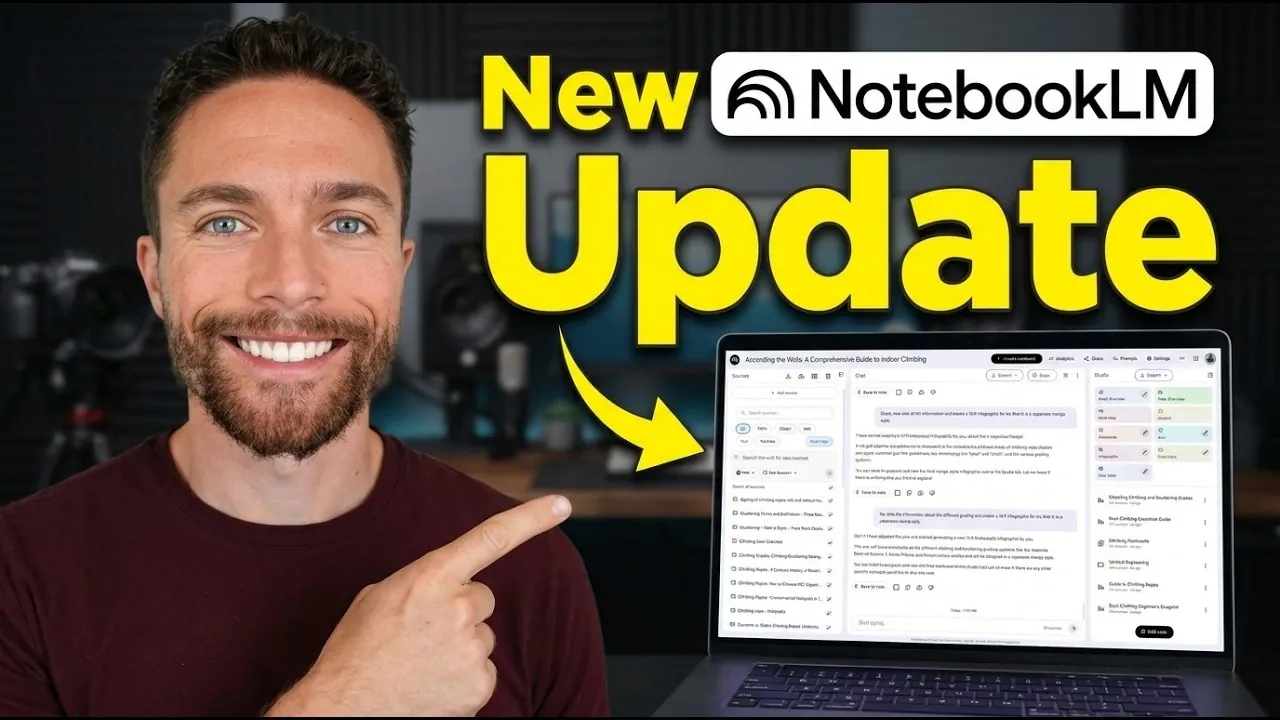
Google has unveiled a new chat-based workflow for NotebookLM, as explained by Paul Lipsky. This update allows users to create personalized content such as infographics, podcasts, and slide decks through conversational input rather than traditional manual steps. For example, you can request a slide deck on renewable energy with a focus on solar power, and the system will generate visuals and concise explanations tailored to your specifications. By integrating this interactive approach, NotebookLM aims to streamline content creation for a variety of academic and professional needs.
In this overview, you’ll learn how the chat-based workflow adapts to your specific goals, whether by generating flashcards that highlight challenging concepts or crafting infographics that simplify complex topics. You’ll also discover how this update compares to the traditional interface, which remains available for quick, straightforward asset creation. With these features, NotebookLM offers flexibility and precision, making it easier to produce content that aligns with your unique objectives.
NotebookLM Chat-Based Update
TL;DR Key Takeaways :
- Google’s NotebookLM now features a chat-based workflow, allowing users to create personalized assets like infographics, slide decks, and flashcards through conversational interactions.
- The update allows for highly tailored and context-specific outputs, adapting to individual needs such as focusing on challenging concepts or niche topics.
- The chat-based approach replaces manual input, offering a more intuitive and efficient alternative to traditional asset creation methods.
- NotebookLM retains its traditional interface alongside the new workflow, providing flexibility for both quick and customized content creation.
- The update significantly enhances applications in research, education, and professional development by generating high-quality, personalized materials for diverse needs.
How the Chat-Based Workflow Functions
The new chat-based workflow transforms your interaction with NotebookLM by replacing manual input with a conversational approach. Instead of selecting asset types and entering content step by step, you can now communicate directly with the tool. This dialogue enables NotebookLM to understand your unique requirements, objectives, or areas of focus. For instance, if you’re preparing a presentation on renewable energy, you can request a slide deck focused on solar power, complete with visuals and concise explanations.
This conversational method ensures that the tool adapts to your specific needs, offering a user-friendly and efficient experience. By engaging in a natural dialogue, you can refine your requests, making sure the final output aligns closely with your goals.
Delivering Tailored and Context-Specific Outputs
One of the standout features of this update is its ability to produce highly personalized outputs. By analyzing your input, NotebookLM customizes its responses to align with your goals and preferences. For example:
- If you’re studying molecular biology, the tool can create flashcards that emphasize challenging concepts or terms you find difficult to grasp.
- It can generate infographics that break down complex processes, such as DNA replication, into visually engaging and easy-to-understand formats.
This level of customization ensures that the content is not only relevant but also optimized for your specific learning or presentation needs. The tool’s ability to adapt to your input makes it a valuable resource for both academic and professional applications.
NotebookLM Workflow For Infographics, Podcasts & Slide Decks

Here is a selection of other guides from our extensive library of content you may find of interest on NotebookLM.
- NotebookLM Update Expands Prompt Limit to 10,000 Characters
- Using Google NotebookLM with Gemini 3.0 for Smarter Research
- NotebookLM Data Tables Explained, Free for All Google Users
- 5 Excellent NotebookLM Features You’re Probably Not Using
- NotebookLM Alternative Open Notebook Lets You Build a Private AI Notebook
- NotebookLM Guide: Summaries, Slide Decks, SOPs & Data Tables
- NotebookLM Update: Automate Research & Build Overviews in Minutes
- NotebookLM-Gemini Integration for Faster Plans, Briefs, Answers
- How to Use NotebookLM & Gemini 3 for Fast, Accurate Research
- NotebookLM 2026 Guide : Features, Tools & Best Practices
Advantages Over Traditional Methods
Before this update, creating assets with NotebookLM required you to manually specify the type of content you wanted, often leading to generic outputs. The chat-based workflow eliminates this limitation by using conversational insights to deliver more detailed and relevant results.
For instance, instead of generating a standard infographic on climate change, the tool can now focus on specific aspects, such as the impact of deforestation on carbon emissions, based on your queries. This shift from generic to tailored content significantly enhances the tool’s utility, making it more effective for addressing specific needs.
Practical Applications of NotebookLM’s Updated Features
The versatility of the updated NotebookLM makes it suitable for a wide range of applications. Here are some examples of how you can use the tool effectively:
- Designing detailed infographics on niche topics, such as the mechanics of rock climbing ropes or the evolution of Japanese architecture.
- Creating flashcards that prioritize areas where you need improvement, making it ideal for exam preparation or skill development.
- Producing visually styled assets, such as manga-inspired infographics, to cater to specific audiences or aesthetic preferences.
These examples demonstrate the tool’s ability to adapt to diverse needs, making it a valuable resource for students, educators, and professionals alike.
Maintaining Flexibility with the Traditional Interface
While the chat-based workflow offers a more interactive and personalized experience, NotebookLM retains its traditional Studio interface. This dual functionality allows you to choose between quick, straightforward asset creation and a more customized approach. Whether you’re pressed for time or require highly tailored outputs, the tool provides the flexibility to meet your specific requirements.
This combination of features ensures that NotebookLM remains accessible to users with varying levels of expertise and time constraints.
Impact on Research, Education, and Professional Development
The update has significant implications for research, education, and professional development. By addressing specific learning gaps and generating context-specific materials, NotebookLM enables you to deepen your understanding of complex topics. Whether you’re a student, educator, or professional, the tool’s ability to create high-quality, personalized content makes it an invaluable resource for:
- Developing educational materials tailored to specific learning objectives.
- Conducting in-depth research with customized visual aids and summaries.
- Preparing professional presentations that align with your audience’s needs.
Its adaptability ensures that it can support a wide range of academic and professional pursuits, enhancing productivity and comprehension across various fields.
Redefining Personalized Content Creation
Google’s latest update to NotebookLM represents a significant step forward in content creation technology. By introducing an interactive chat-based workflow, the tool enhances the quality and relevance of its outputs while improving the overall user experience. Whether you’re creating infographics, flashcards, or slide decks, this update ensures that the content is tailored to your specific needs and preferences.
For students, educators, and professionals, NotebookLM’s new capabilities offer a powerful solution for learning, research, and communication. Its ability to adapt to diverse requirements makes it a versatile and indispensable tool in today’s fast-paced, information-driven world.
Media Credit: Paul J Lipsky
Disclosure: Some of our articles include affiliate links. If you buy something through one of these links, Geeky Gadgets may earn an affiliate commission. Learn about our Disclosure Policy.
