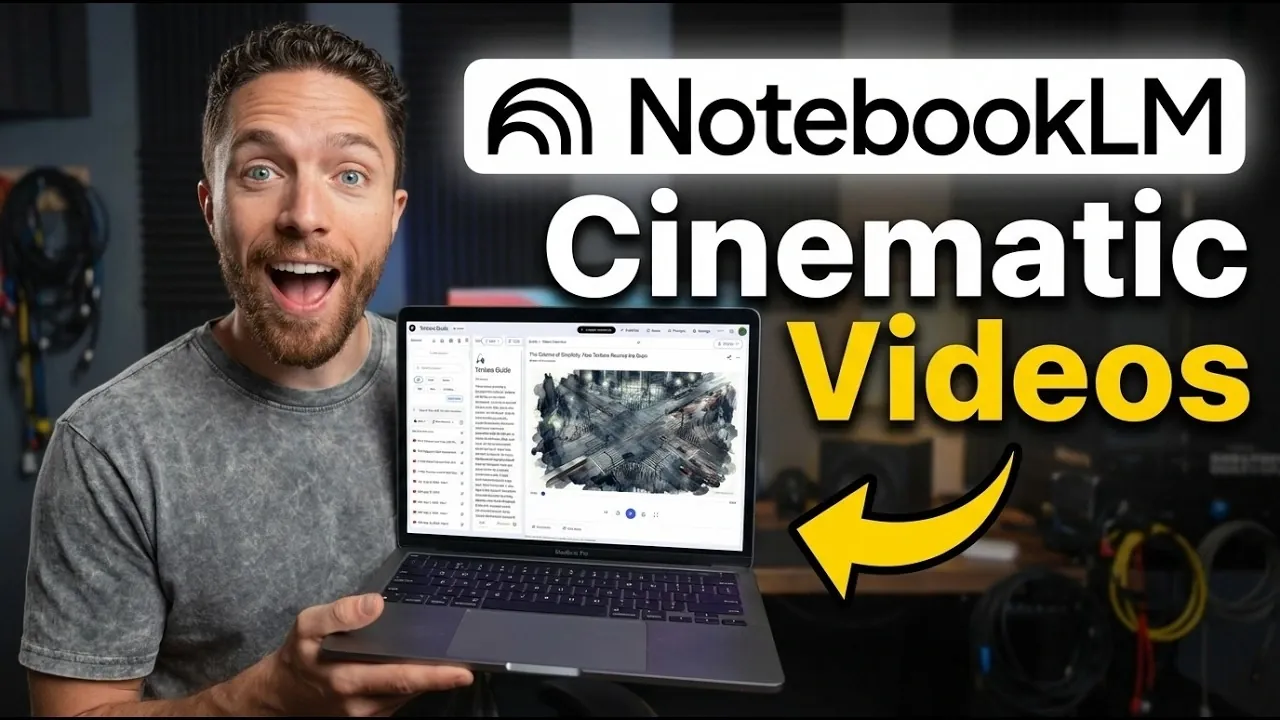
NotebookLM’s cinematic video overviews offer a new way to convert text-based content into visually rich summaries. By integrating motion graphics, animations and text overlays, these videos aim to simplify complex topics for personal and educational use. Paul Lipsky highlights creative applications, such as adapting content into styles like Japanese manga or children’s television. However, early feedback has pointed out occasional mismatches in visual elements, reflecting some current limitations of the feature.
Learn how to customize these video overviews using tailored prompts and stylistic options to suit different needs. You’ll also explore their strengths in storytelling and audience engagement, along with examples of scenarios where they are most effective. This guide provides practical insights for students, educators and anyone looking to enhance their content with visual summaries.
What Are Cinematic Video Overviews?
TL;DR Key Takeaways :
- NotebookLM has introduced “cinematic video overviews,” an AI-powered feature that transforms text-based content into dynamic, visually engaging video summaries.
- The feature offers extensive customization options, including creative styles like Japanese manga, American comic books and children’s TV aesthetics, allowing users to tailor videos to their preferences.
- Key strengths include detailed visuals, dynamic storytelling and character animations, making it ideal for personal learning and educational use.
- Current limitations, such as occasional visual inaccuracies, make the feature unsuitable for professional or high-stakes applications at this stage.
- Initially available to Google AI Ultra account holders, the feature is expected to expand access in the future as developers refine its capabilities and address technical challenges.
Cinematic video overviews are a innovative feature designed to convert text-based content into animated, visually rich summaries. This functionality is seamlessly integrated into the NotebookLM interface, accessible via the top-right menu. By using AI, the tool creates immersive video summaries that simplify complex topics, making them more approachable and engaging for a wide range of users.
The feature combines motion graphics, animations and dynamic text overlays to present information in a visually compelling format. This approach not only enhances understanding but also introduces a creative and enjoyable way to interact with content. Whether you’re reviewing study materials, summarizing a project, or exploring a new topic, cinematic video overviews provide a unique and engaging experience.
Customization Features
One of the most appealing aspects of cinematic video overviews is their extensive customization options, allowing users to tailor videos to their specific needs and preferences. The feature supports a variety of creative styles, including:
- Japanese manga
- American comic book
- Children’s television show aesthetics
In addition to these stylistic choices, users can define prompts to guide the visual and thematic direction of their videos. Whether you prefer a minimalist design or a vibrant, cartoon-like presentation, the system adapts to your preferences, making sure a personalized and engaging experience. This flexibility makes the feature particularly appealing for creative projects, educational content and personal learning.
Advance your skills in NotebookLM by reading more of our detailed content.
- NotebookLM Infographic Presets, 10 Styles & Custom Looks
- NotebookLM Update Expands Prompt Limit to 10,000 Characters
- Claude Projects vs NotebookLM: Research Notes or Buildable Workflows
- NotebookLM Data Tables Explained, Free for All Google Users
- Using Google NotebookLM with Gemini 3.0 for Smarter Research
- NotebookLM Alternative Open Notebook Lets You Build a Private AI Notebook
- NotebookLM Guide: Summaries, Slide Decks, SOPs & Data Tables
- NotebookLM Update: Automate Research & Build Overviews in Minutes
- NotebookLM Feature Guide : Cinematic Video Overviews
- NotebookLM-Gemini Integration for Faster Plans, Briefs, Answers
Strengths of the Feature
Cinematic video overviews offer several advantages over traditional content presentation methods, such as slideshows or static visuals. Key strengths include:
- Detailed visuals: Animations and motion graphics add depth and nuance to the content, making it more engaging and memorable.
- Dynamic storytelling: Text overlays and fluid transitions enhance the narrative flow, improving the viewer’s understanding of complex topics.
- Character animations: These are particularly useful in educational settings, where they can simplify abstract concepts and maintain audience interest.
For example, teachers can use this feature to create captivating lesson summaries, while students can generate visually appealing study aids. These strengths highlight the potential of AI to redefine how information is presented and consumed, offering a more interactive and enjoyable learning experience.
Current Limitations
Despite its impressive capabilities, the feature has some notable limitations that restrict its broader application. One of the primary issues is visual inaccuracies, where the AI occasionally generates elements that are disconnected or misplaced. For instance, a user might create a video intending to depict a cookie, only to find it mistakenly rendered with cheese, a humorous but problematic error.
These inconsistencies, while not uncommon in emerging AI technologies, underscore the need for further refinement. As a result, the feature is not yet suitable for professional or high-stakes applications, where precision and reliability are critical. Developers are actively working to address these issues, but for now, users should approach the tool with an understanding of its current limitations.
Who Can Access It?
At present, cinematic video overviews are available exclusively to Google AI Ultra account holders, providing early access to this innovative feature. The developers have announced plans to expand availability to pro users in the near future. This phased rollout strategy allows the team to gather valuable user feedback and implement improvements before making the feature widely accessible.
By limiting initial access, the developers aim to ensure a smoother user experience and address any technical challenges that arise during the early stages of deployment. This approach reflects a commitment to delivering a polished and reliable tool for all users.
Best Use Cases
Cinematic video overviews are particularly well-suited for specific scenarios where their strengths can be fully used. These include:
- Personal learning: Students can create visually engaging study materials that make complex topics easier to understand and retain.
- Educational environments: Teachers can design dynamic classroom summaries that capture students’ attention and enhance lesson delivery.
However, due to its current technical limitations, the feature is not yet recommended for professional settings where accuracy and consistency are paramount. As the tool evolves and becomes more reliable, its potential applications are expected to expand significantly.
Looking Ahead
NotebookLM’s cinematic video overviews represent a significant step forward in AI-powered content visualization. With features like stunning animations, diverse styling options and user-defined prompts, the tool offers a glimpse into the future of interactive and engaging content creation. While its current limitations restrict its use to personal and educational contexts, ongoing refinements and expanded access could make it an indispensable resource for a broader audience.
As the technology matures, cinematic video overviews have the potential to transform how information is consumed and shared, offering a more dynamic and immersive way to engage with content. For now, it remains a promising tool with exciting possibilities on the horizon.
Media Credit: Paul J Lipsky
Disclosure: Some of our articles include affiliate links. If you buy something through one of these links, Geeky Gadgets may earn an affiliate commission. Learn about our Disclosure Policy.
