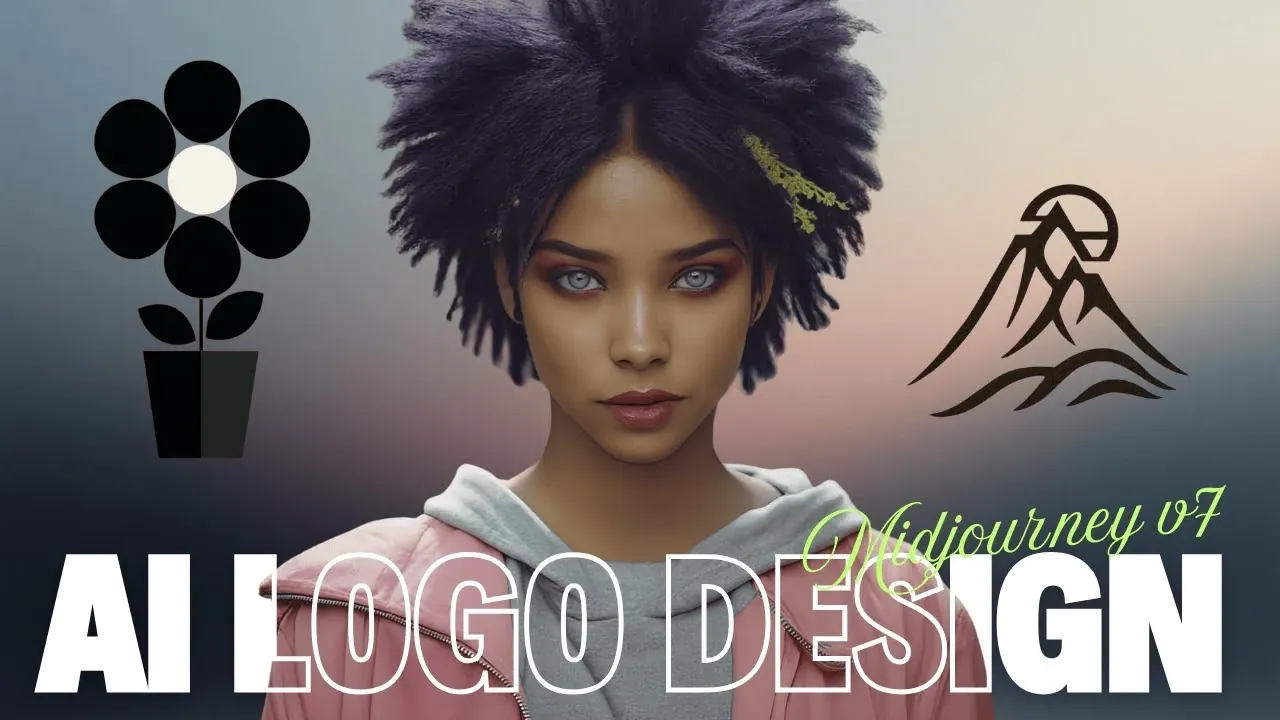
Can artificial intelligence really replace the nuanced creativity of a human designer? Thaeyne takes a closer look at how Midjourney, a popular AI image generator, performs when tasked with creating functional logos. While the platform is celebrated for its ability to produce stunning visuals, the world of logo design demands more than just aesthetic appeal, it requires clarity, scalability, and adaptability across countless applications. This raises an intriguing question: can an AI trained for artistic output meet the rigorous standards of professional branding? The answer isn’t as straightforward as you might think, and the results of this experiment reveal both surprising strengths and notable limitations.
In this guide, you’ll uncover the unique ways Midjourney approaches logo creation, from experimenting with clean, geometric styles to refining prompts for optimal results. You’ll also learn about the critical step of converting AI-generated designs into scalable vector formats, making sure they’re ready for real-world use. Whether you’re curious about integrating AI into your workflow or skeptical of its capabilities, this breakdown offers valuable insights into how Midjourney fits into the evolving landscape of design. Could this be the future of logo creation, or is it just another creative assistant? Let’s explore the possibilities.
AI Logo Design with Midjourney
TL;DR Key Takeaways :
- Midjourney can generate visually appealing designs, but its effectiveness in creating functional, scalable logos depends on focusing on simplicity, clean geometry, and visual clarity.
- Effective logos prioritize bold shapes, consistent line weights, and strong contrast, while intricate details or gradients often fail to meet scalability and readability requirements.
- Refining prompts with specific terms like “geometric” or “minimalist” and iterating on designs is crucial for achieving professional-quality logo outputs.
- Converting AI-generated designs into vector formats ensures scalability and adaptability for various applications, with bold and minimal designs translating best into vectors.
- Midjourney is a valuable tool for logo design when integrated into a broader workflow, but it requires strategic refinement and cannot fully replace traditional design processes.
Style Exploration: Finding the Right Aesthetic for Logos
In logo design, selecting the appropriate style is a critical first step. Midjourney offers an extensive range of creative possibilities, but not all styles are suitable for logos. Practical experimentation has shown that styles emphasizing simplicity, clean geometry, and visual restraint—such as Bauhaus, Swiss design, and negative space logos, tend to perform best. These styles prioritize clarity and scalability, which are essential traits for functional logos.
On the other hand, styles that rely on intricate details, textures, or gradients often fall short. Such designs struggle to maintain legibility and clarity when resized, which is a key requirement for logos used across various platforms and sizes. Historical and print-inspired styles, with their geometric foundations, have proven to be more adaptable, translating effectively into scalable designs that retain their impact.
Key Traits of Effective Logo Design
The success of a logo depends on specific design traits that ensure functionality and versatility. The most effective logos share the following characteristics:
- Clear and bold shapes that remain recognizable even at smaller sizes.
- Consistent line weight and minimal visual clutter to enhance readability.
- Strong contrast to ensure visibility across different backgrounds and contexts.
Styles that emphasize flatness and geometry, such as minimalist or lettermark designs, often excel in meeting these criteria. Conversely, designs that rely on gradients, lighting effects, or complex textures tend to falter when adapted to monochrome or vector formats, which are essential for scalability. High-contrast, simple forms consistently outperform more decorative or intricate styles, making them ideal for professional use.
Midjourney Logos with Strong Contrast & Simple Shapes

Below are more guides on Midjourney from our extensive range of articles.
- New Midjourney 6 prompts and commands explained
- 20 DallE 3 vs Midjourney prompt comparisons
- New Midjourney Style Creator Beta, First Look and Review
- Midjourney Version 7: New Features, Improvements and Limitations
- Midjourney Style Creator Guide 2026: Mood Boards, Bookmarks
- Master Midjourney Mood Boards: A Complete Guide for Creatives
- Midjourney Consistent Characters tips and tricks
- New Midjourney Niji 6 anime AI art generator
- How to Use Midjourney’s Omni Reference for Custom AI Art
- 7 Essential Midjourney Video Prompt Tips for Stunning Animations
Prompt Refinement: Maximizing AI-Generated Results
The quality of logos generated by Midjourney is heavily influenced by the specificity and clarity of the prompts provided. Detailed prompts that include terms like “geometric,” “monochrome,” or “minimalist” help guide the AI toward designs that are better suited for logos. These prompts encourage the creation of designs with strong silhouettes and scalable features.
Refinement is a crucial part of the process. After generating initial designs, it is important to evaluate them for clarity, simplicity, and adaptability at smaller sizes. Iterating on prompts and narrowing the focus can significantly improve the final output, making sure the design aligns with professional standards. This iterative approach allows you to fine-tune the AI’s output to better meet the specific requirements of logo design.
Converting to Vector: Making sure Scalability and Professional Use
Once a design has been selected, converting it into a vector format is a necessary step for scalability and professional application. Vector graphics are resolution-independent, making them ideal for logos that need to be used across a variety of mediums, from business cards to large-scale signage.
Tools like SVG trace or autorace-based converters can assist in transforming Midjourney-generated images into vector graphics. During this process, it is essential to evaluate the design for readability, balance, and scalability. Designs with bold, high-contrast elements and minimal detail tend to translate most effectively into vectors. Conversely, designs with excessive texture or intricate details may lose their clarity during conversion, making them less suitable for professional use.
Strengths and Limitations of Midjourney in Logo Design
Midjourney offers significant creative potential, but it is not without its limitations. Its ability to generate visually striking designs is undeniable, yet styles that rely heavily on gradients, textures, or lighting effects often struggle to adapt to the monochrome or vector formats required for functional logos. These styles may be better suited for decorative or digital-first applications rather than scalable branding.
Interestingly, some of the most effective results have emerged from styles not explicitly labeled as logos. This highlights the importance of experimentation and refinement when working with AI-generated designs. By carefully selecting and refining designs, it is possible to bridge the gap between a Midjourney-generated image and a professional-grade vector logo.
Step-by-Step Guide to Using Midjourney for Logo Creation
To effectively use Midjourney for logo design, follow these practical steps:
- Experiment with styles using prompts that emphasize simplicity, scalability, and clarity.
- Select designs with strong silhouettes, bold shapes, and minimal visual noise.
- Convert chosen designs into vector formats using tools like SVG trace or autorace-based converters.
- Refine and evaluate the vector design for balance, readability, and scalability.
By combining these steps with a thoughtful evaluation process, you can integrate Midjourney into a professional logo design workflow, making sure the final product meets industry standards.
Applications and Practical Considerations
Midjourney has the potential to be a valuable asset in logo creation, but it requires a strategic and informed approach. While it excels at generating creative and visually compelling designs, its adaptability to specific design needs can vary. To achieve optimal results, focus on styles that prioritize clarity, simplicity, and scalability.
It is important to recognize that Midjourney is not a standalone solution for logo design. Instead, it serves as a powerful tool within a broader workflow. By using its strengths and addressing its limitations, you can create functional, professional-grade logos that meet the demands of modern branding.
Media Credit: Thaeyne
Disclosure: Some of our articles include affiliate links. If you buy something through one of these links, Geeky Gadgets may earn an affiliate commission. Learn about our Disclosure Policy.
