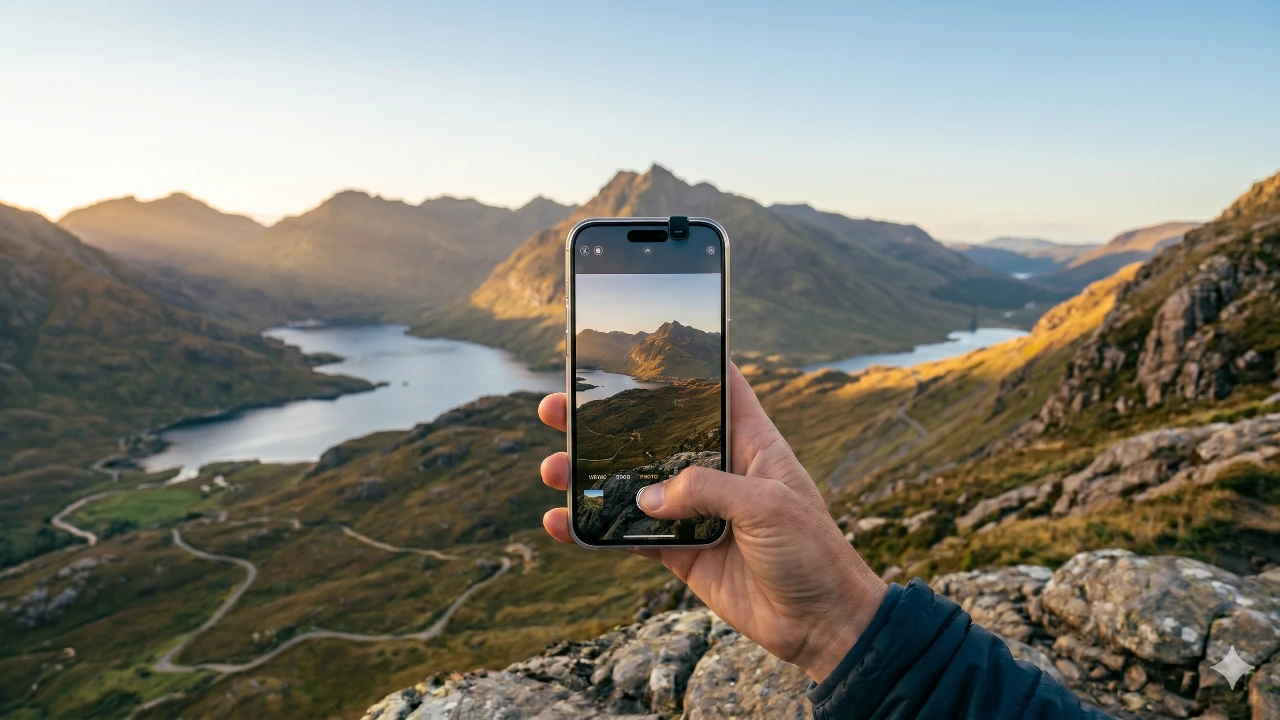
The iPhone camera has evolved into a powerful tool, offering advanced features that cater to both casual users and professional creators. With its innovative technology and customizable settings, it provides unparalleled flexibility for capturing stunning photos and videos. The video below from AppleDsign explores the essential features, configurations, and techniques to help you unlock the full potential of your iPhone camera and take your photography and videography to the next level.

Optimizing Camera Settings for Superior Results
Customizing your camera settings is the foundation for achieving exceptional results. By tailoring the settings to your needs, you can ensure your iPhone camera is always ready to deliver high-quality images and videos.
- Photographic Styles: Select a style that suits your preferences, such as “Bright” for enhanced exposure or “Rich Contrast” for dramatic tones. Avoid overusing filters to maintain natural-looking results.
- Preserve Settings: Enable this feature to save your last-used modes, such as Night Mode or Portrait Mode, allowing you to pick up where you left off without reconfiguring settings.
- Volume Button Shortcuts: Assign the volume buttons to functions like burst mode or video recording for quick and efficient shooting, especially in dynamic situations.
These adjustments not only save time but also ensure your camera is optimized for capturing the perfect shot in any scenario.
Advanced Video Recording Capabilities
The iPhone excels in video recording, offering a range of features designed to meet the needs of both enthusiasts and professionals. Understanding these options allows you to create high-quality, visually stunning videos.
- 4K at 60fps: Capture ultra-detailed and smooth footage, ideal for cinematic projects or scenic landscapes.
- 1080p at 60fps: A practical choice for social media content, balancing excellent quality with manageable file sizes.
- ProRes and Log Formats: These professional-grade formats provide uncompressed footage, giving you greater flexibility during post-production editing.
- PAL Format: Enable this setting to reduce flickering under artificial lighting, particularly in regions using the PAL video standard.
For managing large video files, consider using external SSD storage. This ensures you have sufficient space for extended recording sessions without compromising on quality.
Enhancing Visual Quality with Stabilization and HDR
Stabilization and HDR settings are essential for producing polished and visually appealing content. These features help you adapt to different shooting conditions and platforms.
- Image Stabilization: Keep this feature enabled to minimize camera shake, making sure smoother footage during handheld shooting or motion-heavy scenes.
- HDR Optimization: While HDR enhances dynamic range by balancing highlights and shadows, it may over-brighten certain content. Disable HDR for social media uploads to maintain a more natural appearance.
By mastering these settings, you can consistently produce high-quality visuals that stand out across various platforms.
Creative Modes for Unique Storytelling
The iPhone camera includes specialized modes that allow you to experiment with creative storytelling techniques, adding depth and variety to your projects.
- Slow Motion: Record at 240fps to capture intricate details, such as water splashes or fast-moving subjects, with dramatic effect.
- Cinematic Mode: Shoot in 4K at 30fps with automatic focus transitions and depth adjustments, delivering a professional-grade look without requiring additional equipment.
These modes provide versatility, allowing you to create compelling content for both casual and professional purposes.
Audio Features for Professional-Grade Videos
High-quality audio is a critical component of immersive video content. The iPhone includes advanced audio features that enhance sound recording in various environments.
- Spatial Audio: Create a multidimensional sound experience, particularly useful for videos with multiple sound sources or dynamic environments.
- Wind Noise Reduction: Minimize wind interference during outdoor recordings, making sure clear and crisp audio even in challenging conditions.
By optimizing these audio settings, you can elevate the overall production value of your videos, making them more engaging and professional.
Efficient File Formats for Storage and Editing
The iPhone supports a variety of file formats that balance quality and storage efficiency, catering to different needs and workflows.
- High Efficiency Formats: Use HEIF and HEVC formats to reduce file sizes without compromising image or video quality, ideal for everyday use.
- ProRAW and JPEG XL: These formats offer high-resolution options for professional editing or printing, providing greater detail and flexibility.
Selecting the appropriate file format ensures you have the right balance of quality and storage capacity for your specific projects.
Maximizing Composition and Lens Features
Achieving professional-looking photos often comes down to composition and lens adjustments. The iPhone provides tools to help you refine your shots.
- Grid and Level Tools: Use these features to compose balanced and visually appealing images, making sure proper alignment and symmetry.
- View Outside the Frame: Preview additional content beyond the frame to make more informed framing decisions.
- Lens Correction: Enable this setting to reduce distortion in wide-angle shots, resulting in more natural-looking images.
- 1x Lens Priority: Use the 1x lens in well-lit conditions for the highest image quality and sharpness.
These tools empower you to capture stunning photos with precision and creativity.
Exploring Macro and Portrait Modes
The iPhone camera includes specialized modes that allow you to experiment with unique photography styles, adding depth and creativity to your work.
- Macro Mode: Capture intricate details of small objects or textures, such as flowers or fabric patterns, with exceptional clarity.
- Portrait Mode: Adjust depth and focus after capturing the image, giving you greater control over the final composition and aesthetic.
These modes are perfect for creating visually striking images that stand out in any portfolio or social media feed.
Practical Tips for Everyday Use
To make the most of your iPhone camera, consider these practical tips and techniques:
- Keep the Lens Clean: Regularly clean your camera lens to avoid smudges or dirt that can degrade image quality.
- Quick Camera Access: Use shortcuts like the lock screen or control center to access the camera instantly, making sure you never miss a moment.
- Simplify Controls: Customize your camera controls to make lens switching and other adjustments more intuitive and efficient.
- Use Visual Intelligence: Take advantage of AI-powered features to analyze scenes and automatically apply optimal settings for better results.
Incorporating these tips into your routine will help you capture high-quality content effortlessly, no matter the situation.
Advance your skills in iPhone camera settings by reading more of our detailed content.
- How to Take Professional Photos with Your iPhone Camera
- Best iPhone Video Settings for High-Quality Footage
- 13 Essential iPhone Camera Tips to Take Better Photos
- Master iPhone Camera Settings for Stunning Photography
- The Ultimate iPhone Camera Settings for Stunning Videos
Source: AppleDsign
Disclosure: Some of our articles include affiliate links. If you buy something through one of these links, Geeky Gadgets may earn an affiliate commission. Learn about our Disclosure Policy.
