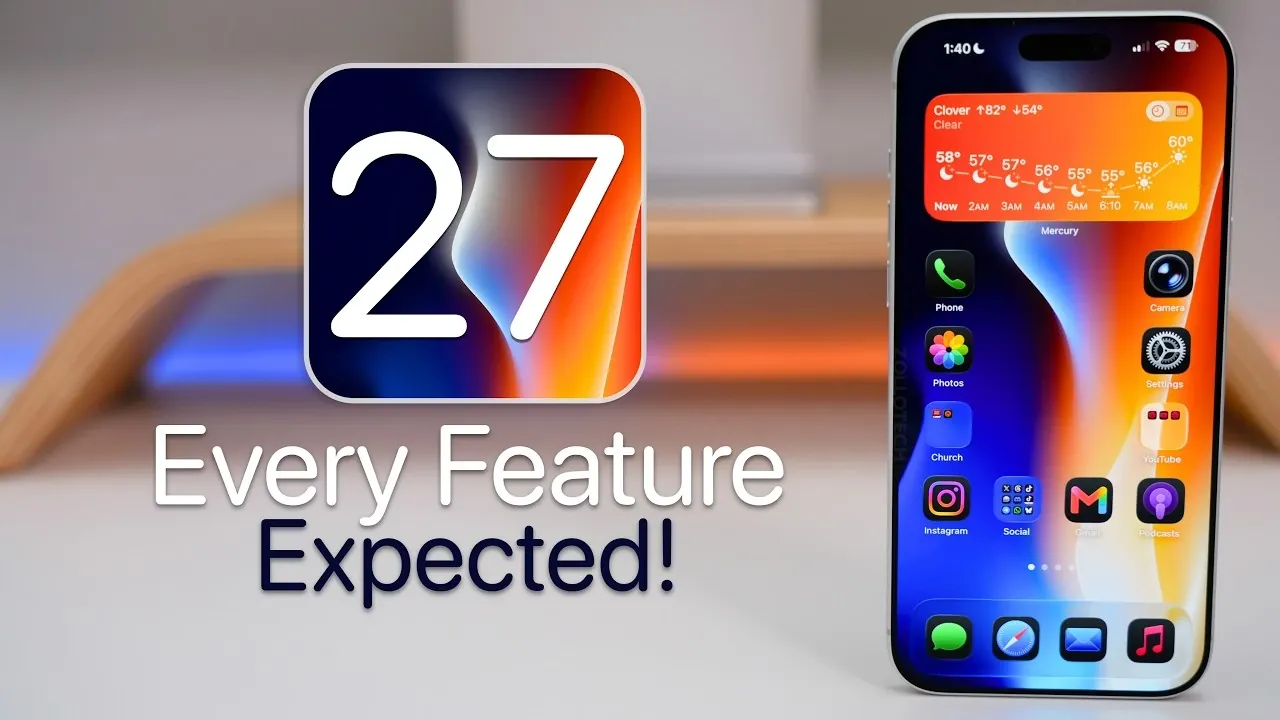
iOS 27 represents a significant step forward in Apple’s commitment to delivering a refined, stable, and user-focused operating system. While the update may not boast an extensive list of new features, its emphasis on stability, accessibility, and practical enhancements ensures a meaningful upgrade for users. Below is a detailed exploration of what iOS 27 brings to the table. The video below from Zollotech gives us more details about iOS 27.

Device Compatibility: A Focused Strategy
Apple continues to streamline its device compatibility with iOS 27, making sure optimal performance by phasing out support for older models. Devices such as the iPhone SE (2nd Gen), iPhone 11, 11 Pro and 11 Pro Max may no longer be supported. This decision allows Apple to focus on using the capabilities of newer hardware, allowing the integration of advanced features without being constrained by outdated technology.
For users of these older devices, upgrading to a newer model will be essential to fully experience the benefits of iOS 27. By narrowing its focus to more recent devices, Apple aims to deliver a smoother, more reliable experience across its ecosystem.
System Enhancements: Stability, Performance, and Usability
At the heart of iOS 27 are improvements designed to enhance stability, performance, and usability. Users can expect a more seamless experience, with fewer crashes, smoother animations and improved battery efficiency. Key system enhancements include:
- Liquid Glass Slider: A new feature offering precise customization of display settings, allowing users to fine-tune their screens to their preferences.
- Undo and Redo for Home Screen Edits: Simplifies interface management, making it easier to experiment with layouts without fear of losing progress.
- Split-Screen Multitasking: A long-awaited addition, this feature enhances productivity, particularly on larger devices like the iPhone Pro Max or iPads.
These updates reflect Apple’s focus on creating a more intuitive and efficient user experience, catering to both casual users and power users alike.
Siri 2.0: A Smarter, More Capable Assistant
Siri receives a major overhaul in iOS 27, evolving into Siri 2.0 with enhanced intelligence and functionality. The updated assistant features improved contextual understanding, allowing it to handle complex queries and provide more accurate responses. Key advancements include:
- AI Integration: Using advanced models like Gemini, Siri can now summarize documents, manage conversations and perform more sophisticated tasks.
- Siri Chat App: A dedicated app for seamless communication and syncing across devices, offering a cohesive and unified experience.
These improvements position Siri as a more reliable and versatile tool, capable of meeting the demands of modern users.
Accessibility: Inclusive Features for All
Accessibility remains a cornerstone of iOS 27, with Apple introducing several updates to make its devices more inclusive and user-friendly. Notable enhancements include:
- Voice-Over Enhancements: A live recognition mode for visually impaired users, improving navigation and interaction.
- Magnifier Tool Upgrades: Enhanced usability for individuals needing visual assistance.
- Voice Control Improvements: Natural language processing for more accurate and intuitive commands.
- Accessibility Reader: Updated for easier navigation of complex layouts, benefiting users with cognitive or visual challenges.
- Expanded Name Recognition: Support for 50 additional languages, broadening accessibility for a global audience.
- Hearing Aid Handoff: Smoother transitions between devices for users with hearing impairments.
These updates underscore Apple’s dedication to creating technology that serves users of all abilities.
App Updates: Smarter and More Functional Core Apps
iOS 27 brings meaningful updates to several built-in apps, enhancing their functionality and usability. Key improvements include:
- Safari: Intelligent tab group naming for better organization and navigation.
- Keyboard: Enhanced autocorrect and the potential addition of a dedicated number row for faster typing.
- Photos: Advanced editing tools, such as reframing and extending images, for greater creative control.
- Camera: Customizable widgets and integrated visual intelligence for more versatile photography.
- Weather: A redesigned current conditions view, offering clearer and more accessible information.
- Shortcuts: Natural language-based shortcut creation, simplifying automation for everyday tasks.
- Calendar: AI-powered scheduling and event management for smarter planning.
- Health: A redesigned interface with improved layout and contextual insights for better health tracking.
These updates aim to make everyday tasks more intuitive, efficient and enjoyable.
Apple Intelligence: Advanced Tools for Daily Convenience
iOS 27 introduces new Apple Intelligence features designed to enhance productivity and convenience. Highlights include:
- Image Playground: A tool for generating wallpapers and enhancing image resolution effortlessly.
- Writing Tools: Built-in grammar checking for streamlined text creation and editing.
- Visual Intelligence: The ability to scan phone numbers, addresses and even food labels directly from your device.
- Wallet Updates: Features like physical pass scanning and bill-splitting for easier financial transactions.
These tools reflect Apple’s ongoing efforts to integrate advanced AI capabilities into everyday tasks, making technology more accessible and practical.
Additional Features: Subtle Yet Impactful Refinements
In addition to the major updates, iOS 27 includes several smaller but impactful enhancements that refine the overall user experience:
- Battery Icon and Microphone Activity Indicator: Improved monitoring for better device management.
- AirPods Menu: A new interface for easier update management and customization.
- Expanded Satellite Connectivity: Support for non-emergency use cases, broadening the utility of satellite features.
- Sony Access Controller Support: Improved gaming accessibility for users with physical disabilities.
These refinements contribute to a more seamless and enjoyable experience, making sure that iOS 27 caters to a wide range of user needs.
Focus Areas: Stability, Reliability and Usability
The overarching themes of iOS 27 are stability, reliability, and usability. While the update may not introduce a vast array of new features, its focus on practical improvements ensures a polished and purposeful experience. As the release date approaches, users can look forward to a refined operating system that prioritizes their needs and enhances their daily interactions with Apple devices.
Discover other guides from our vast content that could be of interest on iOS 27.
- iOS 27 Leaks Reveal the End of an Era: Apple’s New Priorities Confirmed
- iOS 27 Could Be Apple’s ‘Snow Leopard’ Moment—Focusing on One Huge Change
- The iOS 27 Compatibility Shock: Every iPhone That Will (and Won’t) Get the 2026 Update
- Apple Just Gave Us Our First Look at iOS 27—and It Changes Siri Forever
- First Look at the iOS 27 Siri Redesign Before WWDC 2026
- Apple Just Changed Everything: iOS 27 Rewrites the Rules for AirPods and AirPlay
Source & Image Credit: zollotech
Disclosure: Some of our articles include affiliate links. If you buy something through one of these links, Geeky Gadgets may earn an affiliate commission. Learn about our Disclosure Policy.
