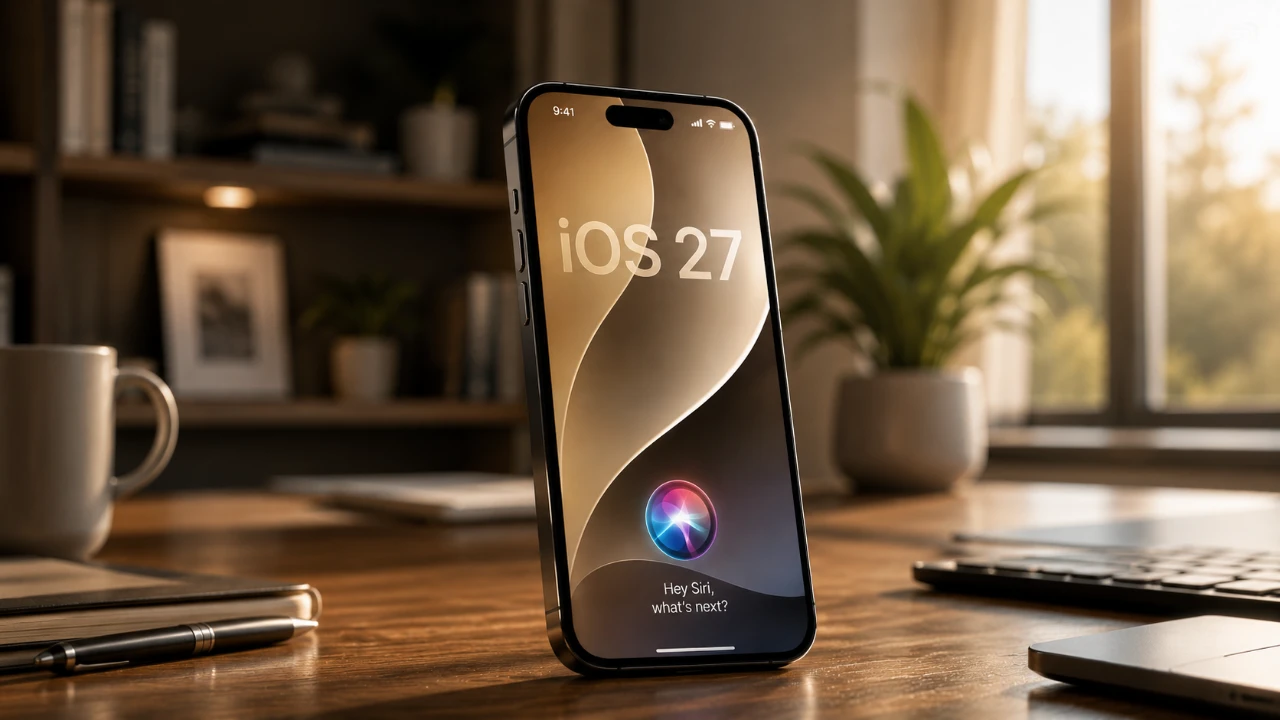
Apple’s iOS 27 represents a significant step forward in the evolution of its mobile operating system. With a combination of performance upgrades, refined design elements and innovative features, this update is designed to enhance usability and functionality. Even in its beta phase, iOS 27 delivers a polished experience that sets a new standard for mobile operating systems. Below is an in-depth exploration of its key updates and their practical implications.

Performance Enhancements: Faster and Smoother
iOS 27 introduces noticeable improvements in speed and responsiveness. App launches, transitions and multitasking are significantly faster compared to iOS 26, creating a seamless and fluid user experience. The system’s interface feels more responsive, making sure that everyday tasks, from opening apps to switching between them, are effortless. Apple’s focus on optimizing performance is evident, even in the beta version, making iOS 27 a reliable choice for users seeking efficiency.
Refined User Interface and Enhanced Customization
The user interface in iOS 27 has been subtly redesigned to offer a cleaner, more modern aesthetic. Key updates include:
- Redesigned Icons: Icons now feature black borders and a matte finish, giving them a contemporary and polished appearance.
- Lock Screen Clock Minimization: Users can now minimize the lock screen clock, allowing wallpapers to take center stage and enhancing personalization.
Customization options have also been expanded, offering users greater control over their device’s appearance and functionality. Two standout features include:
- Wallpaper Extension: This feature intelligently fills gaps in wallpapers, making sure they look seamless across different screen sizes and orientations.
- Widget Resizing: Widgets can now be resized to full-screen, providing more flexibility, particularly on larger devices like the rumored iPhone Ultra.
These updates strike a balance between functionality and visual appeal, making the interface both intuitive and visually engaging.
Dynamic Island: More Versatile Than Ever
Dynamic Island, a feature introduced in earlier versions, has been enhanced in iOS 27 to offer greater versatility. Key improvements include:
- Landscape Orientation Support: Dynamic Island now works seamlessly in landscape mode, making it particularly useful for timers, stopwatches and other horizontal interactions.
- Haptic Feedback Integration: Interactions with Dynamic Island now include tactile feedback, adding a new layer of engagement and precision.
These updates make Dynamic Island more adaptable, making sure it remains a valuable tool for a variety of everyday tasks.
Improved Sound Controls and Camera Features
For the first time, iOS 27 introduces separate volume controls for alarms and ringtones. This long-awaited feature allows users to customize their audio settings with precision, making sure that alarms can be adjusted without affecting other notifications.
The camera app has also received significant upgrades, making it more intuitive and powerful:
- Smoother Lens Switching: Transitioning between lenses during video recording is now seamless, allowing users to capture dynamic scenes effortlessly.
- Refined Photo Cleanup Tool: The photo cleanup tool has been enhanced for more accurate object removal, improving post-capture editing capabilities.
- Redesigned Layout: The camera app’s interface has been reorganized for easier navigation and quicker access to key features.
These updates cater to both casual photographers and advanced users, making sure a versatile and user-friendly experience.
Recovery Assistant and Connectivity Improvements
The new Recovery Assistant in iOS 27 simplifies troubleshooting and device maintenance. Whether you need to update software, erase content, or perform system diagnostics, this tool streamlines the process, making sure your device remains in optimal condition.
Connectivity has also been enhanced with two notable updates:
- Wi-Fi Transparency: The Wi-Fi settings menu now displays your router type (e.g., Wi-Fi 6), providing more detailed information about your network.
- Faster AirDrop: AirDrop speeds have been improved, allowing quicker file transfers and enhancing productivity.
These changes make managing connections more intuitive and efficient, improving the overall user experience.
Innovative Features and Workflow Enhancements
iOS 27 introduces several innovative features designed to enhance usability and productivity. One of the most new additions is Spatial Reframe, a tool that uses advanced techniques like Gaussian splatting to transform 2D photos into 3D images. This feature allows users to reposition and explore their photos from new perspectives, offering a fresh way to relive memories.
Other notable updates include:
- Paste Suggestions: The keyboard now offers contextual suggestions for inserting copied text or images, streamlining workflows and saving time.
- Weather App Improvements: Enhanced precipitation tracking provides more accurate rainfall patterns, helping users plan their day effectively.
- Liquid Glass Transparency Slider: This new feature allows users to adjust visual effects, adding a layer of personalization to the interface.
- Phone Number Sharing: Support for sharing a phone number across two devices hints at potential compatibility with foldable devices, expanding the system’s versatility.
These features demonstrate Apple’s commitment to blending innovation with practicality, making sure that iOS 27 caters to a wide range of user needs.
A Balanced Blend of Innovation and Usability
iOS 27 exemplifies Apple’s dedication to enhancing both functionality and aesthetics. From performance improvements to innovative features like Spatial Reframe, the update offers something for everyone, whether you’re a casual user or a tech enthusiast. With its thoughtful design, meaningful enhancements and focus on user experience, iOS 27 sets a new benchmark for mobile operating systems, delivering an experience that feels both familiar and refreshingly advanced.
Explore further guides and articles from our vast library that you may find relevant to your interests in iOS 27 features.
- Apple Just Confirmed 8 Major Features Coming to iOS 27
- iOS 27 Rumors: Top Features We Need (and What’s Leaked So Far)
- Is Your iPhone on the List? iOS 27 Could Cut Off These Popular Models
- iOS 27 Leak: Apple Is Giving You More Control Over the ‘Liquid Glass’ Design
- What to Expect from Apple’s Massive iOS 27 Update
Source: ZONEofTECH
Disclosure: Some of our articles include affiliate links. If you buy something through one of these links, Geeky Gadgets may earn an affiliate commission. Learn about our Disclosure Policy.
