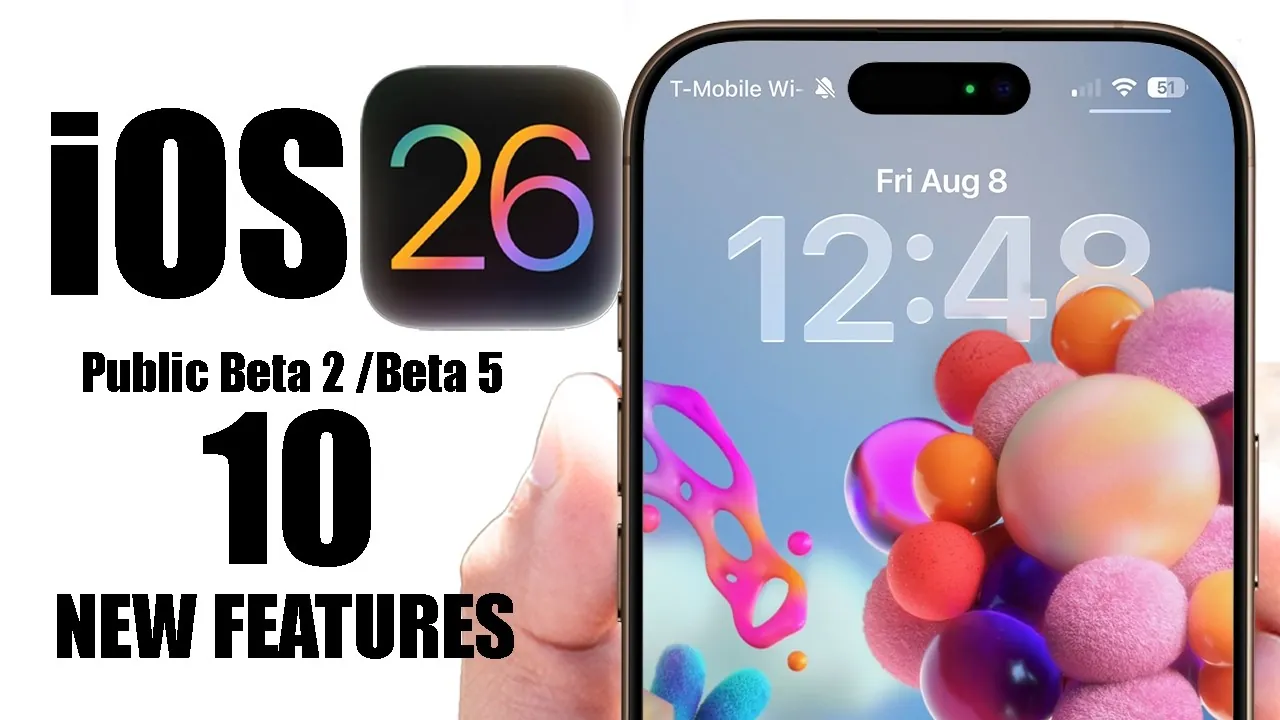
The release of iOS 26 Beta 5 and Public Beta brings a host of new features aimed at enhancing both functionality and user experience. These updates focus on improving efficiency, refining aesthetics, and offering greater customization options. With a mix of practical upgrades and visually appealing changes, iOS 26 ensures your device feels more intuitive and tailored to your needs. In the video below, HotshotTek explores the top features that stand out in this update.

Smarter Battery Management
Battery performance is a critical aspect of any mobile device, and iOS 26 addresses this with a smarter adaptive power mode. This feature dynamically adjusts system settings when it detects rapid battery drain, helping you maximize usage time without manual intervention. Additionally, a new low-power mode animation activates when your battery level drops below 20%, providing a clear visual reminder to conserve energy. These enhancements ensure you can rely on your device for longer periods, even during heavy usage.
Refined Visual Animations
The system-wide animations in iOS 26 have been carefully polished to deliver a smoother and more engaging experience. From the subtle bounce effect when locking your screen to the fluid transitions in the Control Center, every interaction feels more seamless. Even small details, such as the animations for toggle switches, have been refined to add a touch of sophistication. These changes may seem minor, but they significantly enhance the overall usability and aesthetic appeal of the operating system.
Expanded Customization Options
Personalization takes a leap forward with iOS 26, offering users more ways to make their devices uniquely theirs. A standout feature is the introduction of a wallpaper collection celebrating trailblazers from Southeastern Asia, showcasing visually striking and culturally significant designs. These wallpapers are easy to download and provide a fresh way to customize your home screen. Whether you prefer bold patterns or subtle artistry, the new options ensure your device reflects your personal style.
Improved Wi-Fi Security Indicators
Staying secure while connected to Wi-Fi networks is now more straightforward, thanks to updated Wi-Fi security indicators in the Control Center. These indicators use lock icons to differentiate between secure and non-secure networks, giving you a quick visual cue about the safety of your connection. This feature is particularly useful when connecting to public Wi-Fi, helping you make informed decisions and prioritize your online security.
Local Media Recording Made Simple
Capturing important moments has never been easier with the enhanced local media recording feature. Whether you’re participating in a FaceTime call, hosting a Zoom meeting, or recording a podcast, you can now save audio-only or video recordings directly to your device. Files are automatically organized into designated folders, making sure quick and easy access. This streamlined approach to media recording is perfect for both personal and professional use.
Redesigned AirDrop Interface
The AirDrop interface receives a significant visual upgrade with a liquid glass aesthetic. This redesign not only enhances the appearance of the feature but also aligns with the system’s focus on fluid and modern design elements. The updated interface makes file sharing feel more intuitive and visually appealing, making sure a smoother experience when transferring files between devices.
Music App Upgrades
The Music app sees both visual and functional improvements in iOS 26. The bottom menu now features a refined liquid glass effect, creating a more immersive experience as you navigate through your playlists and albums. These updates make managing your music library more enjoyable and user-friendly, making sure that your favorite songs and albums are always just a tap away.
Smoother Camera Mode Transitions
Switching between camera modes is now more seamless, thanks to a new toggle in the settings menu. The “Camera Classic Mode” ensures lag-free transitions, allowing you to focus on capturing the perfect shot without interruptions. Whether you’re switching from photo to video mode or exploring advanced settings, the improved responsiveness enhances your photography experience.
Enhanced Control Center
The Control Center receives subtle yet impactful updates that improve its overall utility. Refreshed icons and a more intuitive layout make it easier to manage your device’s settings. These changes ensure that essential tools are always within reach, streamlining your interactions and saving you time when adjusting settings on the go.
Upgraded Screenshot Animation
Taking screenshots becomes a more visually engaging process with the introduction of a new waving animation. This feature highlights the available screenshot tools and editing options, making it easier to annotate, edit, and share your captures immediately after taking them. The updated animation not only adds a touch of flair but also improves the functionality of the screenshot feature.
Why iOS 26 Stands Out
The iOS 26 Beta 5 and Public Beta updates deliver a comprehensive mix of functionality, customization, and aesthetic refinements. From smarter battery management to enhanced Wi-Fi security indicators, these features prioritize user convenience and efficiency. The polished animations, redesigned AirDrop interface, and expanded customization options ensure your device feels modern and personalized. Whether you’re exploring the new wallpapers, enjoying the Music app upgrades, or benefiting from smoother camera transitions, iOS 26 offers a well-rounded experience that caters to both practical needs and aesthetic preferences.
Unlock more potential in iOS 26 Beta Features by reading previous articles we have written.
- iOS 26 Beta 4 Release Date and Key Improvements Explained
- S 26 Beta 3 Explained: Features, Updates, and More
- What’s New in iOS 26 Public Beta 2: Features and Updates
- iOS 26 Beta 1 Features, Updates, and Compatibility
- iOS 26 Beta 4 Features: AI, AirPods Updates, and More
Source & Image Credit: HotshotTek
Disclosure: Some of our articles include affiliate links. If you buy something through one of these links, Geeky Gadgets may earn an affiliate commission. Learn about our Disclosure Policy.
