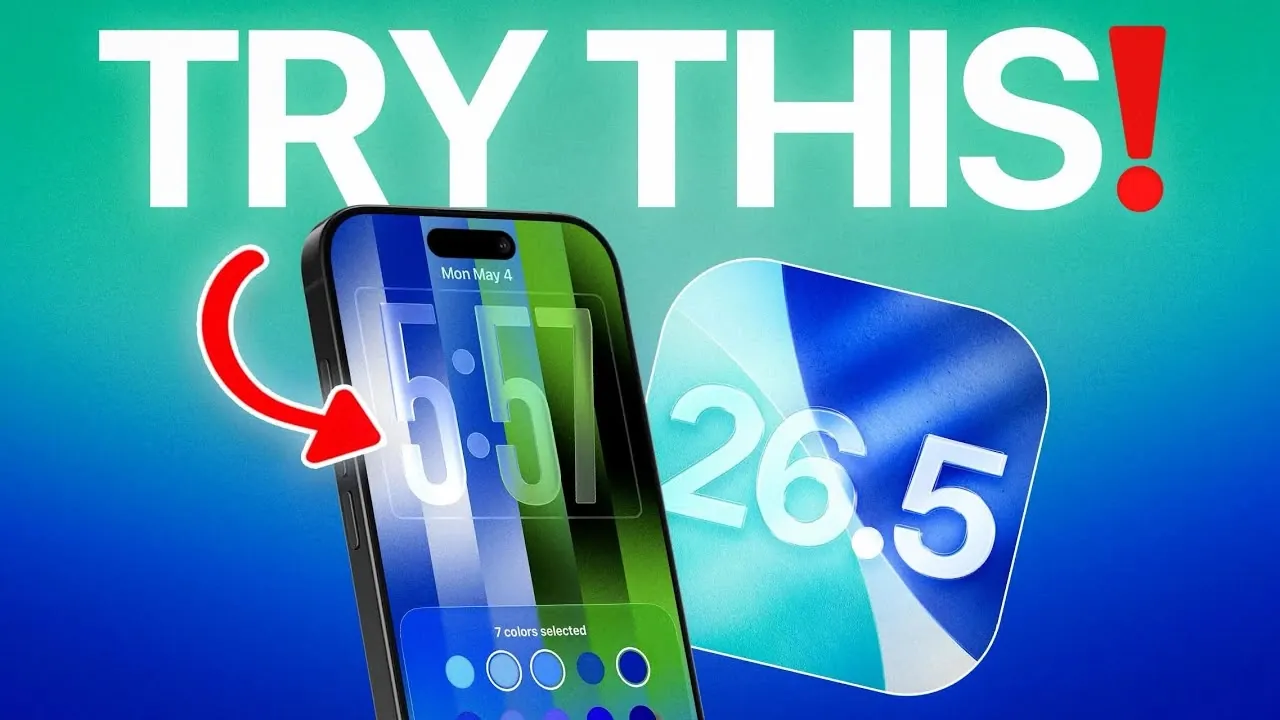
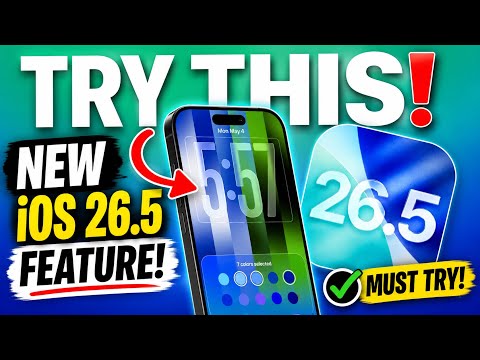
Apple’s iOS 26.5 introduces a fantastic update that improves iPhone personalization to new heights. Central to this release is the custom wallpaper creation tool, which allows users to design unique visuals with up to 11 color combinations. This feature not only enhances the aesthetic appeal of your device but also optimizes functionality, particularly for devices equipped with always-on displays. Currently available in beta, the update is expected to roll out to the general public within a week, offering a fresh and engaging way to interact with your iPhone. The video below from iReviews gives us more details.
Custom Wallpaper Creation: A Canvas for Self-Expression
The custom wallpaper creation tool in iOS 26.5 is designed to give you unparalleled control over your device’s appearance. This feature enables you to craft wallpapers that reflect your personal style and preferences. Key highlights include:
- The ability to select up to 11 colors, blending neutral tones like black and white with vibrant hues to create striking designs.
- Options to design patterns that align with your personality, mood, or aesthetic preferences.
- Flexibility to choose between minimalistic designs or bold, colorful patterns, catering to a wide range of tastes.
By turning your iPhone’s display into a personalized canvas, this tool ensures that your device feels uniquely yours. Whether you prefer subtle elegance or vibrant creativity, the custom wallpaper feature adapts to your vision.
Pride Wallpaper: A Celebration of Diversity
In addition to the custom wallpaper tool, iOS 26.5 introduces a Pride wallpaper option within the wallpaper gallery. This feature is a testament to Apple’s commitment to inclusivity and representation. It offers:
- A variety of flag designs that celebrate diversity and promote inclusion.
- Customizable color palettes allow you to align the design with your personal aesthetic.
This addition provides a meaningful way to personalize your device while supporting values of equality and representation. By incorporating these designs, Apple continues to foster a sense of community and individuality among its users.
Dynamic Animations: Adding Life to Your Display
Wallpapers in iOS 26.5 go beyond static visuals, introducing dynamic animations that enhance the overall user experience. These animations bring your device to life with features such as:
- Smooth transitions when unlocking your iPhone create a seamless and polished effect.
- Subtle fading effects for always-on displays, adding a layer of sophistication as your device transitions between locked and active states.
These dynamic elements not only improve the visual appeal of your iPhone but also make everyday interactions more engaging. The animations are designed to complement the aesthetic of your chosen wallpaper, making sure a cohesive and immersive experience.
Enhanced Settings: Greater Control Over Personalization
iOS 26.5 introduces enhanced settings that provide greater control over wallpaper visibility and functionality, particularly for always-on displays. These settings allow you to:
- Enable or disable the “Show Wallpaper” option in standby mode, offering flexibility based on your preferences.
- Strike a balance between personalization and practicality, making sure that your device remains both functional and visually appealing.
These improvements make it easier to tailor your iPhone’s display to suit your needs, whether you prioritize aesthetics, battery efficiency, or usability. The update ensures that your device adapts seamlessly to your lifestyle.
Availability: Experience the Update Soon
The custom wallpaper feature and other enhancements in iOS 26.5 are currently available to beta users, offering an exclusive preview of the update’s capabilities. For the general public, the official release is expected within a week. If you’re eager to explore these features ahead of time, joining the beta program provides immediate access and an opportunity to experience the future of iPhone customization firsthand.
A New Standard in Personalization
iOS 26.5 represents a significant step forward in iPhone customization, offering tools and features that make your device feel truly personal. From the creative freedom of the custom wallpaper tool to the inclusivity of the Pride wallpaper designs, this update caters to a diverse range of preferences and values. The addition of dynamic animations and enhanced settings further enriches the user experience, making sure that your iPhone is not only visually stunning but also highly functional. With its public release just days away, iOS 26.5 is poised to set a new standard for how users interact with and personalize their devices.
Below are more guides on iOS 26.5 from our extensive range of articles.
- iOS 26.5 Beta 4 Released: Top Features Revealed
- iOS 26.5 Beta 3 Released: Here’s What’s New for Your iPhone
- Hidden Changes in iOS 26.5 Beta 3 You Might Have Missed
- iOS 26.5 Release Date Set: When Your iPhone Gets Apple’s Next Big Update
- Don’t install iOS 26.5 Beta 2 yet, unless you want to carry a charger for the first time this year
Source & Image Credit: iDeviceHelp
Disclosure: Some of our articles include affiliate links. If you buy something through one of these links, Geeky Gadgets may earn an affiliate commission. Learn about our Disclosure Policy.
