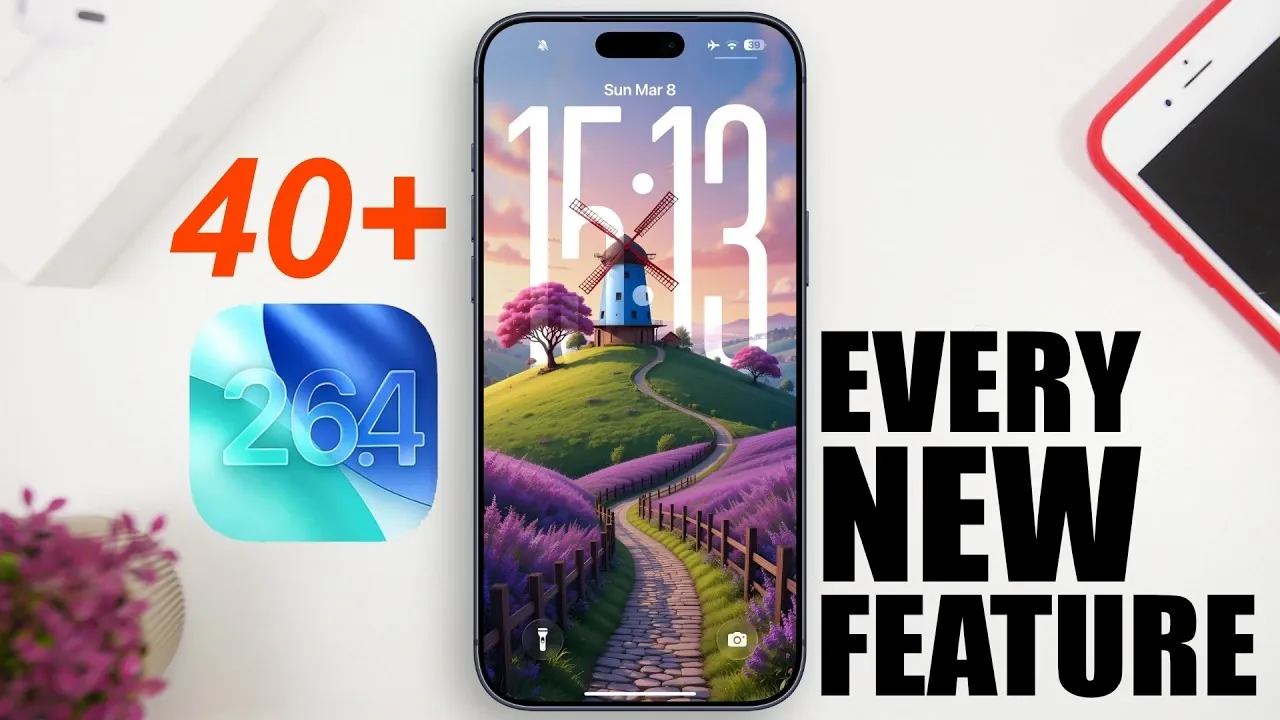
Apple’s iOS 26.4 brings a host of updates designed to enhance usability, customization, and security for iPhone users. With improvements ranging from smarter widgets to advanced privacy measures, this update refines existing features while introducing new tools to elevate your experience. The video below from iReviews gives us a detailed look at the most notable changes and how they can improve your daily interactions with your device.
Home Screen and Widgets: Enhanced Functionality
Widgets in iOS 26.4 receive a significant upgrade, offering both improved functionality and aesthetic appeal. You can now add ambient music widgets in two sizes, allowing quick access to your favorite tracks directly from the home screen. This feature is particularly useful for music enthusiasts who want seamless control over their playlists. Additionally, the widget edit menu has been redesigned for better clarity, simplifying the customization process and making it easier to personalize your home screen layout.
Control Center and Dark Mode: Subtle Yet Impactful Changes
Dark Mode sees thoughtful refinements in iOS 26.4, making sure a more cohesive and visually pleasing experience. Pop-up menus now adopt a sleek dark theme, maintaining consistency across the system and reducing eye strain, especially in low-light environments. The Control Center also benefits from minor tweaks, improving accessibility and making it easier to adjust settings on the go.
Lock Screen and Wallpapers: More Personalization Options
The lock screen gets a fresh update with redesigned wallpaper collections. A new stacked layout allows you to browse and select wallpapers more efficiently, giving your device a modern and personalized touch. These changes make it easier to switch between wallpapers, making sure your lock screen reflects your style and preferences.
Apple Music: Smarter Features for Music Lovers
Apple Music introduces several features aimed at enhancing the listening experience. The new “Playground” feature simplifies playlist creation by offering tailored recommendations based on your listening habits. Redesigned playlist and album views improve navigation, making it easier to find and organize your music. The “Find concerts nearby” feature uses your location to suggest live events, connecting you with your favorite artists. Additionally, the updated SharePlay menu now includes larger QR codes, streamlining the process of sharing music with friends.
Podcasts App: Video Support and Improved Usability
The Podcasts app now supports video podcasts, complete with offline viewing options for added convenience. A redesigned sleep timer button makes it easier to set playback limits, while a new splash screen enhances the overall user experience. These updates cater to both casual listeners and avid podcast fans, making sure a more enjoyable and intuitive experience.
Safari and Reminders: Streamlined Productivity
Safari introduces a search button in the tabs view, simplifying navigation and making it easier to locate specific content. Meanwhile, the Reminders app adds an “Urgent” folder, helping you prioritize time-sensitive tasks. These updates are particularly useful for users who rely on their devices for productivity and organization.
Apple Account and Battery Management: Greater Control
Managing your Apple account is now more intuitive, thanks to a unified view across apps. This change streamlines account management, making it easier to access and adjust settings. For users concerned about battery health, a new shortcut allows you to set charge limits between 80% and 100%, helping to prolong battery lifespan and optimize performance.
App Store and Games App: Simplified Navigation
The App Store benefits from a consolidated tab layout, making it easier to find apps and games. A newly positioned search button further enhances usability, making sure quick access to the content you need. These changes improve the overall browsing experience, saving time and effort.
Phone and Contacts Apps: Visual and Functional Updates
The Phone and Contacts apps receive a visual refresh with liquid glass design buttons for Messages, FaceTime and Call options. These updates not only improve aesthetics but also enhance functionality. New editing tools for contact posters allow for greater customization, giving you more control over how your contacts appear.
TV App: Sports and Subtitle Customization
Sports fans will appreciate the updated TV app, which now includes a splash screen for F1 and MLS content. Expanded subtitle customization options provide more control over how captions are displayed, improving accessibility and making sure a better viewing experience for all users.
New Emojis and Age Verification: Safety and Fun
iOS 26.4 hints at upcoming emoji additions, adding a fun and expressive element to your conversations. A UK-specific age verification feature ensures compliance with local regulations, enhancing safety for younger users while maintaining an engaging experience for all.
Settings App: Usability Tweaks
The Settings app introduces several small but meaningful changes. Personal hotspot data usage tracking lets you monitor consumption, while a new “Reduce Highlighting Effect” option under Accessibility caters to users with visual sensitivities. Additionally, iOS version details now hide the build number by default, and iCloud web access has been renamed to “iCloud.com” for consistency.
Camera and Face ID: Improved User Control
Photography enthusiasts will appreciate the ability to enable or disable audio zoom in the camera settings, offering more control over video recordings. Face ID settings also receive a minor update, with passcode entry now centered for a cleaner and more streamlined interface.
Freeform App: Creative Enhancements
The Freeform app introduces a “Content Hub” for better project organization, along with new background options to inspire creativity. These updates make the app more versatile, catering to both personal and professional use.
Security and Encryption: Prioritizing Privacy
iOS 26.4 reinforces Apple’s commitment to security with the testing of RCS end-to-end encryption. This feature aims to provide a secure messaging experience, safeguarding your data from unauthorized access and making sure your privacy remains protected.
Here are more detailed guides and articles that you may find helpful on iOS 26.4.
- iOS 26.4 Release Date, Features, and Performance Details
- When Will iOS 26.4 Be Released? Full Details Inside
- Apple iOS 26.4 Update: New Features and Improvements
- iOS 26.4 Update: Top Features You’ll Love
- iOS 26.4 Beta 1 Features: Everything You Need to Know
- iOS 26.4 Release Date: When Is the Next Big Update Coming?
Source & Image Credit: iReviews
Disclosure: Some of our articles include affiliate links. If you buy something through one of these links, Geeky Gadgets may earn an affiliate commission. Learn about our Disclosure Policy.
