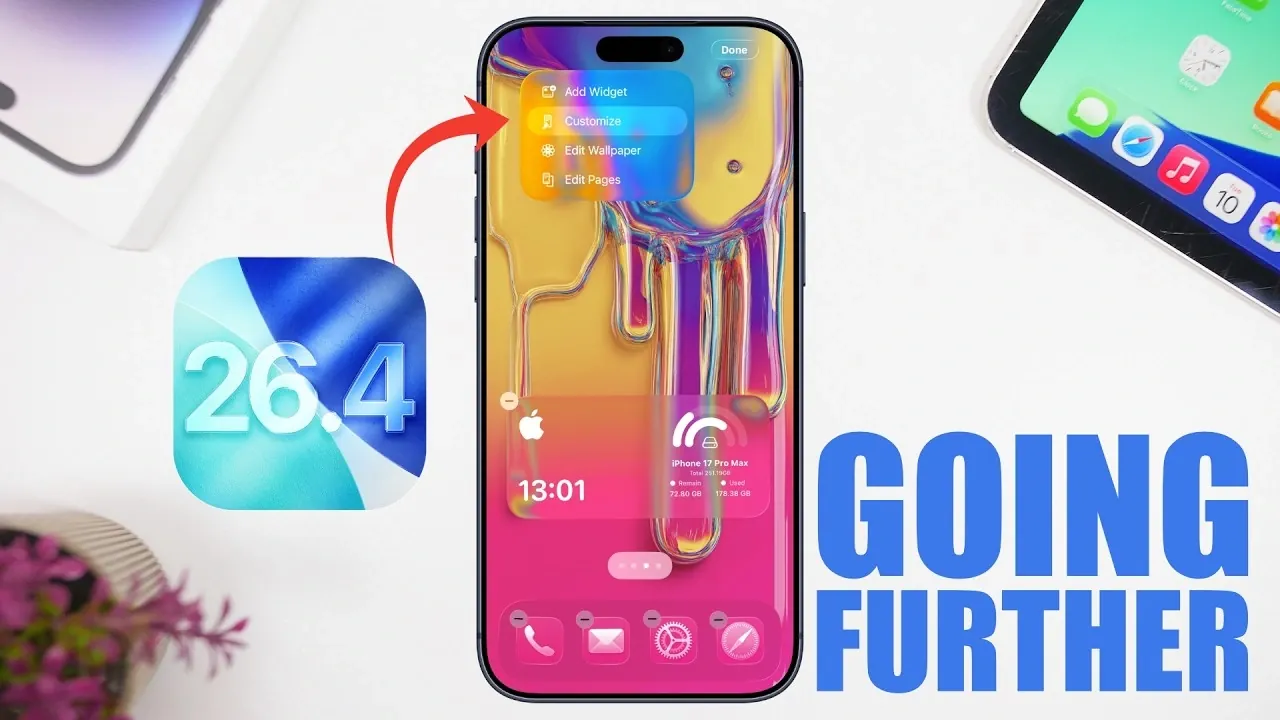
Apple’s iOS 26.4 represents a significant step forward in refining its mobile operating system. With the fourth beta now available, this update focuses on addressing user concerns while introducing meaningful enhancements. Key areas of improvement include battery life, performance, and customization options, making sure a more seamless and personalized user experience. Notably, the update allows users to reduce or disable the “liquid glass” effects that have been a hallmark of recent iOS designs. With the Release Candidate (RC) expected on March 16 and the public release scheduled for March 23, this update is shaping up to be one of the most polished iterations of iOS 26. Below is a detailed look at the standout features and changes.

Battery Life Enhancements
For users concerned about battery performance, iOS 26.4 introduces optimizations designed to extend device usage. Apple has fine-tuned background processes and improved screen-on time efficiency, resulting in reduced power consumption during daily activities. These adjustments are particularly beneficial for users who rely on their devices for extended periods, such as professionals, students, or frequent travelers.
While it’s common to experience a brief adjustment period immediately after installing the update, battery performance is expected to stabilize quickly. These enhancements ensure that devices across the compatibility range can deliver longer-lasting performance, making this update a practical choice for users seeking reliability throughout their day.
Performance Boosts
iOS 26.4 delivers noticeable improvements in system performance, making sure a smoother and faster user experience. Whether you’re navigating the interface, launching apps, or multitasking, the system feels more responsive. Benchmarks, such as Geekbench 6 scores, confirm these gains, with higher single-core and multi-core performance compared to previous versions.
These performance enhancements are particularly advantageous for users running resource-intensive applications, such as video editing software or high-performance games. By optimizing system responsiveness, Apple has ensured that iOS 26.4 caters to both casual users and those who demand more from their devices.
New Features and Customization Options
iOS 26.4 introduces a range of new features and customization options aimed at enhancing usability and personalization. These updates reflect Apple’s commitment to balancing aesthetics with functionality, giving users greater control over their devices. Key highlights include:
- Lock Screen Updates: The weather widget now uses arrows to display high and low temperatures, replacing text labels for a cleaner and more intuitive design.
- Apple Music Shortcut: A new shortcut in the Music app allows users to access music settings directly from the account section, simplifying navigation and improving accessibility.
- iPadOS Notifications: For iPad users, pop-up notifications now appear above the dock for hidden windows, enhancing multitasking visibility and usability.
- Liquid Glass Effects: Users can now reduce or disable liquid glass highlights, a defining feature of recent iOS designs. Options include adjusting clock effects on the lock screen, modifying tint settings under “Display & Brightness,” and allowing the new “Reduce Bright Effects” feature to minimize liquid glass highlights during scrolling and interactions.
These features not only enhance the visual appeal of iOS but also provide practical benefits, such as improved multitasking and easier navigation. The ability to customize liquid glass effects, in particular, underscores Apple’s focus on user-centric design, allowing individuals to tailor their devices to their preferences.
Device Compatibility
iOS 26.4 supports Apple’s latest devices, including the iPhone 17e and iPad Air M4, making sure that users of the newest hardware can fully use the update’s features and performance improvements. However, Apple has also prioritized inclusivity by maintaining compatibility with a wide range of older devices. This approach allows users with older hardware to benefit from the update’s enhancements, making sure that iOS 26.4 remains accessible to a broad audience.
By optimizing the update for both new and older devices, Apple has demonstrated its commitment to delivering a consistent and high-quality experience across its ecosystem. Whether you’re using the latest flagship model or an older device, iOS 26.4 offers meaningful improvements that enhance usability and performance.
Release Timeline
The Release Candidate for iOS 26.4 is expected to be available on March 16, with the final public release anticipated on March 23. This timeline aligns with Apple’s typical update schedule, providing developers and beta testers with an opportunity to identify and address any remaining issues before the software becomes widely available. By adhering to this structured rollout process, Apple ensures a smooth transition for users and minimizes potential disruptions.
Why iOS 26.4 Matters
iOS 26.4 is more than just a routine update; it’s a comprehensive refinement of Apple’s mobile operating system. With approximately 50 new features and improvements, this version addresses key user concerns while introducing enhancements that cater to a diverse range of needs. Whether you’re looking to extend your device’s battery life, enjoy a smoother user experience, or customize visual effects, iOS 26.4 delivers practical and meaningful upgrades.
By focusing on areas such as battery life, performance, and customization, Apple has created an update that appeals to both casual users and power users alike. As the public release approaches, iOS 26.4 is poised to set a new standard for Apple’s mobile operating system, offering a balanced combination of functionality, aesthetics and performance.
Check out more relevant guides from our extensive collection on iOS 26.4 that you might find useful.
- Everything New in iOS 26.4 Beta 4: CarPlay, AI, and More
- iOS 26.4 Release Date, Features, and Performance Details
- When Will iOS 26.4 Be Released? Full Details Inside
- Apple iOS 26.4 Update: New Features and Improvements
- iOS 26.4 Hidden Features: 10 New iPhone Tips You Need to Know
- iOS 26.4 Update: Top Features You’ll Love
Source & Image Credit: iReviews
Disclosure: Some of our articles include affiliate links. If you buy something through one of these links, Geeky Gadgets may earn an affiliate commission. Learn about our Disclosure Policy.
