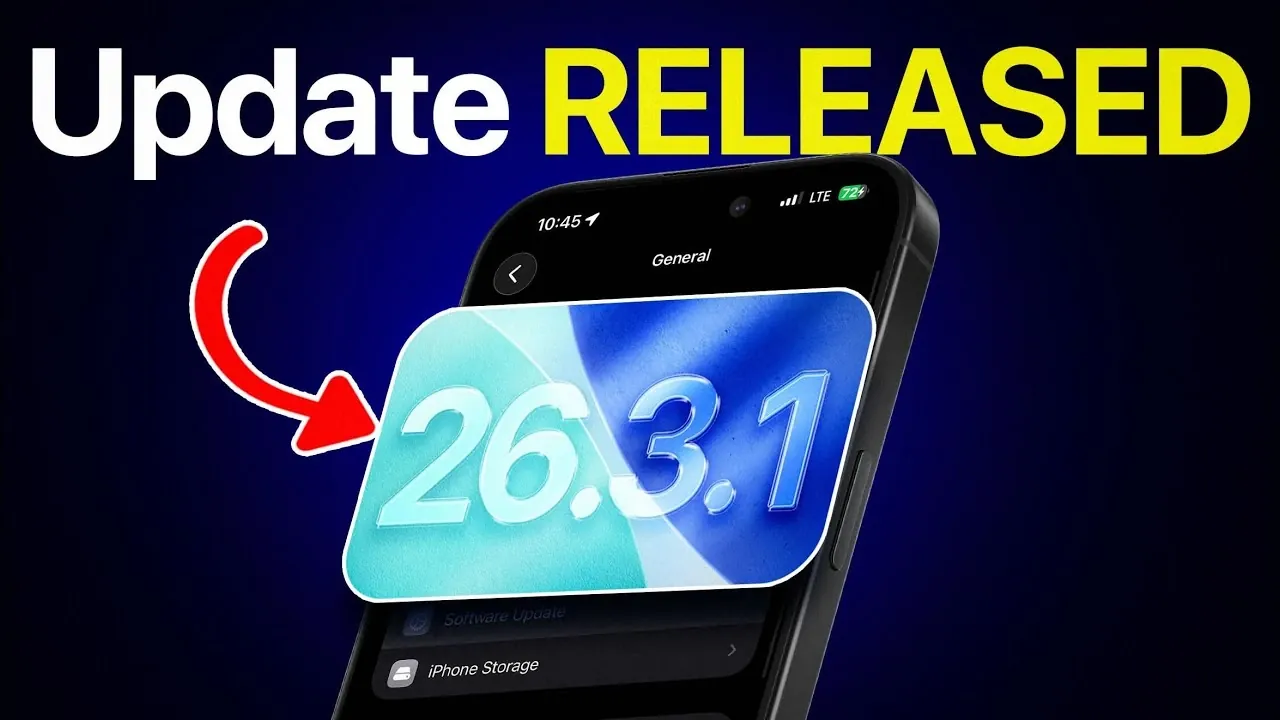
Apple has officially rolled out iOS 26.3.1, a comprehensive update aimed at enhancing device functionality and resolving key performance issues. This release is part of a larger update cycle that also includes iPadOS, macOS, and Studio Display firmware. To fully use the benefits of this update, it is crucial to take specific steps after installation to ensure optimal performance and compatibility. The video below from iDeviceHelp gives us more details about the update.
Enhanced External Display Support
A standout feature of iOS 26.3.1 is its improved support for external displays, particularly Apple’s Studio Display 2026 and Studio Display XDR. This update significantly enhances the integration of these monitors with iOS devices, offering a more seamless experience for users engaged in tasks such as video editing, graphic design and multitasking.
The update improves resolution handling and connectivity, ensuring a smoother workflow for professionals who rely on external monitors for precision and efficiency. Whether you are editing high-resolution videos or managing multiple applications simultaneously, this enhancement delivers a more reliable and productive setup.
Bug Fixes and Performance Enhancements
iOS 26.3.1 addresses several persistent issues that have impacted device performance. Key fixes and improvements include:
- Wi-Fi stability: The update reduces instances of dropped connections, making the network performance more reliable and consistent.
- Battery optimization: Early feedback suggests improvements in battery life, addressing concerns about excessive drain. While further testing will confirm the extent of these enhancements, initial overviews are promising.
- App stability: Crashes and overheating issues have been resolved, providing a smoother and more dependable user experience across various applications.
These updates aim to enhance the day-to-day usability of your device, making it more dependable for both casual and professional activities.
Steps to Maximize Performance After Updating
After installing iOS 26.3.1, taking the following steps will help you optimize your device’s performance and address any potential issues:
- Update third-party apps: Even if automatic updates are enabled, manually check for updates in the App Store. This ensures that your apps are fully compatible with the new iOS version, reducing the risk of crashes or performance issues.
- Monitor battery performance: Pay close attention to your device’s battery usage in the days following the update. If you notice irregularities, consider adjusting settings such as background app refresh, location services, or screen brightness to improve battery efficiency.
- Test Wi-Fi connectivity: Verify that your device connects reliably to your preferred networks. If you encounter any issues, resetting your network settings or reconnecting to your Wi-Fi may resolve them.
- Explore new features: Take some time to familiarize yourself with the enhanced external display support and other improvements introduced in this update. This will help you make the most of your device’s capabilities.
By following these steps, you can ensure a smoother transition to the updated software and enjoy a more stable and efficient user experience.
Updates Across Apple’s Ecosystem
In addition to iOS 26.3.1, Apple has released updates for other platforms to maintain a cohesive and optimized experience across its ecosystem. These updates include:
- iPadOS 26.3.1: Delivers similar bug fixes and performance enhancements for iPads, ensuring consistency across mobile devices.
- macOS 26.3.1: Improves stability and functionality for Mac users, addressing key performance issues and enhancing overall reliability.
- Studio Display firmware 26.3: Introduces new features and refinements for Apple’s high-end monitors, complementing the enhanced external display support in iOS 26.3.1.
These updates are designed to work together, creating a unified and seamless experience for users who rely on multiple Apple devices. Whether you are using an iPhone, iPad, Mac, or Studio Display, these improvements ensure better integration and performance across the board.
Maximizing the Benefits of iOS 26.3.1
iOS 26.3.1 represents a meaningful step forward in improving device performance, reliability and functionality. By addressing critical bugs, enhancing external display support and optimizing overall usability, Apple continues to refine its ecosystem for users.
To fully benefit from these advancements, it is essential to take proactive steps such as updating third-party apps, monitoring battery performance and testing Wi-Fi connectivity. Additionally, exploring the new features and improvements introduced in this update will help you unlock the full potential of your device. With these measures in place, you can enjoy a more efficient, stable, and productive experience across your Apple devices.
Deep dive into the latest in iOS 26.3.1 update by exploring our other resources and articles.
- iOS 26.3.1 Update: Features, Security Fixes and More
- iOS 26.3.1 Update: Release Date, Features and Why It Matters
- iOS 26.3 Update: New Features, Battery Optimization and More
- iOS 26.3 Update: Features, Bugs and Should You Upgrade?
- iOS 26.3 Update: Performance, Battery Life and Stability
Source & Image Credit: iDeviceHelp
Disclosure: Some of our articles include affiliate links. If you buy something through one of these links, Geeky Gadgets may earn an affiliate commission. Learn about our Disclosure Policy.
