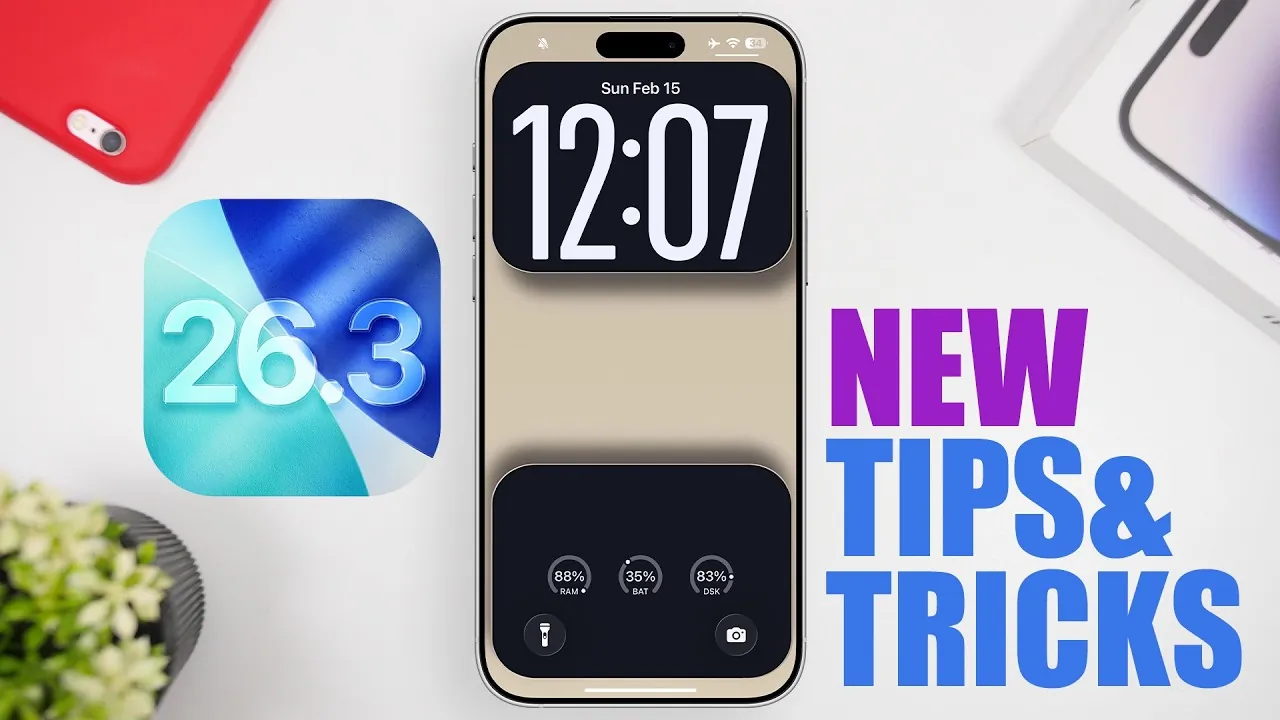
Apple’s iOS 26.3 update brings a collection of thoughtful enhancements aimed at refining your iPhone experience. While it doesn’t introduce new changes, this update focuses on improving performance, extending battery life, and enhancing usability. Whether you own the latest iPhone model or an older device, these updates are designed to make your smartphone more efficient, reliable, and user-friendly. Below is an in-depth look at the most notable changes and how they can benefit you in a new video from \iReviews.

Performance Enhancements and Battery Optimization
A key highlight of iOS 26.3 is its emphasis on system performance and battery efficiency. You’ll experience smoother app transitions, faster response times, and an overall more seamless user experience. These improvements are particularly noticeable during multitasking or when using resource-intensive apps.
Apple has also implemented advanced battery management algorithms, allowing your device to last longer on a single charge. This is especially beneficial for older iPhone models, making sure they remain responsive and dependable over time. By optimizing background processes and reducing unnecessary power consumption, iOS 26.3 helps you get the most out of your device throughout the day.
Enhanced Usability in the Reminders App
The Reminders app has been updated to streamline task management. You can now set urgent reminders directly from the main interface, eliminating the need to navigate through multiple menus. This change simplifies the process of organizing time-sensitive tasks, making it easier to stay on top of your schedule.
Additionally, the removal of the alarm option from the “Details” section has resulted in a cleaner and more intuitive layout. While some users may miss this feature, the redesign prioritizes simplicity and usability, making sure that the app remains functional without feeling cluttered.
Improved Password Management for Greater Convenience
Managing your online credentials is now more straightforward with the introduction of the “Generated Passwords” feature. This tool allows you to quickly access and view passwords automatically created by your iPhone, reducing the need for third-party password managers. By integrating this functionality directly into the operating system, Apple provides a secure and convenient way to manage your logins, giving you greater control over your digital security.
Redesigned Share Sheet for Intuitive Navigation
The Share Sheet, a frequently used feature for sharing content across apps, has undergone a subtle yet impactful redesign. A directional arrow now replaces the “More” button, clearly indicating how to expand the menu. This small but effective change improves navigation, particularly for users who may have found the previous layout less intuitive. Whether you’re sharing photos, links, or documents, the updated Share Sheet makes the process faster and more user-friendly.
Seamless Data Transfer to Android Devices
Switching from iPhone to Android has been simplified with a new feature in the “Transfer and Reset” settings. This tool allows you to move your data, including photos, contacts, and files, to an Android device with ease. A built-in “Learn More” button provides step-by-step instructions, making sure a smooth transition between platforms. This update reflects Apple’s commitment to providing flexibility for users, regardless of their preferred ecosystem.
Expanded Lock Screen Customization Options
Personalizing your lock screen is now more enjoyable with new options for Astronomy and Weather wallpapers. These categories are organized into separate sections, making it easier to browse and select your preferred design. Additionally, three new dynamic weather wallpaper options have been introduced, offering visuals that reflect real-time conditions. These updates allow you to further customize your iPhone, making it uniquely yours while staying functional and visually appealing.
Enhanced Location Privacy Features
For users who prioritize privacy, iOS 26.3 introduces the ability to limit precise location tracking for supported carriers. This feature not only enhances your privacy but also contributes to improved battery life by reducing unnecessary location-based processes. Currently available with select carriers in the US, UK, Germany, and Thailand, this update gives you greater control over how your location data is shared, making sure a more secure and private experience.
What to Expect Moving Forward
While iOS 26.3 focuses on incremental improvements, it lays the groundwork for more significant updates expected in future releases. By prioritizing performance, usability, and privacy, this update ensures your iPhone remains a reliable and secure tool for both work and leisure. Whether you’re exploring new features or enjoying enhanced performance, iOS 26.3 demonstrates Apple’s commitment to refining the user experience.
- Performance enhancements deliver smoother app transitions and faster response times.
- Battery optimization ensures longer usage times, particularly for older devices.
- Updates to the Reminders app and password management improve everyday usability.
- Redesigns, such as the updated Share Sheet, enhance navigation and functionality.
- New tools like the Android data transfer feature provide greater flexibility.
- Privacy enhancements and lock screen customization options offer more control and personalization.
With iOS 26.3, Apple continues to refine the iPhone experience, balancing innovation with practicality. Whether you’re taking advantage of the new features or appreciating the improved performance, this update ensures your device remains a powerful and versatile tool in your daily life.
Check out more relevant guides from our extensive collection on iOS 26.3 update that you might find useful.
- iOS 26.3 Update: Performance, Battery, and Key Features
- iOS 26.3 Update: Everything You Need to Know
- Apple iOS 26.3 Beta: Key Highlights, Features, and Release
- iOS 26.3 Beta 2 Features, Fixes, and Known Issues
- iOS 26.3 – 5 Ways It Will CHANGE Your iPhone
Source & Image Credit: iReviews
Disclosure: Some of our articles include affiliate links. If you buy something through one of these links, Geeky Gadgets may earn an affiliate commission. Learn about our Disclosure Policy.
