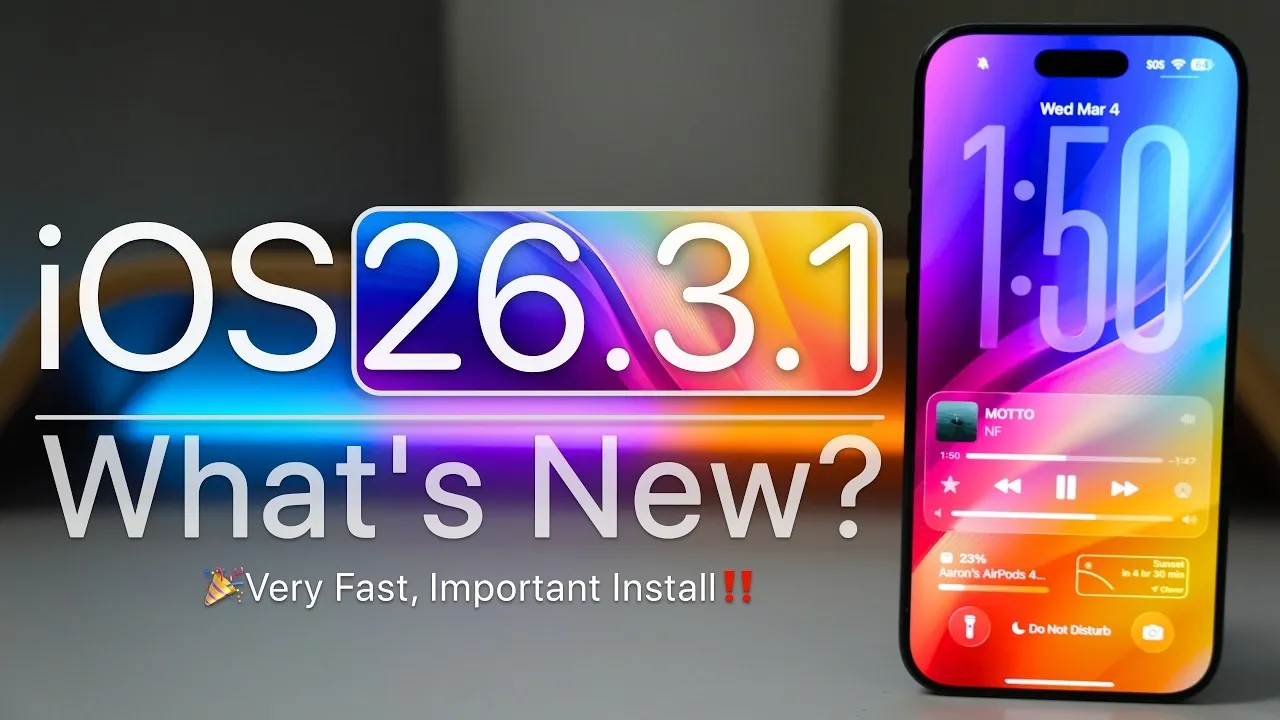
Apple has officially rolled out iOS 26.3.1, a minor yet significant update for all devices running iOS 26. This release is part of a broader update cycle that also includes iPadOS, macOS, and Studio Display firmware. The primary focus of this update is on hardware compatibility, bug fixes, and performance refinements. While it doesn’t introduce major new features, it strengthens the foundation for future updates and ensures a smoother user experience. Below is a detailed breakdown of what this update entails and how it may impact your device.

Who Can Access the Update?
The iOS 26.3.1 update is available globally for all devices currently running iOS 26. However, users participating in the iOS 26.4 beta program will not receive this update unless they choose to downgrade to the stable iOS 26.3 version. Downgrading requires the use of a computer and manual installation, which may not appeal to all users.
For those with older devices that are incompatible with iOS 26, Apple has also released iOS 18.7.6. This ensures that legacy hardware continues to receive essential updates, maintaining functionality and security for users who rely on older devices.
Key Features and Improvements in iOS 26.3.1
This update is primarily aimed at enhancing hardware compatibility and system stability, with a few notable improvements:
- Expanded Hardware Support: The update ensures seamless integration with Apple’s latest devices, including the Studio Display 2026, Studio Display XDR, iPhone 17e, iPad Air and MacBook Neo. These compatibility updates are particularly beneficial for users who have recently upgraded to Apple’s newest hardware.
- Performance Enhancements: Users can expect improved app responsiveness and smoother multitasking. While this update addresses several minor bugs, some issues, such as the wallpaper desaturation bug, remain unresolved.
Although these changes may appear modest, they contribute to a more stable and reliable experience, especially for those using Apple’s latest devices.
Security Updates: Limited Transparency
Apple has not yet disclosed specific Common Vulnerabilities and Exposures (CVE) entries for iOS 26.3.1. This lack of detailed information makes it unclear whether the update includes significant security improvements. Despite this, it is advisable to install the update promptly to protect your device from potential vulnerabilities. Regular updates are a critical part of maintaining the security and integrity of your device.
Battery and Storage Performance
The impact of iOS 26.3.1 on battery performance has been mixed. While some users overview stable battery life, others, particularly those with older devices, have noticed slight declines. Benchmark tests indicate that performance levels remain consistent on newer hardware, suggesting that the update is optimized for recent devices.
Additionally, the update appears to use slightly less system storage compared to previous versions. This could be a welcome improvement for users with devices that have limited storage capacity, allowing for better resource management and potentially freeing up space for other applications or files.
What’s Next for iOS?
Looking ahead, Apple is expected to release iOS 26.4 in the coming weeks. This update may introduce new features, such as additional emojis and the highly anticipated Siri 2.0 upgrade, which promises to enhance the virtual assistant’s functionality. Beyond that, iOS 27 is set to be previewed at the Worldwide Developers Conference (WWDC) in June, with a public release likely in September. These future updates are expected to refine the user experience further and introduce innovative capabilities that align with Apple’s long-term vision.
Should You Install iOS 26.3.1?
The decision to update to iOS 26.3.1 depends on your priorities. If you value improved hardware compatibility and minor stability enhancements, this update is worth considering. However, it does not address all known issues or introduce major new features. For users who are not significantly impacted by the changes, waiting for the upcoming iOS 26.4 or iOS 27 may be a more appealing option.
After updating, it is essential to monitor your device’s performance and battery life to ensure it meets your expectations. Regular updates play a crucial role in maintaining the overall functionality and security of your device, making it important to stay informed about the latest developments in Apple’s software ecosystem.
Find more information on iOS 26.3.1 update by browsing our extensive range of articles, guides and tutorials.
- iOS 26.3.1 Update: Features, Security Fixes and More
- iOS 26.3.1 Update: Release Date, Features and Why It Matters
- iOS 26.3 Update: New Features, Battery Optimization and More
- iOS 26.3 Update: Features, Bugs and Should You Upgrade?
- iOS 26.3 Update: Performance, Battery Life and Stability
Source & Image Credit: zollotech
Disclosure: Some of our articles include affiliate links. If you buy something through one of these links, Geeky Gadgets may earn an affiliate commission. Learn about our Disclosure Policy.
