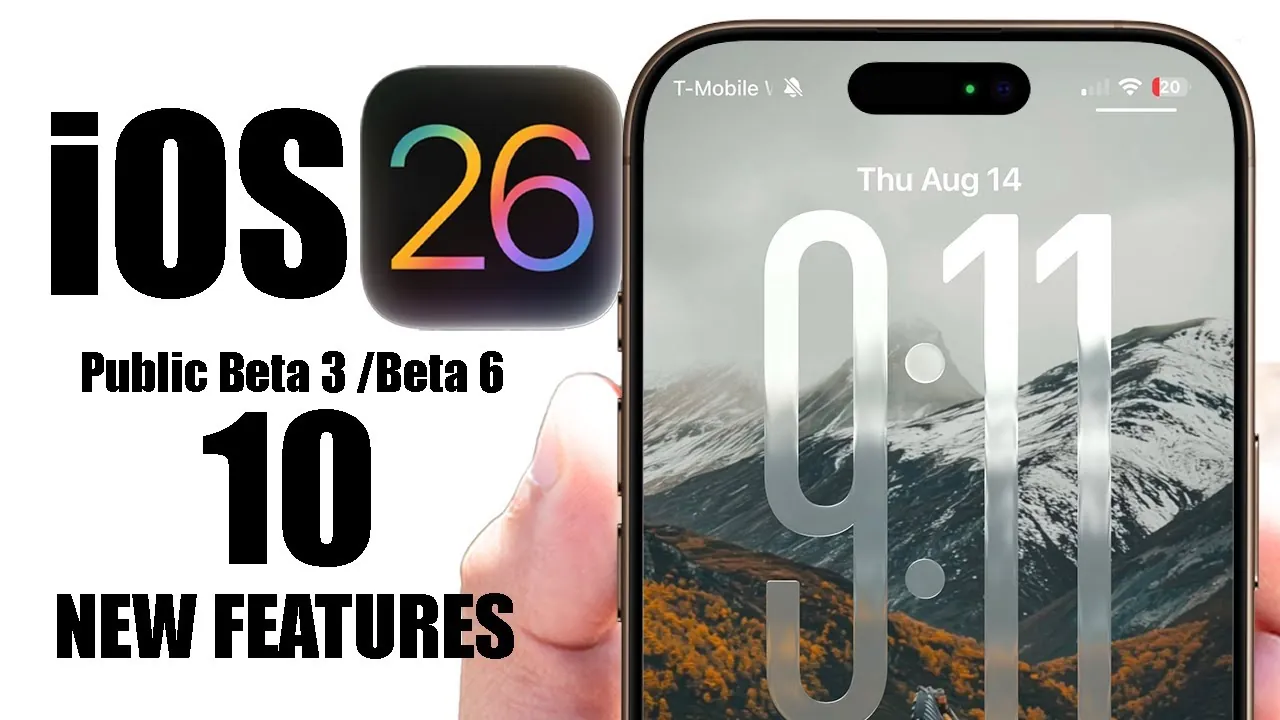
Apple has officially released iOS 26 Beta 6 for developers and Public Beta 3 for general users, unveiling a host of updates aimed at improving usability, customization, and visual appeal. These updates highlight Apple’s ongoing effort to refine its software ecosystem, ensuring a seamless and engaging experience for users. Below is a detailed exploration in a new video from HotshotTek of the standout features in this release, showcasing how they enhance the overall functionality and design of iOS.

Revamped Lock Screen Animations
The lock screen has been enhanced with dynamic animations that activate when music is playing. Locking your device now triggers a visually appealing effect, adding a touch of modernity to an otherwise routine action. This subtle yet impactful update transforms everyday interactions into a more engaging experience, making the lock screen feel more alive and responsive.
Expanded Ringtone Options for Personalization
Apple has introduced three new variants of the popular “Reflection” ringtone, offering users greater flexibility in customizing their device’s sound profile. These new tones range from soft and calming to vibrant and energetic, catering to diverse preferences. This addition underscores Apple’s focus on personalization, allowing users to tailor their auditory experience to suit their style.
Refined Glass Effect for a Modern Interface
The glass effect in iOS 26 has been further polished, delivering a more holographic and contemporary appearance. This enhancement is particularly noticeable in areas like time customization and animations, where the updated visuals create a sleek and sophisticated interface. While subtle, this improvement improves the overall aesthetic, blending functionality with a refined design.
Smoother and More Responsive Animations
Track bars across various apps now feature improved animations that are smoother and more responsive. These refinements enhance the user experience by making it easier to track progress or adjust settings. The fluid transitions contribute to a cohesive and intuitive interface, making sure that navigation feels natural and effortless.
Unified Animation Design Across Devices
iOS 26 incorporates animation tweaks inspired by the iPad interface, creating a consistent design language across Apple’s ecosystem. These changes ensure a seamless experience when switching between devices, reinforcing the sense of unity and coherence within the Apple family of products. This alignment enhances usability and strengthens the overall brand identity.
Translucent Toggle Animations
Toggle switches now feature a glass-like, translucent animation when allowing or disabling settings. This visual update adds a layer of sophistication to the interface, blending aesthetics with functionality. The refined toggle design not only looks modern but also enhances the tactile experience of interacting with settings.
Streamlined Camera Settings
Apple has simplified the camera menu by removing a previously available toggle setting. While the exact reasoning behind this change remains unclear, the update results in a cleaner and more streamlined interface. This adjustment aligns with Apple’s broader efforts to declutter menus and improve navigation, making it easier for users to access essential features.
Enhanced Call Settings Descriptions
The call settings menu has been updated with clearer descriptions and more intuitive titles for features such as call assist, call filtering, and spam caller settings. These changes make it easier for users to understand and manage their preferences, improving the overall usability of this section. By prioritizing clarity, Apple ensures that users can navigate these settings with confidence.
Subtle User Interface Improvements
iOS 26 Beta introduces a range of interface refinements, including adjustments to fonts, spacing, and layout. These subtle changes enhance the visual appeal and usability of the operating system, creating a more intuitive and polished experience. Each tweak, while minor on its own, contributes to a cohesive and user-friendly design.
Balancing Aesthetics and Functionality
The updates in iOS 26 Beta reflect Apple’s commitment to blending aesthetic enhancements with practical functionality. From smoother animations to expanded customization options, these changes demonstrate a focus on delivering a polished and engaging user experience. By addressing both form and function, Apple continues to set a high standard for software design.
What These Updates Mean for Users
The iOS 26 Beta 6 and Public Beta 3 updates showcase Apple’s dedication to refining its software ecosystem. Whether through improved animations, enhanced personalization options, or streamlined interfaces, these updates aim to provide a more seamless and enjoyable experience. As Apple continues to evolve its operating system, these changes pave the way for a more intuitive and visually appealing interaction with your device.
Here are more detailed guides and articles that you may find helpful on iOS 26 Beta Features.
- How iOS 26 Beta Enhances iPhone Usability and Design
- Top Features of iOS 26 Beta 4: Stability, Design, and More
- iOS 26 Beta 6 Features: What’s New and Improved
- iOS 26 Beta 1 Features, Updates, and Compatibility
- Should You Install iOS 26 Beta 1? Pros and Cons Revealed
Source & Image Credit: HotshotTek
Disclosure: Some of our articles include affiliate links. If you buy something through one of these links, Geeky Gadgets may earn an affiliate commission. Learn about our Disclosure Policy.
