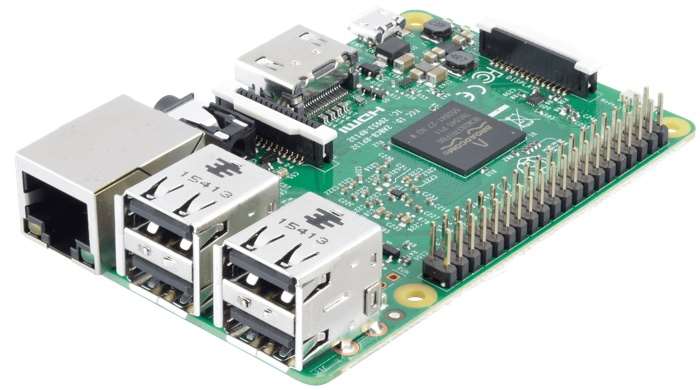
Raspberry Pi enthusiasts interested in creating their very own networked attached storage NAS system powered by a Raspberry Pi mini PC may be interested in a new tutorial published by the team over at Windows Central. Using the small Raspberry Pi computer together with a few spare hard drives can save you a considerable amount of cash when compared to purchasing a NAS system. Also check out our article if you are interested in building your very own Raspberry Pi NAS for extra home network attached storage space.
“There’s no true “best” option for everyone when it comes to a NAS. There are many factors to consider, including price, storage capacity, features, noise, and power consumption. Solutions by Synology and other companies are sound choices if you wish to simply plug and play but they come with a few limitations. A Raspberry Pi is vastly more affordable, allows you to fine-tune how it’s all set up, is ideal for those who wish to not rely on company support, and it lets you master a NAS OS.”
Jump over to the Windows Central website by using the link below for the for tutorial and a list of all the required components as well as links to the OpenMediaVault operating system use to manage and create the network attached storage system. While you can choose any operating system thatIs supported by the Raspberry Pi, this tutorial uses the OpenMediaVault operating system.
If you enjoy building Pi projects you might be interested in our comprehensive list of Raspberry Pi displays, HATS and small screens.
Source: WC
Disclosure: Some of our articles include affiliate links. If you buy something through one of these links, Geeky Gadgets may earn an affiliate commission. Learn about our Disclosure Policy.
