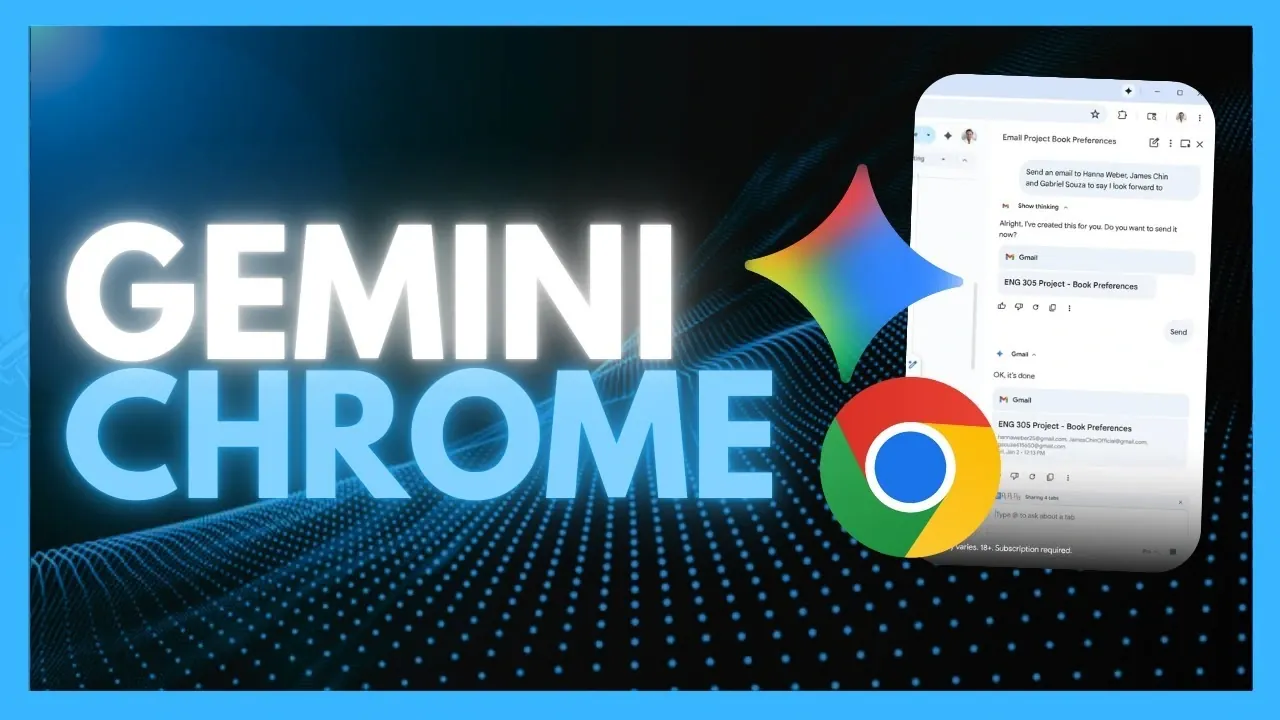
What if your browser could think, act, and work like a personal assistant, automating tasks you didn’t even know could be simplified? Google’s Gemini 3 AI integration in Chrome is turning this vision into reality. In this guide, World of AI explains how this innovative “Agentic AI” transforms Chrome into a powerhouse of automation and intelligence, capable of handling everything from filling out forms to analyzing complex visuals. Imagine a browser that doesn’t just passively display information but actively helps you complete multi-step workflows, like comparing product prices across tabs or summarizing dense overviews, all with minimal effort on your part. It’s not just a browser upgrade; it’s a redefinition of what productivity looks like online.
This overview dives into the innovative Gemini 3 AI model, its Agentic Vision Technology, and the seamless way it integrates with Google’s ecosystem to enhance your daily workflows. You’ll discover how this AI doesn’t just automate repetitive tasks but also adapts to complex scenarios, offering personalized assistance while respecting your privacy. Whether you’re curious about its ability to navigate intricate websites or intrigued by its creative features like Nano Banana for real-time image editing, there’s plenty to uncover. The possibilities are vast, and the implications for how we interact with the web are nothing short of fantastic.
Gemini 3 AI in Chrome
TL;DR Key Takeaways :
- Google has integrated the Gemini 3 AI model into Chrome, transforming it into an “Agentic AI browser” capable of automating complex tasks, interacting with websites like a human, and providing personalized assistance.
- The Gemini 3 AI model excels in real user interface interactions, such as clicking, typing, and navigating behind login screens, making it ideal for handling multi-step workflows and complex tasks.
- Agentic Vision Technology enhances Chrome’s ability to process visual information, allowing tasks like analyzing images, extracting data from charts, and interpreting graphs with improved accuracy and efficiency.
- Gemini 3 introduces advanced automation tools for repetitive and intricate tasks, integrates seamlessly with Google apps, and offers creative features like Nano Banana for real-time image editing within the browser.
- Subscription tiers (Pro and Ultra) provide access to premium features, with a global rollout planned, while privacy-conscious users can opt into personalized assistance tailored to their unique needs.
Understanding the Gemini 3 AI Model
At the core of this transformation is the Gemini 3 AI model, a innovative system designed to perform real user interface (UI) interactions. Unlike traditional automation tools, Gemini 3 can execute actions such as clicking, typing, scrolling, and filling out forms with remarkable precision. Its ability to navigate behind login screens and interpret visual elements like screenshots allows it to understand and respond to complex contexts. This makes it an invaluable tool for handling multi-step workflows, whether for personal tasks like online shopping or professional needs such as data entry and analysis.
Gemini 3’s versatility is further enhanced by its ability to adapt to various scenarios with minimal user input. For example, it can complete a series of actions across multiple tabs, such as comparing product prices, summarizing reviews, and finalizing a purchase, all while maintaining a seamless user experience.
Agentic Vision Technology: A Leap in Visual Processing
One of the standout features of this integration is Agentic Vision Technology, which significantly enhances Chrome’s ability to process and interpret visual information. This technology improves performance on visual benchmarks by 5-10%, allowing the browser to analyze images, extract meaningful data, and make informed decisions based on visual context.
For instance, Agentic Vision Technology can identify product specifications from an image, summarize key insights from a chart, or even interpret complex graphs. These capabilities simplify tasks that traditionally required manual effort, such as extracting data from visual overviews or analyzing infographics. By bridging the gap between visual comprehension and automation, this feature enables users to handle visually intensive tasks with ease and efficiency.
Gemini & Chrome : Google’s Agentic AI Can Automate Any Browser Task

Find more information on Gemini 3 by browsing our extensive range of articles, guides and tutorials.
- Gemini 3 Guide, from Coding to 3D Visuals with AI Studio
- Build a Voice AI Website from One Prompt with Gemini 3 Today
- Gemini 3 Pro Review, 7 Real-World AI Use Cases Tested to Push Its
- Getting Started with Gemini 3 : Google Al Studio – AI
- Gemini 3 vs Claude and GPT, AI Benchmarks and Price Comparison
- Gemini 3 Guide : Building AI Web Sites, Wireframes, Sections & Styling
- Gemini 3 vs ChatGPT : New AI Features & Workflows for Work and
- Gemini 3 Tips & Tircks : Free Chat, Zapier Workflows & AI Search
- Gemini 3 Pro Overview : Advanced Reasoning, AI Studio & Vertex AI
- Beginner’s Guide to Gemini 3 Create Interactive AI Apps & Games
Advanced Automation Tools for Everyday Use
The integration of Gemini 3 introduces a suite of advanced automation tools that streamline both repetitive and complex tasks. With its auto-browsing capabilities, Chrome can manage multi-step processes such as planning trips, organizing subscriptions, or completing detailed forms. The AI’s context-aware functionality ensures that it adapts to the specific requirements of each task, delivering accurate and efficient results.
For example, users can rely on Gemini 3 to summarize product reviews, compare options across different websites, or organize schedules by integrating data from multiple sources. These features not only save time but also reduce the cognitive load associated with managing intricate workflows. Whether you’re conducting research, shopping online, or coordinating projects, Gemini 3’s automation tools provide a seamless and intuitive experience.
Creative Possibilities with Nano Banana Integration
For those engaged in creative endeavors, the Nano Banana integration offers a powerful tool for on-the-fly image editing directly within the browser. This feature enables users to design infographics, edit photos, or visualize redesigned spaces without the need for external software. Its intuitive interface and real-time processing capabilities make it accessible to both casual users and professionals.
Whether you’re creating marketing materials, enhancing personal photos, or experimenting with design concepts, Nano Banana provides a seamless way to bring your ideas to life. By integrating creative tools directly into the browser, Google has made it easier than ever to transition from inspiration to execution.
Enhanced Integration with Google Apps
Gemini 3’s seamless integration with Google’s suite of apps further amplifies its utility. Chrome now works effortlessly with Gmail, Calendar, YouTube, Maps, and other Google services, allowing users to automate tasks with unprecedented ease. For instance, the AI can locate an email containing a flight confirmation, add the details to your calendar, and generate directions to the airport, all within a single workflow.
This level of integration not only enhances productivity but also ensures that users can manage their digital lives more effectively. By combining the power of Gemini 3 with Google’s ecosystem, Chrome becomes a centralized hub for both personal and professional tasks.
Personalized Assistance with Privacy in Mind
Looking ahead, Google plans to introduce personal intelligence features that will tailor Chrome’s assistance to individual users. By analyzing past interactions and adhering to user-provided instructions, the AI will offer customized support designed to meet unique needs. Importantly, these features will be opt-in, allowing privacy-conscious users to maintain control over their data.
This personalized approach positions Chrome as more than just a browser, it becomes a proactive assistant that evolves alongside your preferences. Whether you’re managing daily tasks or pursuing long-term goals, Gemini 3’s personalized assistance ensures that the browser adapts to your specific requirements.
Subscription Options and Availability
Currently, access to these advanced features is limited to select users in the United States, with a global rollout anticipated in the near future. Google has introduced subscription tiers, including Pro and Ultra plans, which offer premium capabilities such as enhanced automation and advanced auto-browsing tools. These tiers provide users with the flexibility to choose the level of functionality that best aligns with their needs.
The subscription model ensures that users can access the features they value most, whether they’re casual browsers or power users seeking maximum efficiency. As the global rollout progresses, more users will have the opportunity to experience the fantastic potential of Gemini 3.
Practical Applications of Gemini 3 in Chrome
The integration of Gemini 3 into Chrome opens up a wide range of possibilities across various domains. Here are some practical applications:
- Automating repetitive tasks such as filling out forms, managing documents, or processing data.
- Enhancing productivity in research, online shopping, or creative projects.
- Streamlining complex workflows that involve multiple tabs, apps, or data sources.
- Improving decision-making through advanced visual reasoning and data analysis tools.
Transforming the Browser Experience
By embedding the Gemini 3 AI model into Chrome, Google has redefined what a web browser can achieve. With features like Agentic Vision Technology, advanced automation tools, and seamless integration with Google apps, Chrome is no longer just a tool for browsing, it’s a comprehensive platform for productivity, creativity, and personalized assistance. As these innovations continue to roll out globally, users will gain access to a browser experience that is not only efficient but also deeply intuitive, paving the way for a new era of digital interaction.
Media Credit: WorldofAI
Disclosure: Some of our articles include affiliate links. If you buy something through one of these links, Geeky Gadgets may earn an affiliate commission. Learn about our Disclosure Policy.
