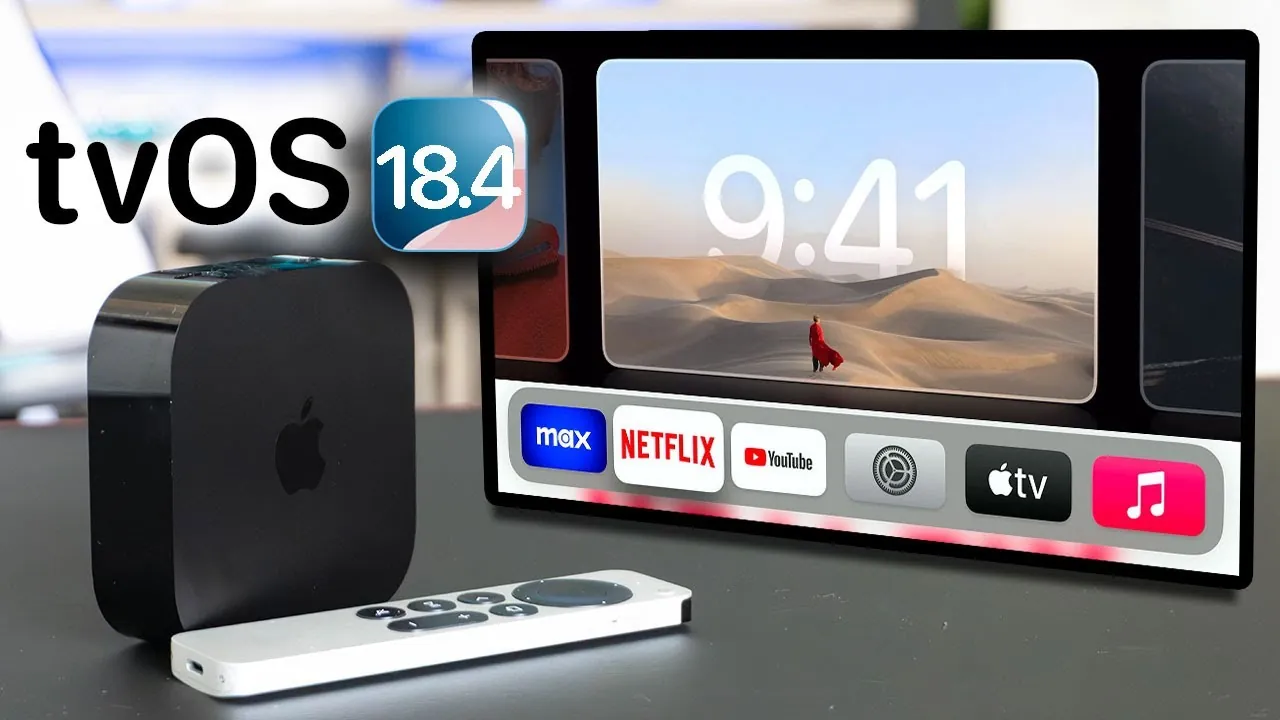
Apple has officially rolled out tvOS 18.4, delivering a series of updates aimed at enhancing the Apple TV experience. While this release does not introduce new changes, it focuses on refining usability, improving ecosystem integration, and boosting performance. These updates are a step forward in preparing for the anticipated tvOS 19, which is expected to bring more substantial advancements. Below is a detailed exploration of the most notable features and enhancements in tvOS 18.4 in a new video from HotshotTek.

Enhanced Apple TV App
The Apple TV app has received updates designed to make content discovery and interaction more intuitive and engaging. Key improvements include:
- A revamped top section now features an animated slideshow that highlights new shows, upcoming episodes, and release dates, making it easier to stay updated on the latest content.
- A larger, more prominent “+” button allows you to quickly add shows or movies to your playlist without navigating through multiple menus, streamlining the process.
These updates aim to simplify how you explore and manage content, ensuring a smoother and more enjoyable experience.
Sports App Expands Its Reach
Sports enthusiasts will find the Sports app more versatile with the addition of motorsports as a new category. This update includes:
- Real-time tracking for Formula 1 (F1) events, offering detailed insights into race standings, schedules, and live updates.
- An expanded selection of sports content, catering to both dedicated motorsports fans and casual viewers exploring new interests.
These enhancements make the Sports app a more comprehensive hub for sports coverage, appealing to a broader audience.
Smarter Settings for Better Usability
tvOS 18.4 introduces a new feature in the settings menu called “Automatic Download In-App Content.” This functionality allows third-party apps to download content in the background while you multitask. For example:
- Streaming apps can preload episodes or movies, reducing wait times when you’re ready to watch.
- Games can seamlessly download updates or additional content, making sure a smoother gaming experience.
This improvement enhances efficiency and minimizes interruptions, making your Apple TV usage more seamless and convenient.
Improved HomeKit and Matter Integration
Apple continues to strengthen its smart home ecosystem with updates to HomeKit and Matter protocol compatibility. Notable improvements include:
- Full support for smart robot vacuums, allowing you to control tasks like cleaning specific rooms using Siri commands directly from your Apple TV.
- Enhanced compatibility with a wider range of smart home devices, making sure your Apple TV remains a central hub for managing your connected home.
These updates make it easier to integrate and control smart home devices, further solidifying Apple TV’s role in your smart home setup.
New Shortcuts for Fitness Enthusiasts
Fitness enthusiasts will appreciate the new tools added to the Shortcuts app, designed to enhance Fitness+ home workout sessions. These features allow you to:
- Create custom shortcuts to start specific workout routines with a single command, saving time and effort.
- Adjust settings like music, lighting, or screen preferences to create an optimized workout environment tailored to your needs.
These updates aim to make your fitness experience more personalized and efficient, encouraging a more seamless integration of workouts into your daily routine.
USB-C AirPods Max and Lossless Audio Support
For users who prioritize high-quality audio, tvOS 18.4 introduces support for lossless audio when using USB-C AirPods Max with Apple TV. This update delivers:
- High-fidelity audio for movies, music, and other content, making sure of a superior listening experience.
- Enhanced sound quality complements Apple TV’s entertainment capabilities, making it a valuable upgrade for audiophiles.
This feature underscores Apple’s commitment to delivering premium audio performance for its users.
Performance and Screen Saver Enhancements
tvOS 18.4 also focuses on improving performance, particularly in the area of screen saver functionality. Updates include:
- Faster syncing of portrait screensavers with iCloud, making sure your latest photos are displayed without delay.
- Optimized memory slideshows and screen saver customization, offering quicker responsiveness and easier personalization.
These enhancements improve the visual appeal and usability of your Apple TV, making it a more enjoyable device for everyday use.
What’s Next: tvOS 19
While tvOS 18.4 delivers incremental improvements, it sets the stage for the highly anticipated tvOS 19, rumored to debut at WWDC in June. Expected updates include:
- A refreshed user interface was designed to modernize the Apple TV experience and improve navigation.
- Expanded features that further integrate Apple TV into the broader Apple ecosystem, enhancing its functionality and connectivity.
These upcoming changes promise to elevate the platform’s design and usability, offering users an even more robust entertainment experience.
Unlock more potential in Apple tvOS 18.4 features by reading previous articles we have written.
- Apple tvOS 18.4 Beta 3 Features: Everything You Need to Know
- Apple tvOS 18.4: The Innovative Update
- tvOS 18.4 RC Update: Key Enhancements for Apple TV Users
- Apple TV Gets a Refresh: Top New Features in tvOS 18.3
- iPadOS 18.4 Beta 1: All the New Features Revealed
Source & Image Credit: HotshotTek
Disclosure: Some of our articles include affiliate links. If you buy something through one of these links, Geeky Gadgets may earn an affiliate commission. Learn about our Disclosure Policy.
