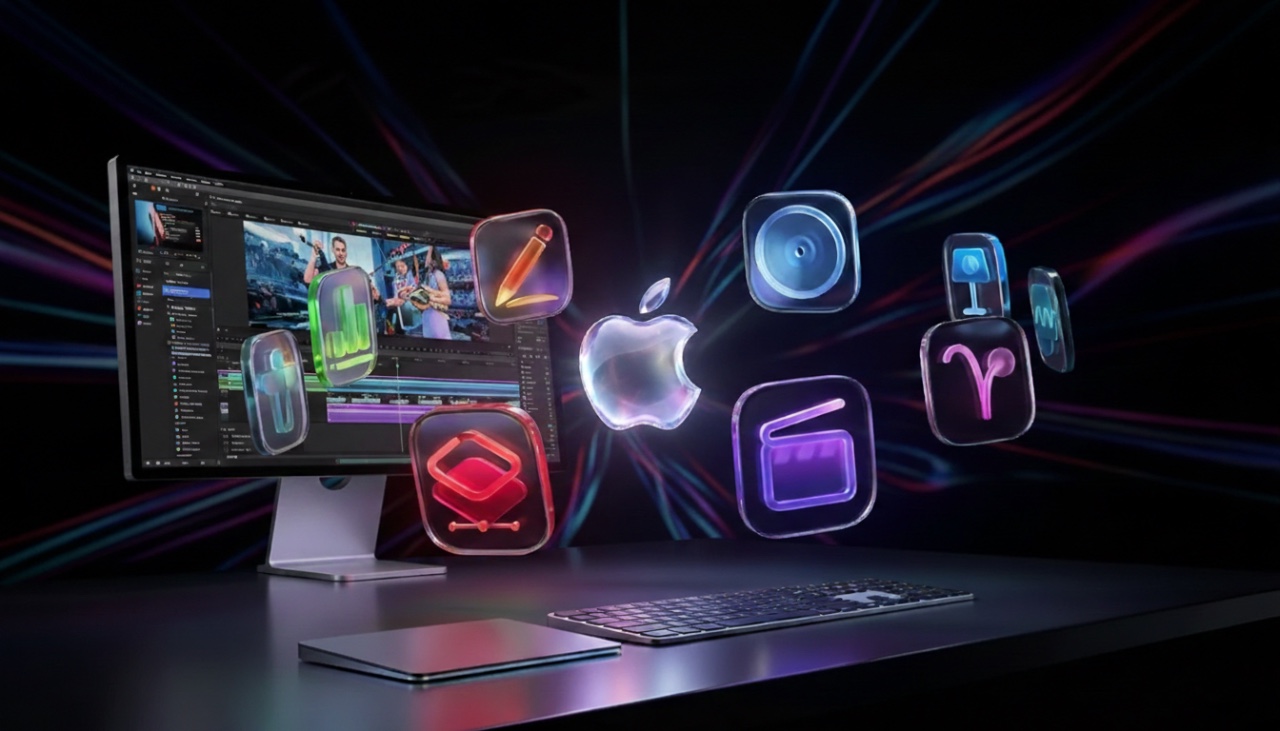
Apple has released the new Apple Creator Studio, a comprehensive suite of creative tools aimed at empowering independent creators. This bundle, available exclusively for Mac and iPad users, integrates enhanced versions of Final Cut Pro, Logic Pro, and other Apple apps, alongside the inclusion of Pixelmator Pro. With its competitive pricing and features tailored for content creation, photo editing, video editing, and music production, the Creator Studio positions itself as a compelling alternative to Adobe Creative Cloud. Let’s explore what makes this offering stand out and how it caters to the needs of modern creators in a new video from Christopher Lawley.

Pixelmator Pro: Simplifying Advanced Photo Editing
Pixelmator Pro is a cornerstone of the Apple Creator Studio, offering professional-grade photo editing tools with seamless integration across Mac and iPad. For the first time, the app achieves full feature parity between devices, allowing users to switch effortlessly between platforms without compromising functionality. By combining the workflows of Lightroom and Photoshop into a single, intuitive app, Pixelmator Pro simplifies complex editing tasks while maintaining high-quality results.
Key features include:
- Smart masking: Create precise selections with minimal effort, saving time on intricate edits.
- Auto-enhance tools: Instantly optimize image quality with a single click.
- De-noise functionality: Reduce noise and enhance clarity for sharper visuals.
- Retouching tools: Perform professional-grade edits, from blemish removal to color adjustments.
Additionally, Pixelmator Pro includes built-in design templates, making it an excellent choice for branding, social media projects, and quick graphic design tasks. However, it is not intended for managing extensive photo libraries. For such needs, Apple recommends Photomator, a dedicated app designed for photo organization and cataloging.
Final Cut Pro: Enhancing Video Editing Efficiency
Final Cut Pro has received significant updates to streamline video editing workflows, catering to creators who prioritize speed, precision, and flexibility. These updates introduce innovative tools such as transcript search and visual search, allowing users to locate specific clips or dialogue quickly, thereby reducing editing time.
Other notable features include:
- Beat detection: Automatically sync edits to the rhythm of music tracks for seamless transitions.
- Dynamic titles and customizable graphics: Add polished, professional visuals to your projects.
- Montage Maker: A feature designed specifically for iPad users to create engaging video sequences effortlessly.
- Support for multiple timelines: Manage complex projects with ease by organizing edits across different timelines.
- Background export: Render videos while continuing to work on other tasks, improving overall productivity.
These enhancements make Final Cut Pro a versatile tool suitable for casual creators, semi-professional editors, and anyone looking to produce high-quality video content efficiently.
Logic Pro: Expanding Audio Production Capabilities
Logic Pro continues to be a powerful platform for music production, mixing, and mastering, and its latest updates further enhance its appeal to independent musicians and podcasters. The introduction of new synthetic audio tools broadens creative possibilities, allowing users to experiment with innovative soundscapes and effects.
While Apple has not disclosed extensive details about these new tools, Logic Pro remains a robust solution for audio creators. Its intuitive interface, combined with advanced features, ensures that both beginners and experienced producers can achieve professional results.
Productivity Apps: Pages, Keynote, and Numbers
Apple’s productivity suite—Pages, Keynote, and Numbers—has also been upgraded for Creator Studio subscribers, offering exclusive templates and access to a content hub filled with photos, graphics, and super-resolution tools. These updates enhance the versatility of these apps, making them valuable assets for creators managing diverse projects.
Keynote, in particular, introduces a new slide generation feature that allows users to create presentations directly from notes. This functionality streamlines the design process, allowing creators to focus on content rather than formatting. These enhancements make Apple’s productivity apps more adaptable for creators juggling tasks such as writing, presenting, and data analysis.
Freeform: Collaboration and Creativity
Apple has teased upcoming Creator Studio-exclusive features for the Freeform app, designed to enhance collaboration and brainstorming. While specific details remain limited, these updates are expected to make it easier for creative teams to work together, share ideas, and develop projects in real time. This focus on collaboration underscores Apple’s commitment to supporting both individual creators and small creative teams.
Pricing: Accessible for Independent Creators
The Apple Creator Studio is priced at $12.99 per month or $129 annually, with a discounted rate of $3 per month or $30 per year for students. New users can take advantage of a one-month free trial, while those purchasing a new Mac or iPad receive three months free.
This pricing structure makes the Creator Studio an attractive option for independent creators seeking professional-grade tools without the high costs associated with competing software bundles. By offering a subscription model that balances affordability and value, Apple ensures that its tools remain accessible to a wide range of users.
Designed for Independent Creators
Apple’s Creator Studio is tailored to meet the needs of independent creators, including YouTubers, TikTokers, podcasters, and small creative teams. Its focus on affordability, ease of use, and seamless integration across Mac and iPad ensures a smooth and efficient workflow for casual and semi-professional creators alike. By achieving feature parity between devices, Apple has made it easier than ever for creators to work on the go without sacrificing functionality.
The Apple Creator Studio represents a thoughtful approach to creative software, offering a robust suite of tools that empower users to bring their ideas to life. Whether you’re editing photos, producing videos, or composing music, this bundle provides the resources needed to create high-quality content efficiently and effectively.
Unlock more potential in Apple Creator Studio by reading the previous articles we have written.
- Apple Creator Studio : Features, Pricing, and Is It Worth It?
- Apple Experience Event: New MacBooks and Creator Studio
- Apple’s Exclusive LA Event: M5 MacBook Pros
- iOS 26.3 Early Release: Everything You Need to Know
- Apple Pro Display XDR 2 Rumors: Features, Specs, and More
Source: Christopher Lawley
Disclosure: Some of our articles include affiliate links. If you buy something through one of these links, Geeky Gadgets may earn an affiliate commission. Learn about our Disclosure Policy.
