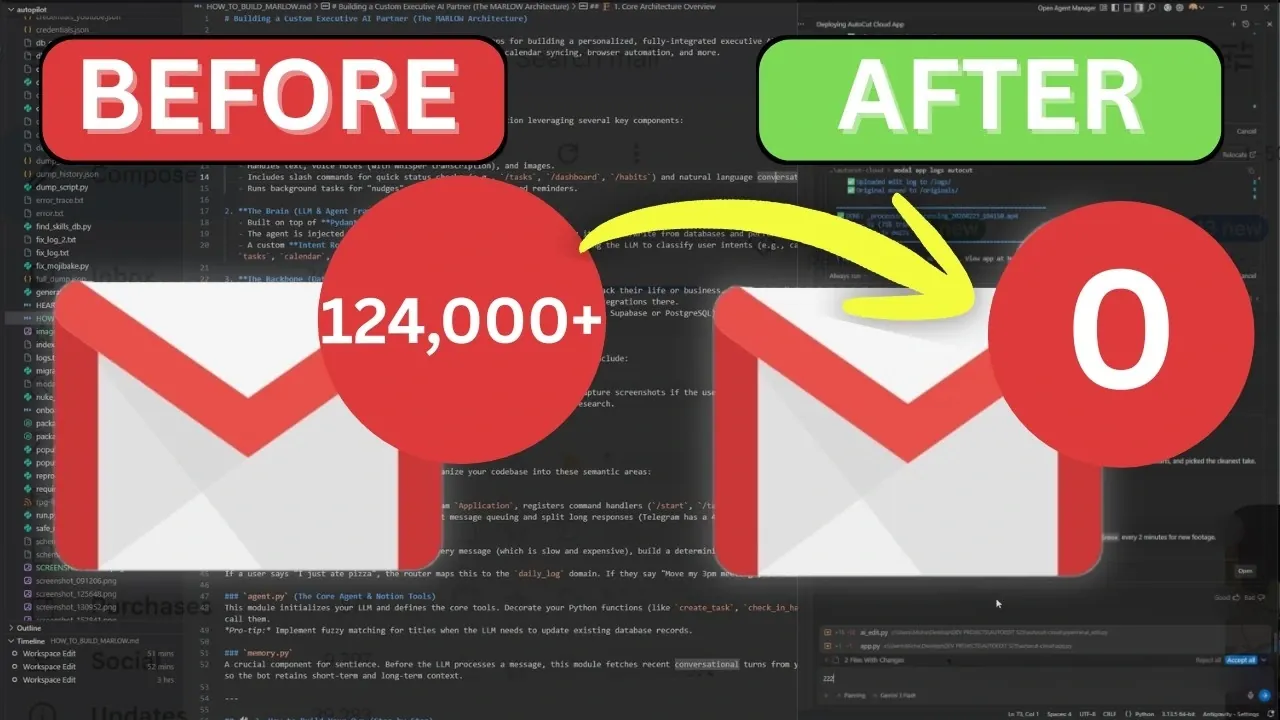
Managing an inbox with 124,000 unread emails may seem like an insurmountable task, but Eric Michaud demonstrates how AI-powered solutions can simplify the process. By using Google Antigravity and Open Router, this approach combines automation with a structured workflow to tackle even the most chaotic inboxes. The method includes three distinct phases: bulk deletion to remove outdated or irrelevant messages, sorting emails by sender domains for better categorization and using AI models like Claude Haiku 4.5 to classify emails into actionable groups. This step-by-step system ensures not only a cleaner inbox but also a sustainable way to maintain organization over time.
In this quick-start guide, you’ll learn how to set up and implement this AI-driven email management system. Key takeaways include how to securely connect your Gmail account using OAuth2 authentication, configure Open Router for precise email classification and fine-tune filters to optimize results. You’ll also discover how to test the process with a dry run and schedule the script for ongoing maintenance. By the end, you’ll have a clear framework to regain control over your inbox and keep it organized effortlessly.
AI-Powered Inbox Decluttering
TL;DR Key Takeaways :
- AI tools like Google Antigravity and Open Router provide automated solutions for decluttering and managing large email inboxes effectively.
- The process involves a three-phase approach: bulk deletion of unnecessary emails, sorting by sender domains and AI-powered classification into actionable categories.
- Implementing the system requires setting up Google Antigravity, authenticating Gmail access via OAuth2 and integrating AI models like Claude Haiku 4.5 for email categorization.
- In a test case, over 96,000 emails were processed, with 94,000 archived and the rest sorted into manageable categories, showcasing the system’s efficiency and scalability.
- Long-term inbox organization is achieved through automation, consistent scheduling and adapting the system to evolving email habits, making sure sustained productivity and clarity.
The Challenge: A Bloated Inbox
A cluttered inbox is more than an inconvenience, it’s a productivity roadblock. With thousands of unread messages, locating important emails becomes a tedious and time-consuming task. Older emails mix with newer ones, making it difficult to prioritize or act on critical information. Common solutions, such as deleting everything or starting fresh with a new email account, often result in lost data and a recurrence of the same problem. To address this issue comprehensively, a smarter, automated approach is essential. By combining AI technology with proven email management strategies, you can achieve a cleaner, more functional inbox.
The Solution: Harnessing AI for Inbox Management
AI tools like Google Antigravity, a coding assistant and Open Router, an AI integration platform, provide a powerful framework for decluttering and organizing your inbox. These tools automate the sorting and categorization of emails, allowing you to focus on what truly matters while eliminating unnecessary clutter. The process involves writing a Python script to connect to Gmail using OAuth2 authentication and systematically processing emails in three distinct phases. This structured approach ensures that your inbox is not only cleaned but also remains manageable over time.

Explore further guides and articles from our vast library that you may find relevant to your interests in Google Antigravity.
- 7 Awesome Antigravity Features That Give Vibe Coders the Edge
- Google Antigravity IDE Gemini 3 & Browser Control Guide 2026
- Debug Faster with Google Antigravity and Parallel Agent Support
- Antigravity vs Cursor vs Windsurf : Autonomy, Costs & Limits Compared
- Google Antigravity & Stitch Guide to Code-Free Full-Stack Apps
- Google Antigravity Guide for AI Workflows
- Antigravity 3 Guide: New Skills, Weekly Quotas, Ultra Plan Notes
- Google AI Studio & Antigravity Integration for Faster Agent Workflows
- Use Antigravity Agents for Coding, Research and Email Tasks
- Google Antigravity: AI Design, Testing & Task Management
The Three-Phase Approach to Email Sorting
Breaking the task into manageable phases ensures clarity and efficiency. Here’s how the process unfolds:
- Phase 1: Bulk Deletion
Begin by identifying and removing spam, promotional emails and messages older than six months. This initial cleanup eliminates a significant portion of your inbox, creating a foundation for further organization. - Phase 2: Sorting by Sender Domains
Group emails by sender domains to identify patterns and categorize messages. This step helps streamline the organization process, although it can be skipped if it adds unnecessary complexity. - Phase 3: AI-Powered Classification
Use AI models like Claude Haiku 4.5 to classify emails into actionable categories such as “Needs Reply,” “Needs Action,” or “FYI.” This ensures that high-priority messages are addressed promptly while informational emails are archived for future reference.
Step-by-Step Implementation
To implement this AI-driven email management system, follow these steps:
- Install Google Antigravity: Set up Google Antigravity to assist with Python scripting and API integration.
- Authenticate Gmail Access: Use OAuth2 to securely connect your script to Gmail. Obtain API credentials and configure the necessary permissions.
- Integrate Open Router: Configure Open Router to enable AI-based email classification. Select an AI model, such as Claude Haiku 4.5, for accurate categorization.
- Conduct a Dry Run: Test the script without making changes to your inbox. This allows you to identify potential issues and refine the process.
- Fine-Tune Parameters: Adjust filters, such as time ranges or sender domains, to optimize the sorting and categorization process.
Results: A Cleaner, More Manageable Inbox
When executed correctly, this approach delivers remarkable results. In one test, over 96,000 emails were processed, with 94,000 archived and the remaining messages sorted into actionable categories. By focusing on simplicity and eliminating unnecessary labels, the system becomes easier to maintain. Once finalized, the script can be scheduled to run periodically, making sure that your inbox remains organized and clutter-free.
Making sure Long-Term Inbox Organization
Maintaining an organized inbox requires both automation and consistency. By scheduling the script to run daily or weekly, you can prevent clutter from building up again. Additionally, filtering out unnecessary notifications and prioritizing relevant emails helps reduce distractions and improve overall productivity. Over time, the system adapts to your email habits, providing a sustainable solution that evolves with your needs.
Why This Approach Works
Adopting an AI-driven email management strategy offers several tangible benefits:
- Efficiency: Automating repetitive tasks saves time and effort, allowing you to focus on more important activities.
- Clarity: A streamlined inbox makes it easier to locate and act on critical messages.
- Scalability: The system adapts to your evolving email needs, making sure long-term usability and effectiveness.
By using tools like Google Antigravity and Open Router, you can transform an overwhelming inbox into a well-organized communication hub. With AI handling the heavy lifting, managing 124,000 unread emails becomes not only achievable but also straightforward. This method enables you to take control of your digital space, enhancing both productivity and peace of mind.
Media Credit: Eric Michaud
Disclosure: Some of our articles include affiliate links. If you buy something through one of these links, Geeky Gadgets may earn an affiliate commission. Learn about our Disclosure Policy.
