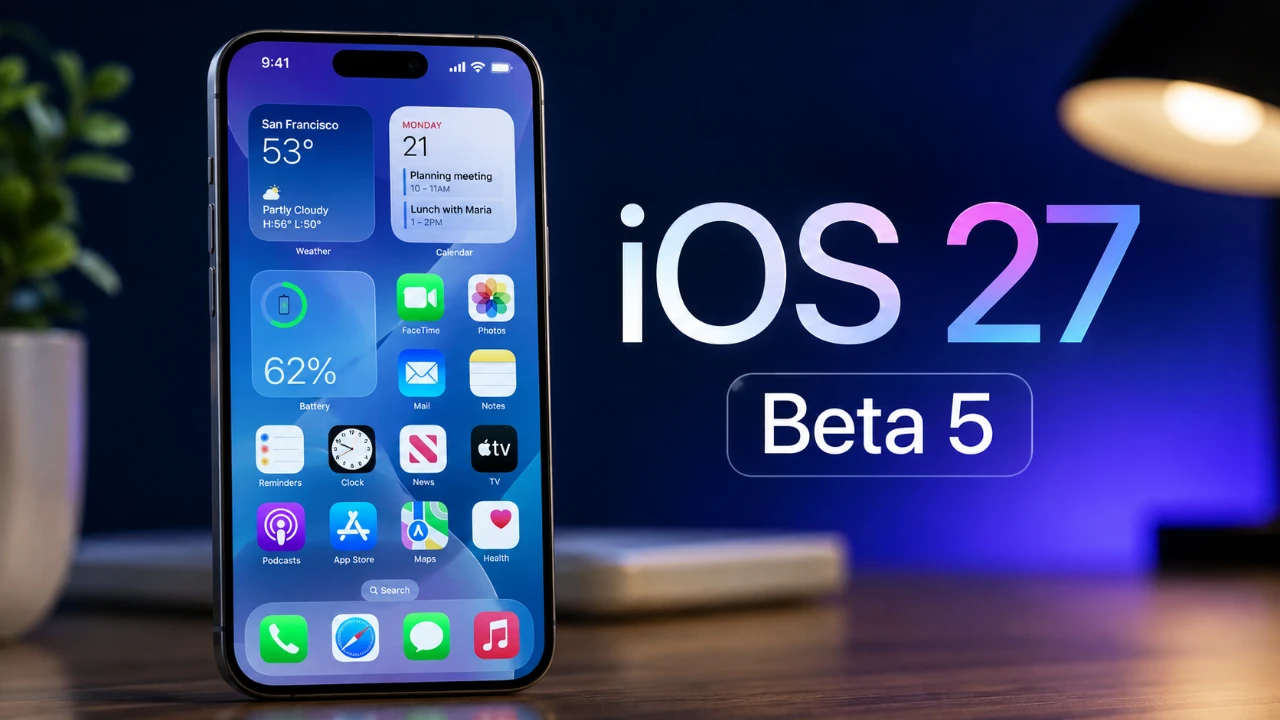
The release of iOS 27 developer beta 5 brings a host of updates that go beyond the usual bug fixes and performance enhancements. With redesigned app icons, expanded Siri customization options, smarter Spotlight search, and updated splash screens, this beta reflects Apple’s ongoing commitment to refining the user experience. While the focus remains on optimization, the update introduces subtle yet impactful changes that enhance functionality and usability. The video below from 9 to 5 Mac gives us more details on the new iOS 27 beta 5.

Key Update Details
This beta update is substantial, requiring approximately 17 GB of storage space for installation. Its build number, 24A5408D, indicates that the software is nearing its final version as Apple prepares for the public release. Currently available to developers and testers, the beta provides an early glimpse into the features and improvements that will be included in the official rollout. This update not only addresses performance but also introduces visual and functional refinements that aim to elevate the overall user experience.
Redesigned App Icons
One of the most noticeable changes in iOS 27 beta 5 is the redesign of several app icons. Apps such as Siri, Preview, Safari, Remote and Settings now feature a flatter, glassy aesthetic. This updated design aligns with Apple’s evolving visual language, offering a more modern and cohesive interface while maintaining the brand’s signature simplicity. These subtle visual tweaks enhance the overall look and feel of the operating system, making sure it remains fresh and contemporary.
Enhanced Siri Customization
Siri sees significant updates in this beta, particularly in terms of personalization. Users can now adjust Siri’s expressivity and speaking pace when using the British accent, allowing for a more tailored interaction. Additionally, accents introduced in earlier betas, such as Australian, Indian, Irish and South African, remain available, further broadening Siri’s global accessibility. These updates make Siri more versatile and adaptable, catering to a wider range of user preferences and enhancing its usability across different regions.
Spotlight Search Gets Smarter
Spotlight search receives functional upgrades designed to improve usability and customization. Users can now adjust the number of suggested apps displayed, with options to show four, eight, or none. Additionally, the ability to enable app shortcuts or recent searches adds a layer of personalization, making Spotlight more intuitive and aligned with individual preferences. These enhancements streamline the search process, making sure quicker access to frequently used apps and features.
Updated Splash Screens
Several apps, including Shortcuts, Apple Music, Apple TV and Calendar, now feature updated splash screens. These screens provide a brief overview of key features, such as unified automations in Shortcuts, concert integration in Apple Music and enhanced audio capabilities in Apple TV. By highlighting new or improved functionalities, these splash screens serve as helpful introductions for users exploring the latest updates. This approach ensures that users can quickly familiarize themselves with the most relevant changes.
Performance Optimizations and Bug Fixes
Performance improvements remain a cornerstone of this update. Siri and Spotlight search indexing have been fine-tuned, resulting in faster and more accurate responses. Additionally, the beta resolves the phantom icon issue, a bug that caused ghost icons to appear on the home screen. These fixes contribute to a smoother and more reliable user experience, addressing some of the lingering issues from previous versions. The focus on optimization ensures that the system runs efficiently, even on older devices.
Battery Life: A Work in Progress
Battery performance continues to be an area of focus in iOS 27 beta 5. While minor gains in efficiency have been observed, the update does not yet deliver significant improvements in battery life, particularly for heavy users. This suggests that Apple is still working to optimize power consumption, likely addressing this in subsequent updates. For now, users may notice slight improvements, but further refinements are expected as the software approaches its final release.
Release Timeline
The public release of iOS 27 is anticipated to coincide with Apple’s annual iPhone event, which is likely to occur on or after September 9th. This timeline aligns with Apple’s typical release schedule, providing developers and testers with sufficient time to identify and resolve any remaining issues. As the beta progresses, Apple continues to refine the software, making sure a polished and stable experience for the official launch.
What to Expect Moving Forward
iOS 27 beta 5 strikes a balance between refinement and minor feature enhancements. From redesigned app icons to expanded Siri customization and smarter Spotlight search, the update focuses on polishing the user experience. Performance optimizations and bug fixes take center stage, addressing key areas of concern while laying the groundwork for a cohesive and user-friendly final release. As Apple approaches the public launch, this beta serves as a solid foundation, offering a glimpse into the improvements and innovations users can expect in the near future.
Find more information on iOS 27 beta 5 by browsing our extensive range of articles, guides and tutorials.
- Apple Delaying iOS 27 Beta 5? Here’s When to Expect the Next Update
- New iOS 27 Beta 5 Release Arrives with a Big Shift Coming
- iOS 27 Beta 5 Is Late: What’s Holding Up Apple’s Next Release?
- The iOS 27 Beta 5 Release Imminent with More New Features
- Apple iOS 27 Beta 5 Preview: a Look at the Next Release
Source & Image Credit: 9to5Mac
Disclosure: Some of our articles include affiliate links. If you buy something through one of these links, Geeky Gadgets may earn an affiliate commission. Learn about our Disclosure Policy.
