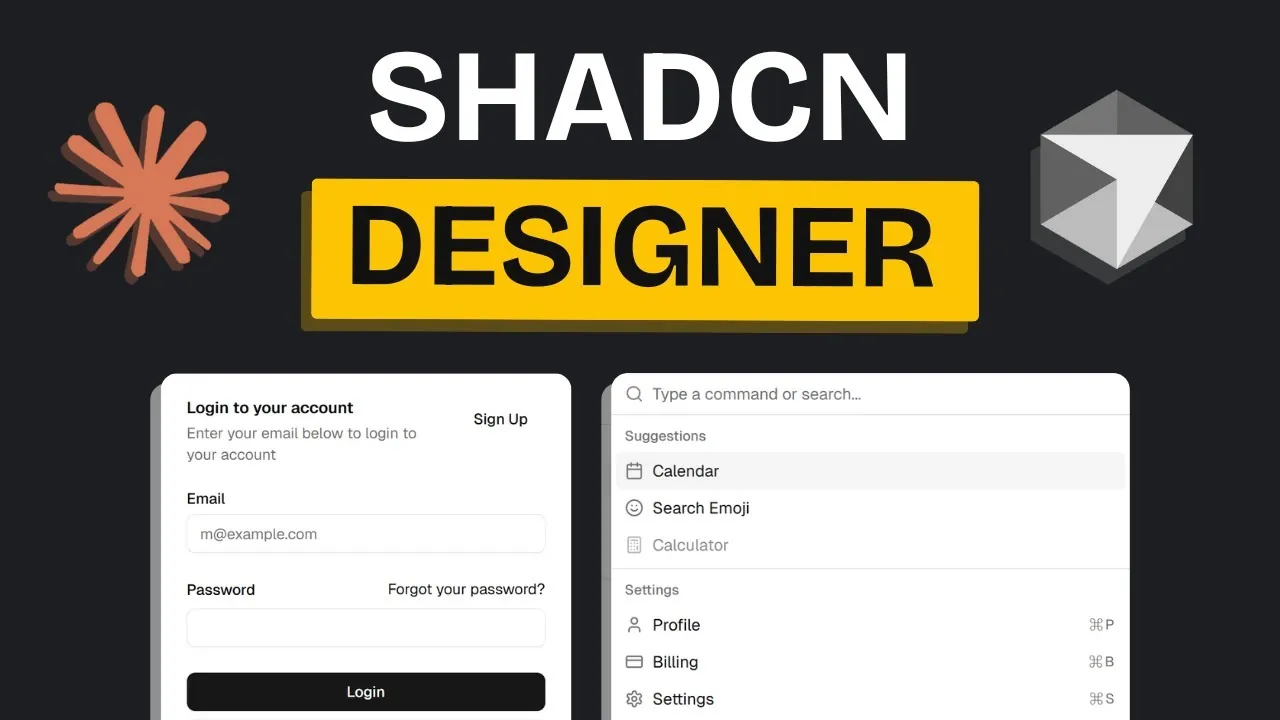
Have you ever wondered what it takes to build an AI agent that doesn’t just function but truly excels in delivering seamless user experiences? Enter the ShadCN MCP server, a innovative tool that’s redefining how developers approach AI-driven projects. From its ability to integrate components from public registries to its streamlined customization options, this server offers a robust foundation for crafting intelligent, scalable applications. But here’s the catch: while its potential is immense, unlocking it requires a clear, efficient workflow and a strategic approach to component integration. If you’ve been searching for a way to simplify complex development processes while maximizing innovation, you’re in the right place.
In this overview by AI Labs you’ll discover a step-by-step guide to creating your own AI ShadCN Agent. You’ll learn how to harness the server’s modular design, adopt lightweight tools for quick adjustments, and refine your user interface for maximum impact. Whether you’re building a small prototype or a full-scale enterprise solution, this workflow will empower you to tackle challenges like registry compatibility and layout organization with confidence. By the end, you’ll not only have a functional agent but also a deeper understanding of how to build smarter, more efficient AI solutions. Let’s explore how to turn complexity into clarity, one component at a time.
Key Features of the ShadCN MCPs
TL;DR Key Takeaways :
- The ShadCN MCP server enhances AI-driven development by providing seamless access to public registries, simplifying the integration of components, and supporting projects of varying scales.
- Developers are encouraged to adopt a modular workflow, use lightweight tools for quick fixes, and prioritize context management to streamline their development process.
- Effective integration of components involves searching public registries, iterative testing, and resolving compatibility issues to ensure smooth functionality.
- Prototyping and UI design are critical for refining applications, with a focus on creating accurate prototypes, enhancing visual design, and aligning with project objectives.
- The ShadCN MCP server is versatile, supporting real-world applications such as productivity tools, enterprise solutions, and custom AI-driven tools tailored to specific needs.
The ShadCN MCPs introduce several enhancements that make it a valuable tool for developers. Its standout features include:
- Access to public registries: Developers can explore a wide array of components suitable for diverse projects, making sure flexibility and scalability.
- Customizable installation process: The server offers a simplified setup with options for tailored configurations to meet specific project requirements.
- Support for varied project scales: Whether you’re working on small prototypes or complex AI-powered applications, the server adapts to your needs.
These features establish a robust foundation for efficient development, allowing developers to focus on innovation and functionality.
Building an Efficient Workflow
To maximize the potential of the ShadCN MCP server, it is essential to establish a clear and efficient workflow. Consider the following steps:
- Adopt a modular approach: Break your project into smaller, manageable tasks. Analyze each task’s requirements and identify the most suitable components to address them.
- Use lightweight tools: For minor adjustments or quick fixes, use tools like the “express agent” to avoid unnecessary complexity.
- Prioritize context management: Maintain clean workflows by avoiding redundant components and making sure that each element serves a clear purpose.
This structured approach ensures that your development process remains organized, adaptable, and efficient.
How to Build an AI Agent with ShadCN Components

Take a look at other insightful guides from our broad collection that might capture your interest in MCP servers.
- How MCP and Gemini CLI Enhance AI Workflow Efficiency
- Say Goodbye to Complex MCP Setups with This Free AI Toolkit
- How MCP Automates AI Management for Faster, Smarter Results
- How to Set Up MCP Servers Using Gemini 2.5 Pro
- MCP is Changing AI Automation Forever
- Easy Claude Code ChatGPT 5 MCP Server Setup
- 5 Awesome Claude Code MCP Servers for Workflow Optimization
- What is MCP? The New AI Integration Standard Explained
- Why MCP is the Next Big Thing in AI-Driven Innovation
- Discover the Future of Gaming with AI-Powered MCP Servers
Integrating Components Effectively
One of the most powerful features of the ShadCN MCP server is its ability to integrate components from public registries. To do this effectively, follow these steps:
- Search and evaluate: Explore popular sources such as Aceternity UI to find components that align with your project’s design and functionality requirements.
- Test iteratively: Before fully integrating a component, conduct thorough testing to ensure compatibility and proper functionality within your project.
- Resolve potential issues: Address challenges such as non-functional or improperly formatted registries by refining your approach and making necessary adjustments.
By adopting an iterative process, you can minimize errors and ensure seamless integration of components into your project.
Prototyping and User Interface Design
Prototyping plays a critical role in visualizing and refining your application. A well-executed prototype can identify potential issues and improve the overall user experience. Here’s how to approach this step:
- Develop accurate prototypes: Use prototyping tools to create detailed representations of your application, allowing you to identify and address potential problems early in the development process.
- Enhance visual design: Incorporate themes like TweakCN to create layouts that are both functional and visually appealing, making sure a polished user interface.
- Align with project objectives: Ensure that your design choices support the overall goals of your application, balancing aesthetics with functionality.
This process not only enhances the user experience but also keeps your project aligned with its intended purpose.
Addressing Development Challenges
While the ShadCN MCP server simplifies many aspects of development, challenges may still arise. Common issues include:
- Registry compatibility: Some public registries may not function as expected, requiring additional testing and adjustments to ensure proper integration.
- Layout organization: Maintaining a clean and intuitive layout can be challenging but is essential for creating a user-friendly interface.
By focusing on iterative testing and refining your workflow, you can effectively overcome these challenges and maintain a smooth development process.
Applications in Real-World Projects
The workflow and tools provided by the ShadCN MCP server are versatile and can be applied to a wide range of AI-powered projects. Examples include:
- Development of productivity tools: Create applications like GitHub issue solvers or pull request platforms to streamline collaborative workflows.
- Enterprise solutions: Build scalable and efficient applications tailored to the needs of businesses and organizations.
- Custom AI-driven tools: Design personalized solutions for specific professional or personal use cases, using the flexibility of the ShadCN MCP server.
By tailoring your workflow and using the server’s resources, you can develop innovative solutions that address unique challenges and requirements.
Media Credit: AI LABS
Disclosure: Some of our articles include affiliate links. If you buy something through one of these links, Geeky Gadgets may earn an affiliate commission. Learn about our Disclosure Policy.
