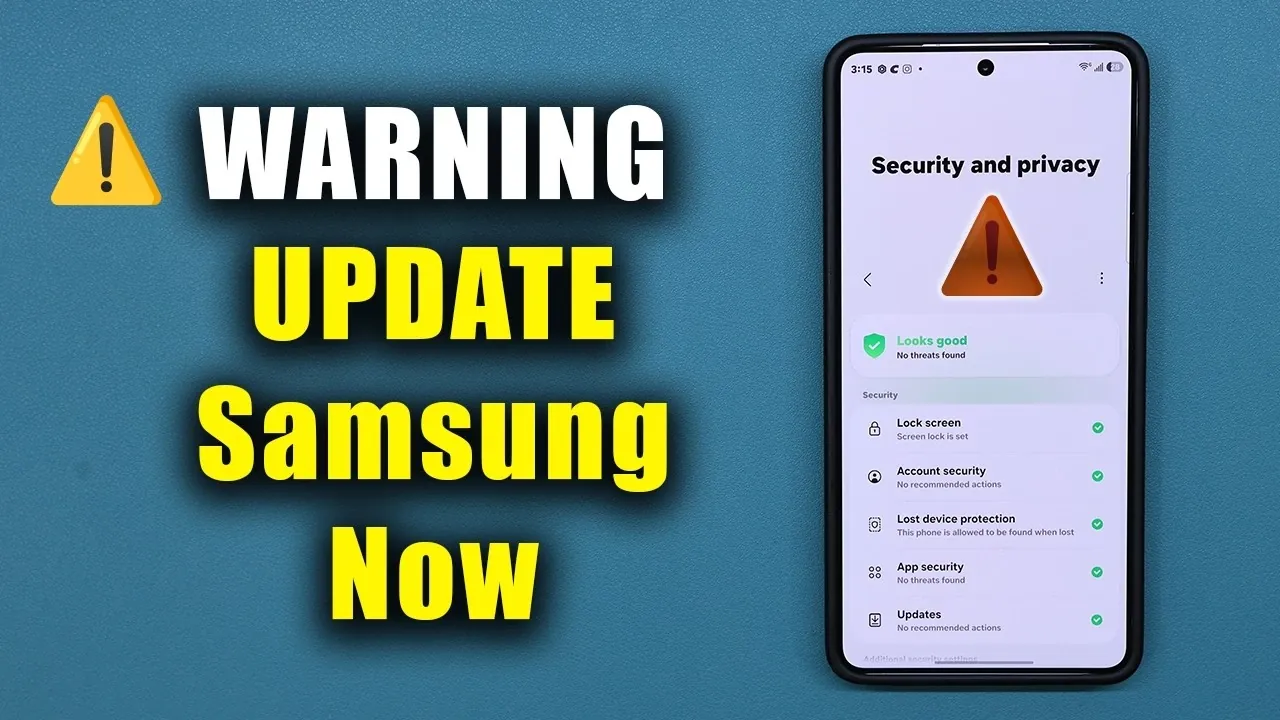
Samsung has released an urgent security update for millions of Galaxy smartphones to address a critical Android vulnerability. This flaw, identified by Google, allows hackers to remotely exploit devices without requiring any user interaction, creating a significant security risk. If you own a Galaxy device, it is crucial to install the May security patch immediately to safeguard your data and maintain your device’s security. The video below from Sakitech gives us more details.

Understanding the Severity of the Vulnerability
This vulnerability is particularly alarming because it enables attackers to execute malicious code on your device remotely. Unlike many other exploits, this one does not require any action on your part; there is no need to click on links, download files, or grant permissions. Hackers can bypass existing security measures and compromise your phone silently. Samsung’s swift response underscores the gravity of this issue, emphasizing the importance of addressing it without delay.
Which Galaxy Devices Are Affected?
The vulnerability impacts a wide range of Galaxy models, including the flagship Galaxy S25, S24 and S23 series. However, it is not limited to these devices. Other Galaxy models, including mid-range and older devices, may also be at risk. Samsung has ensured the update is available globally to protect all affected devices. To determine whether your device is impacted, it is essential to check for updates regardless of your phone’s model or release year.
Details of the May Security Patch
The May security patch, labeled version AZE1, is specifically designed to address this critical vulnerability. It includes two primary updates:
- A targeted patch to resolve the remote code execution exploit.
- General security enhancements to bolster device protection.
The update file is approximately 544 MB in size. Before downloading, ensure your device has sufficient storage space and a stable internet connection. Additionally, the patch includes minor system stability improvements, contributing to better overall device performance.
Steps to Install the Update
To secure your Galaxy device, follow these steps to install the May security patch:
- Open your device’s Settings menu.
- Navigate to Software Update.
- Select Check for Updates.
- If an update is available, download and install it.
- Restart your device to complete the installation process.
This straightforward process ensures your phone is protected from the identified vulnerabilities and remains secure.
Additional Measures to Strengthen Device Security
While installing the May security patch is a critical step, there are additional measures you can take to enhance your device’s security:
- Keep your Google Play system updates up to date. These updates provide essential security fixes for Android devices.
- Regularly review your device’s Privacy and Security settings for any additional updates or recommendations.
- Enable automatic updates to ensure you receive future patches promptly.
- Download apps only from trusted sources, such as the Google Play Store, to minimize exposure to malicious software.
By adopting these proactive measures, you can further reduce the risk of exploitation and protect your personal data.
Performance and Stability Enhancements
In addition to addressing the critical vulnerability, the May security patch includes minor updates aimed at improving system stability and performance. These enhancements, while subtle, contribute to a smoother and more reliable user experience. Regular updates like this one are essential for maintaining your device’s functionality, optimizing its performance and extending its overall lifespan.
The Importance of Immediate Action
The urgency of this update cannot be overstated. The remote code execution vulnerability represents a serious threat that could leave your device exposed to cyberattacks. By installing the May security patch, you take a critical step to protect your phone and personal data. Delaying the update increases the risk of exploitation, making it imperative to act now. Ensure your Galaxy device remains secure, functional and protected by prioritizing this update today.
Uncover more insights about Samsung Galaxy security update in previous articles we have written.
- URGENT: Update Your Samsung Phone NOW for Critical Security Fix!
- Urgent Security Update for Your Samsung Galaxy: Install NOW!
Source & Image Credit: sakitech
Disclosure: Some of our articles include affiliate links. If you buy something through one of these links, Geeky Gadgets may earn an affiliate commission. Learn about our Disclosure Policy.
