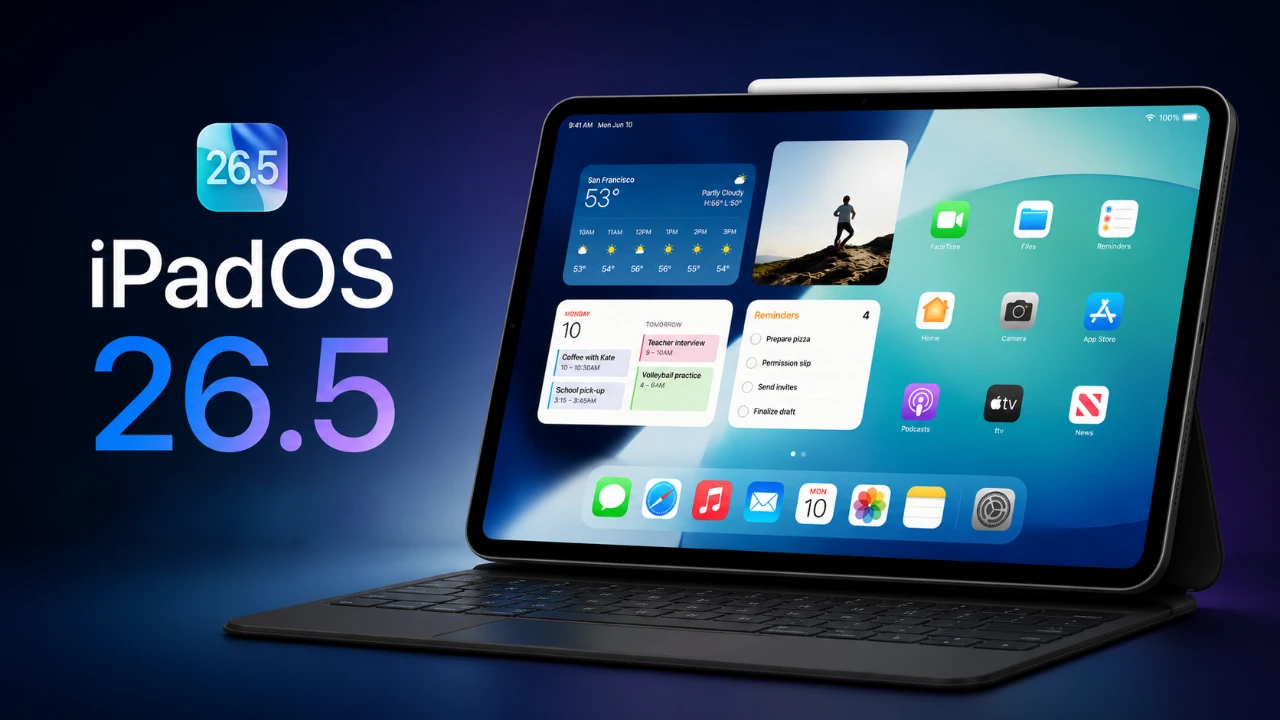
iPadOS 26.5 brings a robust set of updates aimed at enhancing the overall iPad experience. This mid-cycle release goes beyond routine bug fixes, focusing on improved customization, app functionality, and seamless accessory integration. Whether your iPad serves as a tool for work, creativity, or leisure, these updates are designed to make the device more versatile, intuitive, and user-friendly. The video below from 9 to 5 Mac gives us a look at the new features in iPadOS 26.5.

Key Features at a Glance
iPadOS 26.5 introduces several noteworthy features that elevate the iPad experience:
- Expanded wallpaper customization options
- Privacy-conscious updates to Apple Maps
- Flexible subscription billing for apps
- Enhanced task management in the Reminders app
- Improved accessory integration
- New keyboard language support
- Battery performance insights
Each of these features has been carefully designed to address user needs while maintaining Apple’s focus on privacy, accessibility and innovation. Let’s explore these updates in greater detail.
Enhanced Wallpaper Customization
iPadOS 26.5 introduces new ways to personalize your iPad’s appearance, making it easier than ever to reflect your unique style. The update includes dynamic Luminance Pride wallpapers with shimmer effects, adding a vibrant and modern aesthetic to your home screen. Additionally, you can now customize wallpaper colors with up to six options, allowing for a higher degree of personalization. These enhancements not only improve the visual appeal of your device but also signal Apple’s ongoing commitment to expanding customization options in future updates.
Apple Maps: Privacy-Focused Enhancements
Apple Maps receives significant updates in iPadOS 26.5, prioritizing both functionality and user privacy. The introduction of local ads tailored to your approximate location and search terms provides relevant suggestions without compromising your personal data. Apple ensures that these ads are not linked to your Apple ID, reinforcing its dedication to data protection. In addition to privacy-conscious advertising, the update includes improved visuals and suggested places, making navigation smoother and more intuitive for users.
Flexible Subscription Billing Options
Managing app subscriptions becomes more flexible with iPadOS 26.5. Developers now have the option to offer annual subscriptions billed monthly, allowing users to spread out payments while committing to a full year of service. This model strikes a balance between affordability and access to premium app features, making it easier for users to manage costs without sacrificing functionality. For developers, this approach provides a more predictable revenue stream while enhancing customer satisfaction.
Reminders App: Smarter Task Management
The Reminders app receives practical updates that make task management more efficient. Users can now set specific snooze options for time-sensitive reminders, offering greater control over their schedules. These enhancements are particularly useful for managing both personal and professional tasks, making sure that you stay organized and productive throughout the day. Whether you’re juggling deadlines or planning personal events, the updated Reminders app is designed to adapt to your needs.
Improved Accessory Integration
Accessory integration takes a significant step forward with iPadOS 26.5. When connecting Apple’s Magic Keyboard or Magic Trackpad, instant Bluetooth pairing is now enabled, eliminating the need for manual setup. This seamless integration enhances the iPad’s versatility, bringing Mac-like functionality to the device. Whether you’re typing documents, editing photos, or navigating your iPad with precision, these improvements make accessory usage more intuitive and efficient.
Expanded Keyboard Language Support
iPadOS 26.5 broadens its accessibility by introducing support for Inuinnaqtun and Latin Inuinnaqtun keyboards. This update reflects Apple’s commitment to inclusivity and cultural representation, making sure that the iPad remains a valuable tool for users worldwide. By catering to a more diverse audience, Apple continues to position the iPad as a globally relevant device.
Battery Performance: What to Expect
Battery performance remains a critical consideration for iPad users and iPadOS 26.5 delivers mixed results depending on usage patterns. For light tasks such as browsing, reading, or note-taking, users can expect 9–11 hours of battery life. However, more demanding activities like video editing or gaming may reduce this to approximately 5 hours on older iPad Pro models. While the update includes some battery optimization improvements, the overall experience will vary based on how the device is used.
Preparing for iOS 27
iPadOS 26.5 serves as a bridge to the upcoming iOS 27, laying the groundwork for future advancements. By refining usability and introducing new features, this update ensures that your iPad is ready for the next wave of innovations, including anticipated improvements to Siri and Apple Intelligence. These updates not only enhance the current user experience but also future-proof your device, keeping it relevant and capable as Apple continues to evolve its ecosystem.
A Thoughtfully Designed Update
iPadOS 26.5 is more than just a routine software update. It represents a carefully curated collection of enhancements that improve customization, functionality and integration. From dynamic wallpapers and privacy-focused ads to seamless accessory pairing and expanded language support, this update addresses key areas that matter to users. At the same time, it sets the stage for future developments, making sure that your iPad remains a powerful and versatile tool for years to come.
Discover other guides from our vast content that could be of interest on iPadOS 26.5.
- iOS & iPadOS 26.5 Beta 1: RCS Encryption Returns and Apple Maps “Suggested Places” Debuts
- Apple Just Released iOS 26.5 Beta 2: What’s New
- iOS 26.5 Beta 4 Released: Top Features Revealed
- iOS 26.5 Release Date Set: When Your iPhone Gets Apple’s Next Big Update
- Hidden Changes in iOS 26.5 Beta 3 You Might Have Missed
Source: 9to5Mac
Disclosure: Some of our articles include affiliate links. If you buy something through one of these links, Geeky Gadgets may earn an affiliate commission. Learn about our Disclosure Policy.
