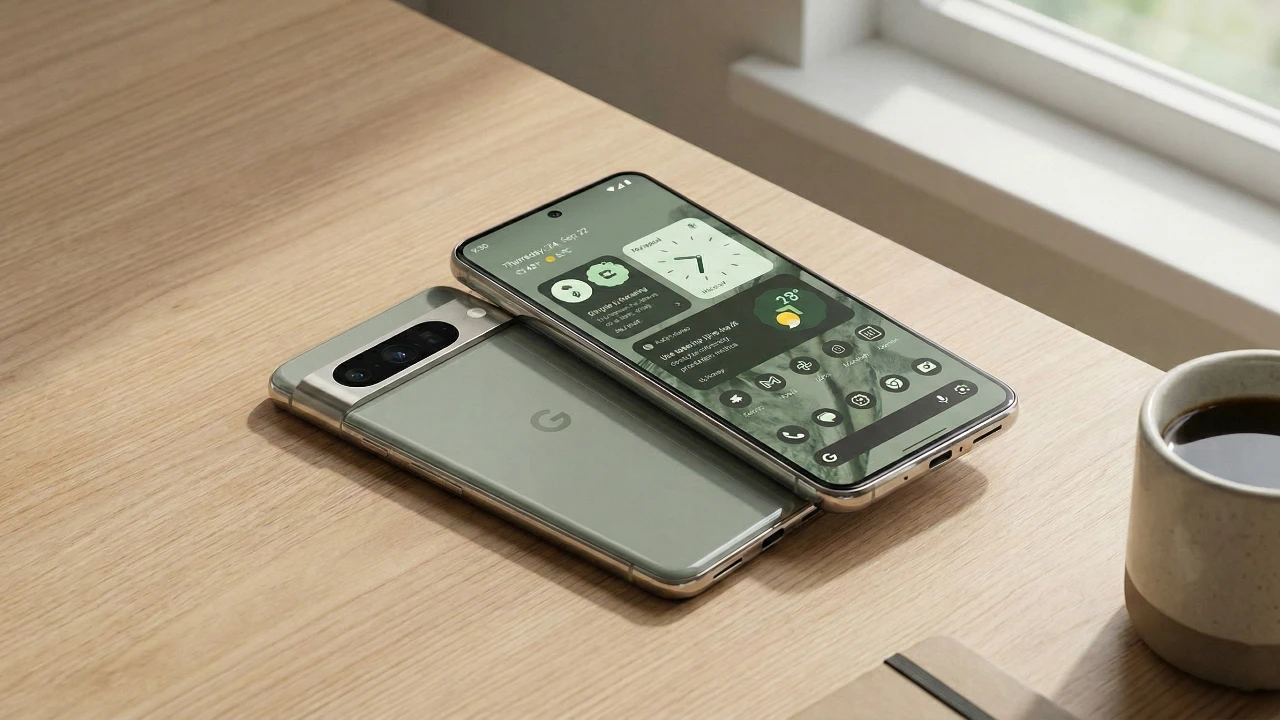
Google Pixel smartphones have established themselves as a unique presence in the highly competitive smartphone market. By offering a suite of exclusive features that emphasize usability, convenience, and innovative functionality, these devices cater to a wide range of user needs. Whether you’re looking for seamless day-to-day performance or advanced tools, the Pixel lineup delivers an intuitive and efficient experience. In the video below, Beebom explores the standout features that set Google Pixel apart from its competitors.

Face Detection Auto-Rotate: Smarter Screen Orientation
Accidental screen rotations can be frustrating, but Google Pixel’s face detection auto-rotate feature eliminates this issue. By using the front-facing camera to detect the orientation of your face, the device ensures that the screen rotates only when necessary. Unlike traditional systems that rely solely on accelerometers or gyroscopes, this intelligent feature adapts to your position, whether you’re lying down, reclining, or holding the phone at an angle. This subtle yet impactful enhancement improves usability, making interactions with your device more comfortable and precise.
Urgent Call Notification: Prioritizing Critical Communication
In emergencies, timely communication is crucial. Google Pixel’s urgent call notification feature ensures that critical calls are never overlooked. When enabled, this function bypasses silent or do-not-disturb modes, alerting the recipient to the urgency of the call. This capability is particularly valuable in time-sensitive situations, offering peace of mind for both the caller and the recipient. By prioritizing essential communication, this feature underscores Google’s commitment to user safety and reliability.
Cross-Platform File Sharing: Bridging the Gap
Sharing files across devices is often a cumbersome process, but the Google Pixel simplifies it with its cross-platform file-sharing feature. Similar to Apple’s AirDrop, this functionality allows seamless transfers between Android and iOS devices. Whether you’re sharing photos, videos, or documents, the process is fast, intuitive, and designed to foster collaboration across ecosystems. This feature is especially useful for users who frequently interact with multiple platforms, bridging the gap between Android and iOS for a more connected experience.
HDR Brightness Control: Tailored Visual Experiences
For users who enjoy HDR content, the Google Pixel offers manual brightness adjustment for HDR videos and images. This feature allows you to fine-tune brightness levels to suit your environment, whether you’re watching a movie in a dimly lit room or viewing photos outdoors in bright sunlight. By allowing personalized control over visual settings, this feature ensures an optimal viewing experience tailored to your preferences and surroundings.
Offline Music Recognition: Now Playing
Google Pixel’s “Now Playing” feature takes music recognition to the next level by functioning offline. The device automatically identifies songs playing in your environment and logs them in a history list for future reference. You can even stream identified tracks directly from the list. This feature combines entertainment with convenience, making sure you never miss a tune—even when you’re without an internet connection. It’s a practical tool for music enthusiasts who value instant recognition and accessibility.
Advanced Recent Menu: Streamlined Content Actions
The advanced recent apps menu on Pixel devices enhances multitasking by offering quick actions directly from the app switcher. Whether you need to share or download an image, perform a reverse search, or interact with content, this feature streamlines the process. By reducing the steps required to complete tasks, it saves time and effort, making it an invaluable tool for users who rely on efficient workflows.
Automated Ringer Mode: Context-Aware Adjustments
Managing sound settings manually can be tedious, but Google Pixel simplifies this with automated ringer adjustments. The device can automatically switch to silent mode when you arrive at work or return to normal settings when you’re home, based on your location or Wi-Fi connections. This context-aware feature ensures that your phone adapts seamlessly to your environment, eliminating the need for constant manual changes and enhancing convenience.
Adaptive Features: Personalized Device Behavior
Google Pixel’s adaptive features go beyond sound management to offer a more personalized user experience. The device adjusts vibration intensity, flashlight brightness, and other settings based on ambient conditions. For example, the flashlight may dim in darker environments to avoid glare, while vibration strength can adapt to ensure notifications are noticeable without being disruptive. These subtle enhancements demonstrate how the Pixel tailors its behavior to your needs, making everyday interactions more intuitive and efficient.
Pixel PIP Widget: Contact Management Simplified
The Pixel PIP (Picture-in-Picture) widget simplifies managing key contacts by centralizing essential functions. This versatile tool enables real-time location sharing, activity suggestions, and quick access to communication options. By streamlining interactions with your most important connections, the widget saves time and effort, making sure that staying connected is both easy and efficient.
Locked Folder Shortcut: Enhanced Photo Security
Privacy is a top priority for many users, and Google Pixel addresses this with its locked folder shortcut. This feature allows you to save photos directly to a secure folder with a simple toggle, making sure that sensitive images remain protected. By offering an intuitive way to safeguard personal content, this feature provides greater control over your data without adding unnecessary complexity to your workflow.
Legacy Unlimited Cloud Storage: A Perk for Early Adopters
Early adopters of the original Google Pixel devices enjoy a unique benefit: unlimited Google Cloud storage for photos and videos in their original quality. This legacy feature remains unmatched by competitors and highlights Google’s dedication to rewarding its loyal user base. For those who value long-term storage solutions, this perk is a significant advantage that underscores the Pixel’s appeal.
Setting a New Standard for Smartphones
Google Pixel smartphones distinguish themselves by offering features that blend thoughtful design with practical functionality. From intelligent screen rotation and offline music recognition to adaptive device behavior and cross-platform file sharing, these innovations enhance everyday experiences. By focusing on user convenience and seamless integration, Google Pixel continues to raise the bar for what a smartphone can achieve. Through its commitment to usability and innovation, the Pixel lineup redefines the role of technology in daily life, proving that the best devices are those that adapt to and anticipate your needs.
Discover other guides from our vast content that could be of interest on Google Pixel Exclusive Features.
- 17 Awesome Google Pixel 9 Pro Features You Need to Know
- Google Pixel 10 Pro XL Specs and Features Revealed
- Google Pixel Watch 4 Leaks: Design, Features, and Release Date
- Google Pixel 10 Pro: Features, Pros, and Cons Explained
- Google Pixel 10 Series: Full Specs, Features, and Pricing
Source: Beebom
Disclosure: Some of our articles include affiliate links. If you buy something through one of these links, Geeky Gadgets may earn an affiliate commission. Learn about our Disclosure Policy.
