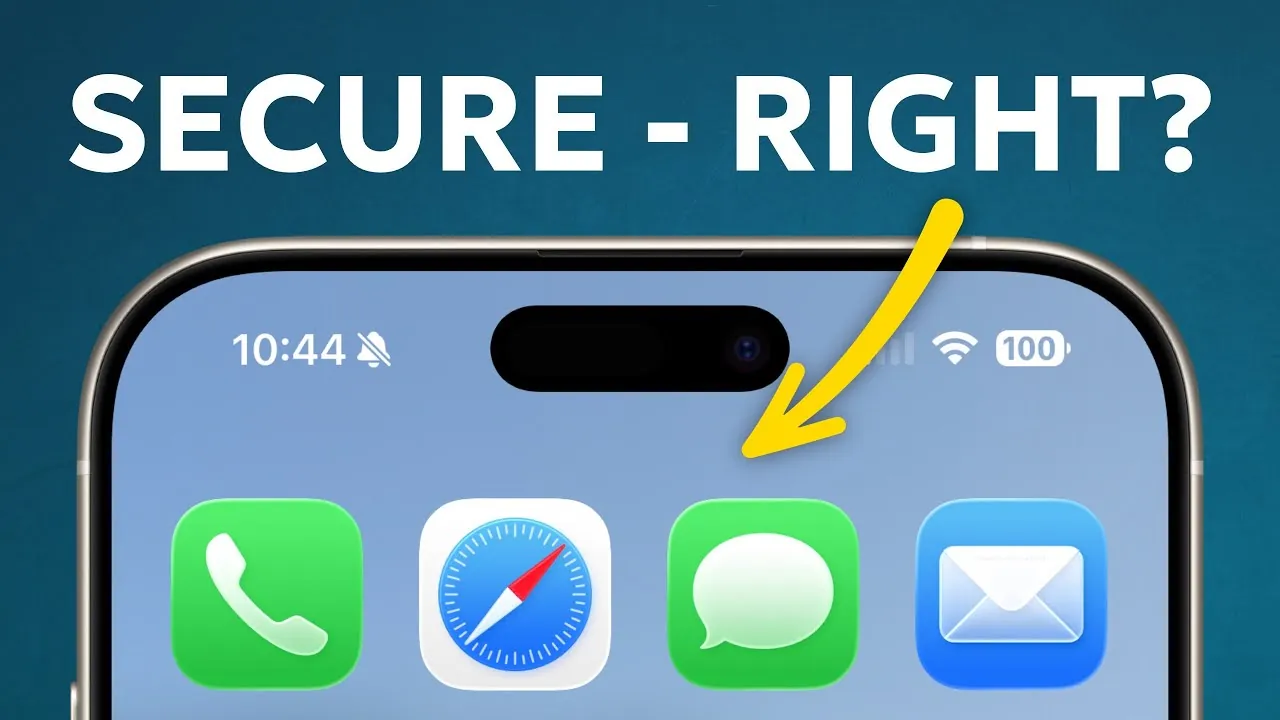
Apple products are often celebrated for their robust security features, but how well do they truly safeguard your personal data? While Apple’s hardware and software are built on a strong security framework, the ever-evolving threat landscape continues to challenge even the most advanced systems. Understanding the strengths and limitations of Apple’s protections, alongside the risks posed by external factors, is essential for maintaining your digital security. By combining Apple’s built-in defenses with informed user practices, you can better protect your sensitive information. The video below from Proper Honest Tech gives us more details.

Apple’s Security Architecture: A Multi-Layered Defense
Apple’s security ecosystem is designed to provide comprehensive protection at every level, integrating hardware and software defenses to safeguard your data. The following key components form the foundation of Apple’s security architecture:
- Secure Enclave: This dedicated hardware module is designed to protect sensitive data such as Face ID, Touch ID, encryption keys, and biometric information. Even if your device is compromised, this data remains isolated and secure.
- Secure Boot Chain: During startup, this feature verifies the integrity of the operating system, making sure that only trusted and authorized software is loaded onto your device.
- App Sandboxing: Applications are isolated from one another, preventing unauthorized access to your personal data or system files and limiting the potential damage caused by malicious apps.
- Gatekeeper and Notarization: Gatekeeper blocks untrusted apps from running, while Apple’s notarization process ensures that apps are scanned for malware before installation.
- XProtect: This built-in malware scanner identifies and mitigates known threats, providing an additional layer of defense against malicious software.
These features collectively create a robust security framework. However, no system is entirely immune to vulnerabilities, especially as cyber threats continue to evolve.
Emerging Threats: The Changing Face of Cyberattacks
While Apple’s security measures are among the most advanced in the industry, cybercriminals are constantly developing new techniques to exploit vulnerabilities. Some of the most significant emerging threats include:
- Mac-Specific Malware: Malware targeting macOS, such as Atomic Stealer and XLoader, is on the rise. These threats are often distributed through phishing emails or malicious downloads, highlighting the importance of caution when interacting with unfamiliar content.
- Social Engineering Attacks: Phishing scams and multi-factor authentication (MFA) bombing rely on human error rather than technical flaws. These attacks exploit trust and can bypass even the most secure systems if users are not vigilant.
- Zero-Click Exploits: These sophisticated attacks use vulnerabilities in WebKit, the engine behind Safari and other Apple apps, to compromise devices without requiring any user interaction.
- Regulatory Changes: New regulations, such as those in the European Union, may require Apple to allow sideloading of apps. This could bypass the App Store’s security measures, increasing exposure to unverified and potentially harmful software.
These threats underscore the importance of staying informed and adopting proactive measures to protect your devices and data.
Network Vulnerabilities: Risks Beyond Your Device
Even with Apple’s advanced security features, network vulnerabilities can expose your data to significant risks. Public Wi-Fi networks, in particular, are a common target for cybercriminals. One prevalent threat is the “evil twin” attack, where malicious networks mimic legitimate ones to intercept sensitive information.
While Apple’s iCloud Private Relay encrypts Safari traffic to enhance privacy, it does not extend to non-Safari apps, leaving potential gaps in your online security. This limitation highlights the need for additional precautions, such as using a virtual private network (VPN) to secure your internet connection when accessing public networks.
User Behavior: The Weakest Link in Security
Even the most secure devices can be compromised by user behavior. Overconfidence in Apple’s protections can lead to complacency, making users more susceptible to cyberattacks. Research indicates that Apple users may be particularly vulnerable to phishing scams due to a false sense of security.
Recognizing this risk is crucial. Cybercriminals often exploit human error, such as clicking on suspicious links or sharing sensitive information without verification. By adopting safer habits and remaining vigilant, you can significantly reduce the likelihood of falling victim to these attacks.
Proactive Security Measures: Strengthening Your Defenses
To maximize the security of your Apple devices, it is essential to take an active role in protecting your data. Implementing the following measures can help you stay ahead of potential threats:
- Enable Automatic Updates: Regularly updating your device ensures that you receive the latest security patches and fixes for known vulnerabilities.
- Adopt Passkeys: Use passkeys as a more secure and convenient alternative to traditional passwords, reducing the risk of credential theft.
- Verify Messages: Be cautious with unsolicited emails or texts. Independently confirm the legitimacy of links and attachments before interacting with them.
- Use a VPN: Protect your data when using public Wi-Fi by connecting through a reputable virtual private network (VPN).
- Install Security Software: Consider additional antivirus or anti-malware tools for your Mac to detect and mitigate emerging threats.
- Activate Lockdown Mode: If you are a high-risk user, such as a journalist or activist, enable Apple’s Lockdown Mode for enhanced protection against targeted attacks.
By incorporating these practices into your daily routine, you can significantly enhance your device’s security and reduce your vulnerability to cyberattacks.
Security Is a Shared Responsibility
Apple devices are among the most secure consumer products available, but their effectiveness depends on your active participation. Security is not a passive feature—it requires your awareness and deliberate actions. By understanding the limitations of Apple’s protections and adopting proactive measures, you can stay ahead of emerging threats. In today’s rapidly evolving digital landscape, your vigilance is just as critical as the technology you rely on.
Uncover more insights about Apple security architecture in previous articles we have written.
- Apple iPad 6th Gen (2018) 32GB WiFi Space Gray (Refurbished)
- Apple iPad 7th Gen 10.2″ (2019) 128GB WiFi Space Gray
- Apple iPad 10.2″ (2020) 8th Gen 128GB Wi-Fi Space Gray
- CUJO AI Smart Internet Security Firewall + Free Subscription
- Passwarden PW Manager Lifetime Subscription – StackSocial
Source & Image Credit: Proper Honest Tech
Disclosure: Some of our articles include affiliate links. If you buy something through one of these links, Geeky Gadgets may earn an affiliate commission. Learn about our Disclosure Policy.
