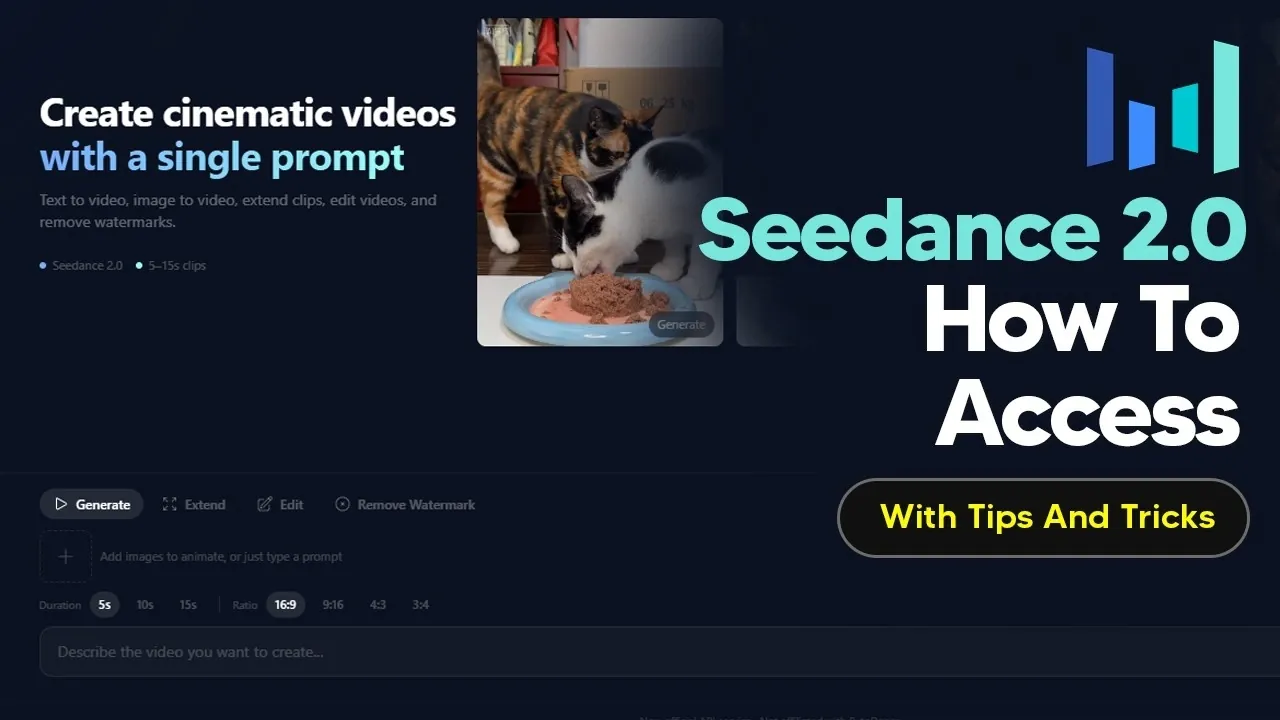
SeeDance 2.0 offers a streamlined way to create cinematic video clips using advanced AI-driven features like multimodal inputs and sound synchronization. Accessible through the PI API platform, it caters to developers and creators looking for professional-grade video outputs with customizable options. AI Grid highlights the importance of structured prompts in maximizing the platform’s potential, allowing users to define parameters such as camera angles and reference images. This approach ensures that the final videos align with specific creative goals while maintaining a high level of quality.
Explore how to navigate the platform’s pricing structure, which varies based on factors like video duration and quality and learn strategies to optimize your budget. Gain insight into practical tips for using multimodal inputs effectively, experimenting with sound synchronization and using timeline-based instructions for polished results. Whether you’re producing short clips or more complex projects, this guide will equip you with actionable steps to make the most of SeeDance 2.0’s capabilities.
SeeDance 2.0 Overview
TL;DR Key Takeaways :
- SeeDance 2.0 is an AI-powered platform for creating cinematic video clips, featuring multimodal inputs, sound synchronization and structured prompts for professional-grade outputs.
- The platform is accessible via the PI API platform, requiring registration and API keys for seamless integration into workflows.
- Pricing is flexible, starting at $0.40 for a 5-second clip, with costs varying based on video quality, duration and style; payments can be made via Stripe or cryptocurrency.
- Key features include automatic cinematic clip generation, support for up to four images and audio inputs and precise sound synchronization for polished results.
- Limitations include the inability to generate realistic human faces, restrictions on copyrighted content and some developmental features still in progress.
How to Access
SeeDance 2.0 is accessible through the PI API platform, a reliable hub for AI automation and API integration. Although PI API operates independently of ByteDance, it serves as a dependable gateway to SeeDance 2.0, offering seamless access to its video creation capabilities. This platform is particularly beneficial for developers and creators who require advanced customization options through API interactions.
To begin, you’ll need to register on the PI API platform and obtain the necessary API keys. These keys enable you to integrate SeeDance 2.0 into your workflow, allowing for tailored video generation. Whether you’re working on a small project or a large-scale production, the platform’s flexibility ensures it can adapt to your specific needs.
Understanding Pricing
The pricing model for SeeDance 2.0 is designed to accommodate a wide range of budgets and project requirements. Costs are determined by factors such as video quality, duration and style. For instance:
- A 5-second clip at fast quality is priced at $0.40.
- Higher-quality outputs or extended durations incur additional charges.
Payments can be made via Stripe or cryptocurrency, offering convenience for users worldwide. To optimize your budget, it’s advisable to plan your projects carefully, taking into account the desired video specifications and associated costs.

Here is a selection of other guides from our extensive library of content you may find of interest on AI video.
- Minimax 2.5 Preview: Stronger Tools for Front-End Work & Research
- How to Create Professional Videos Fast with Sora 2 AI Video Generator
- LTX-2 Local AI Video Generator from Text to Vivid 4K Video
- CapCut AI Video Editor: Free Tools for Professional Video Creation
- Minimax AI Video Generator
- CapCut AI: How to Create Stunning Videos Without Editing Skills
- How to Use Google VEO 2 AI Video Generator for Realistic Video Creation
- Best AI Image & Video Models 2026 : Video Tools, Music, and Voice
- 10 Mind-Blowing Free AI Animation Tools You Need in 2024
- How to Use AI Tools Like Nano Banana for Pro-Level Videos
Key Features of SeeDance 2.0
SeeDance 2.0 is equipped with a suite of features that make it a powerful tool for video creation. These include:
- Automatic cinematic clip generation: The platform can produce videos with multiple camera angles, creating a dynamic and professional look.
- Multimodal input support: Users can upload up to four images and audio files to guide the AI in generating tailored outputs. Future updates may expand this capability further.
- Sound synchronization: The tool seamlessly integrates dialogue, music and automated lip sync, making sure audio and visuals are perfectly aligned.
These features enable creators to produce visually compelling and professionally synchronized videos, making SeeDance 2.0 a versatile choice for various applications.
Customizing Your Outputs
Achieving optimal results with SeeDance 2.0 requires the use of structured prompts. These prompts allow you to define specific parameters for your video, making sure the final output aligns with your creative vision. Key customization options include:
- Camera angles and shot types: Specify the desired perspectives and framing to enhance the cinematic quality of your video.
- Reference images: Upload visual guides to help the AI understand your creative intent and produce outputs that match your expectations.
By using these customization tools, you can exercise greater control over the video production process, resulting in outputs that are both unique and professional.
Recognizing Limitations
While SeeDance 2.0 offers a wide range of capabilities, it’s important to be aware of its limitations to set realistic expectations. These include:
- Inability to generate realistic human faces: The tool is not designed for creating lifelike human characters.
- Restrictions on copyrighted content: Content involving intellectual property, such as Hollywood characters, cannot be generated.
- Developmental features: Certain functionalities, such as “extend” and “edit,” are still under development and may not perform optimally.
Understanding these constraints will help you navigate the platform effectively and avoid potential challenges during your projects.
Watermark Removal Options
All videos generated through SeeDance 2.0 include a default watermark. To remove it, users can pay a small additional fee. Once the payment is processed, refreshing the page will display the updated, watermark-free version of your clip. This option is particularly useful for creators who require polished, professional outputs for commercial or public use.
Performance Insights
The time required to generate a video clip with SeeDance 2.0 depends on its complexity. On average:
- A 5-second clip takes approximately 2–3 minutes to process.
- Using multiple reference images may extend processing time but provides greater control over the final output.
Balancing the complexity of your inputs with the desired processing time is essential for efficient and effective video creation.
Tips for Maximizing Results
To fully harness the capabilities of SeeDance 2.0, consider implementing the following strategies:
- Use detailed prompts: Clearly define your creative vision to guide the AI in producing accurate and high-quality outputs.
- Experiment with multimodal inputs: Combine images and audio files to create more dynamic and engaging videos.
- Incorporate timeline-based instructions: Specify key moments and transitions to achieve a more polished and professional result.
These tips will help you unlock the full potential of SeeDance 2.0, allowing you to produce videos that meet your specific requirements and creative goals.
Media Credit: TheAIGRID
Disclosure: Some of our articles include affiliate links. If you buy something through one of these links, Geeky Gadgets may earn an affiliate commission. Learn about our Disclosure Policy.
