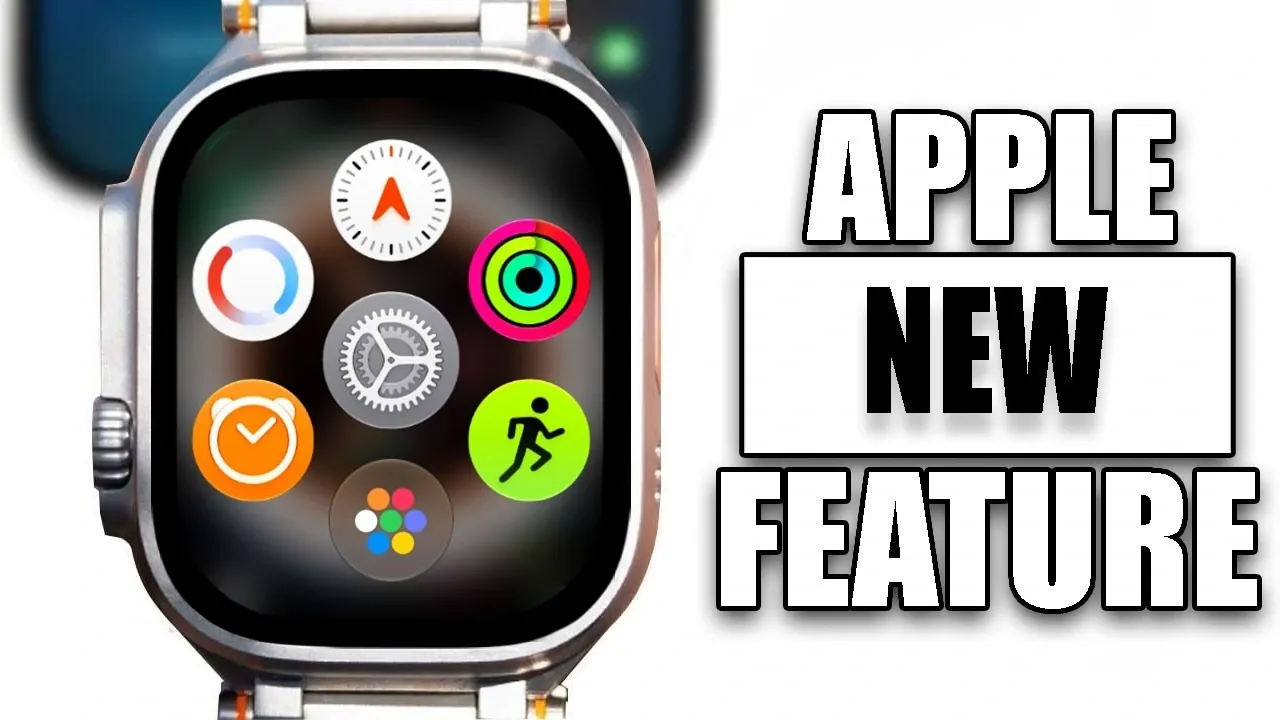
Apple’s WatchOS 27 introduces a range of updates designed to enhance usability, aesthetics, and functionality for Apple Watch users. However, the update is only compatible with newer models, leaving older devices unsupported. Currently available in developer beta, the public beta is expected to launch in July, with a full release planned for the fall. Below is a detailed exploration of the most notable features and changes. The video below from Hotshottek gives us more details about the new watchOS 27.

Compatibility: Who Can Upgrade?
WatchOS 27 is compatible exclusively with the Apple Watch Series 10 and newer models. Unfortunately, this means older devices, including the first-generation Apple Watch Ultra, are not supported. This decision underscores Apple’s focus on optimizing software for its latest hardware, making sure a smoother and more feature-rich experience for users of newer devices. If you own an eligible model, you’ll gain access to the full suite of improvements, making it a worthwhile upgrade.
Visual and Functional Enhancements
WatchOS 27 brings a variety of updates aimed at improving both the visual appeal and functionality of the Apple Watch. These enhancements include:
- Night Mode: The addition of glowing hands improves visibility in low-light conditions, making it easier to check the time at night without straining your eyes.
- Double-Tap Gesture: A new hands-free control option allows you to interact with your watch effortlessly, making it particularly useful during activities like cooking, exercising, or multitasking.
- Smoother Animations: Refined transitions across notifications, the control center and the water eject feature contribute to a more polished and fluid user experience.
These updates aim to make everyday interactions with your Apple Watch more seamless, intuitive and enjoyable.
Streamlined Notification Management
Managing notifications has been simplified with WatchOS 27. A newly added mute icon allows you to silence alerts quickly and discreetly. This small but impactful feature is especially useful in busy environments or during moments when minimizing interruptions is essential. By providing greater control over notifications, this update enhances the watch’s practicality in both professional and personal settings.
Refined App Menu and Icon Design
The app menu has been redesigned to prioritize usability and visual appeal. Key changes include:
- Recent Apps: Frequently used apps are now displayed more prominently, allowing quicker access to essential tools and features.
- Icon Overhaul: App icons, including those for Apple Maps, have been modernized with a liquid glass aesthetic, offering a sleek and contemporary look.
These refinements not only improve functionality but also refresh the overall interface, making navigation more intuitive and visually engaging.
Enhanced Smart Stack Integration
Smart Stack functionality has been upgraded to deliver a smoother and more efficient experience. Notably, the “Find My” app now supports enhanced tracking for people, devices and items. This improvement ensures that you can locate what matters most with greater ease and precision, further solidifying the Apple Watch’s role as a versatile and reliable companion.
Privacy Features: Greater Control
Privacy remains a central focus in WatchOS 27. A new feature allows you to hide your location sharing without notifying the other person. This discreet option gives you greater control over your privacy while maintaining the convenience of location-based services. By offering more nuanced privacy settings, Apple continues to prioritize user autonomy and security.
Exclusive Updates for Apple Watch Ultra
Owners of the Apple Watch Ultra gain access to exclusive features in WatchOS 27. The action button now supports translation and waypoint functionalities, enhancing its versatility for outdoor adventures and international travel. These updates make the Ultra model even more appealing to explorers and adventurers, further distinguishing it as a premium option for those with an active lifestyle.
Workout Buddy Enhancements
Fitness enthusiasts will appreciate the improvements to the Workout Buddy feature, which now includes:
- Motivational Dialogues: Encouraging messages are designed to keep you motivated and focused during workouts, adding a personal touch to your fitness routine.
- Spanish Language Support: The feature is now more inclusive, catering to a broader audience by offering support for Spanish-speaking users.
These updates enhance the Apple Watch’s role as a fitness companion, making it more engaging and accessible for users with diverse needs and preferences.
What’s Missing?
Interestingly, WatchOS 27 does not include updates to Siri or new wallpapers in its current beta version. While these omissions may disappoint some users, they suggest that Apple could be reserving these changes for future updates or releases. This approach allows the company to focus on refining the features included in this update while leaving room for further innovation down the line.
Release Timeline
The rollout of WatchOS 27 follows Apple’s typical release schedule:
- Developer Beta: Available now, providing early access for developers to test and optimize their apps.
- Public Beta: Expected in July, allowing a broader audience to explore the new features and provide feedback.
- Full Release: Scheduled for the fall, aligning with the launch of Apple’s next-generation hardware.
These timelines provide ample opportunity for users to familiarize themselves with the new features and prepare for the official release.
Final Thoughts
WatchOS 27 represents a significant step forward in usability, design and functionality. While its compatibility is limited to newer models, the update introduces a range of compelling features, including improved night mode visibility, enhanced gesture controls and refined privacy options. Whether you’re a fitness enthusiast, an adventurer, or simply seeking a more polished smartwatch experience, WatchOS 27 offers plenty to explore. With the developer beta already available and the public beta just weeks away, users will soon have the opportunity to experience these updates firsthand.
Gain further expertise in WatchOS 27 by checking out these recommendations.
- Your Apple Watch is About to Change: 3 Huge Features in watchOS 27
- Is Your iPhone on the List? iOS 27 Could Cut Off These Popular Models
- Apple Just Changed Everything: iOS 27 Rewrites the Rules for AirPods and AirPlay
- Update Your Apple Watch Now: watchOS 26.4 Squashes Liquid Glass Lag and Battery Drains
- WatchOS 26.5 is Here: See the Two Annoying Bugs It Finally Fixes
- iOS 27 Leaks: The Update That Fixes Everything?
Source & Image Credit: HotshotTek
Disclosure: Some of our articles include affiliate links. If you buy something through one of these links, Geeky Gadgets may earn an affiliate commission. Learn about our Disclosure Policy.
