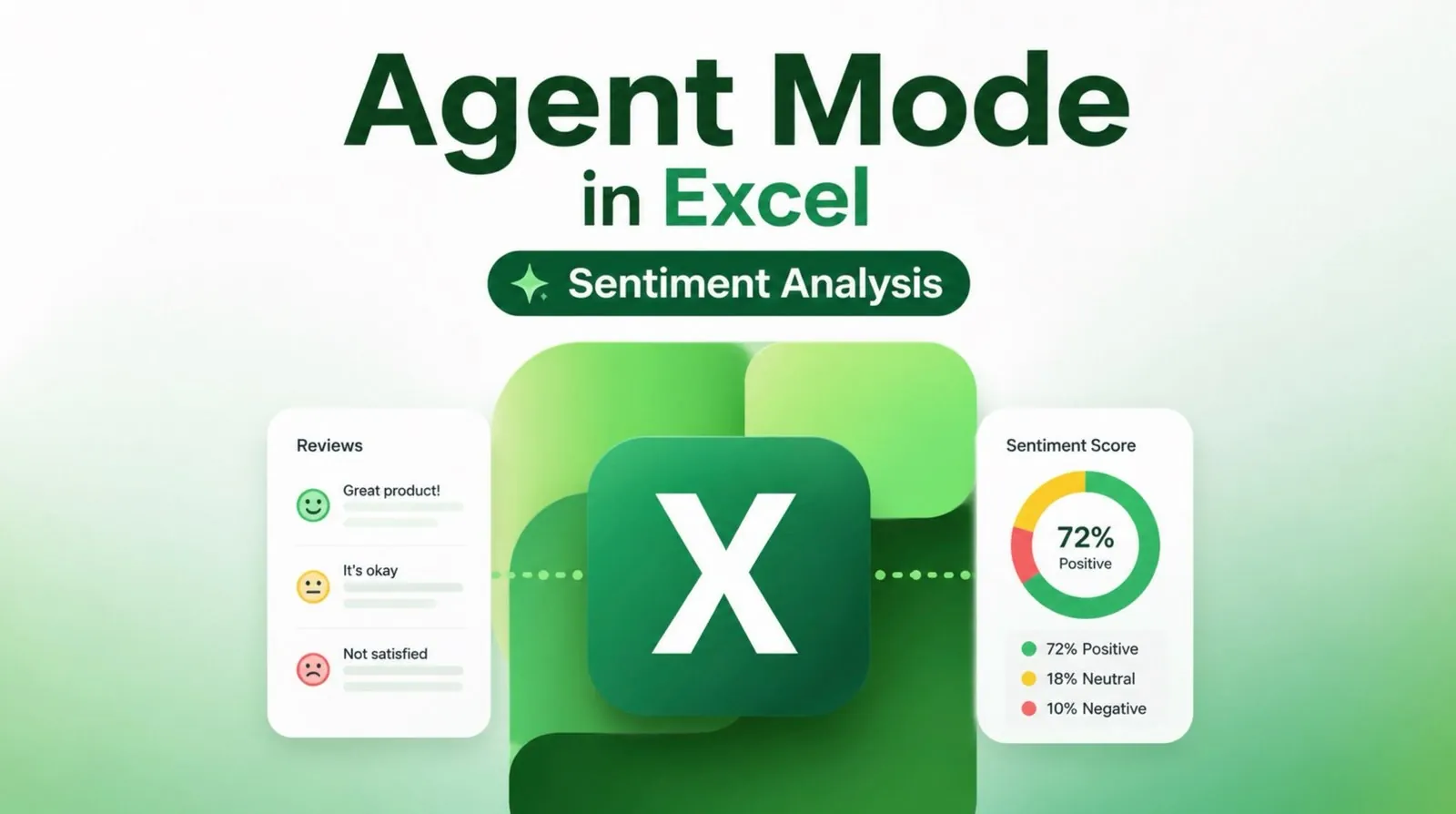
Excel’s Copilot feature introduces a practical way to conduct sentiment analysis directly within your spreadsheets, making it easier to extract meaningful insights from unstructured customer feedback. In this walkthrough, Simon Sez IT demonstrates how to use Agent Mode in Excel to analyze data such as survey responses or social media comments. For example, you can identify recurring themes like product quality or packaging concerns, helping you pinpoint areas for improvement and better understand customer priorities.
Dive into this guide to learn how to set up and use Agent Mode effectively. You’ll discover how to input targeted prompts for summarizing sentiment, categorize feedback into actionable themes and even automate recurring analyses to track trends over time. By the end, you’ll have a clear understanding of how to turn raw feedback into strategies that align with customer needs and drive impactful decisions.
Why Sentiment Analysis is Essential
TL;DR Key Takeaways :
- Excel’s Copilot feature simplifies sentiment analysis, allowing businesses to extract actionable insights from unstructured customer feedback like surveys and reviews.
- Key themes in customer feedback often include product quality, packaging concerns and regional variations, helping businesses identify strengths and areas for improvement.
- Copilot automates tasks such as summarizing sentiment, identifying recurring issues and pinpointing drivers behind customer opinions, making analysis accessible to non-experts.
- Insights from sentiment analysis can guide actionable strategies, including product adjustments, packaging improvements and regional customizations to meet customer needs.
- Advanced features like scheduled prompts, automated insights and export options enhance collaboration and efficiency, supporting data-driven decision-making across business functions.
Understanding customer sentiment is a critical step in identifying areas of strength and addressing potential weaknesses in your products or services. Excel’s Copilot allows you to analyze unstructured data, such as survey responses, social media comments, or customer reviews, to uncover recurring themes and patterns. For example, you might find that customers appreciate your product’s reliability but express concerns about packaging quality or pricing. Key themes often identified in customer feedback include:
- Product quality: Taste, texture, or performance preferences.
- Packaging concerns: Durability, design, or ease of use.
- Regional variations: Differences in customer satisfaction across locations.
By categorizing feedback into these themes, you gain a clearer understanding of customer priorities. This enables you to focus on addressing critical issues while reinforcing your product’s strengths.
How to Get Started with Copilot in Excel
Excel’s Copilot simplifies the sentiment analysis process by automating complex tasks, making it accessible even for those with limited technical expertise. Follow these steps to get started:
1. Open the Copilot panel in Excel.
2. Input prompts that align with your analysis objectives.
For instance, you can ask Copilot to:
- Summarize overall customer sentiment.
- Identify recurring themes or issues in feedback.
- Pinpoint the drivers behind positive or negative comments.
Copilot generates concise and actionable summaries, providing insights into customer perceptions. For example, it might highlight that customers in a specific region value your product’s flavor but are dissatisfied with its packaging. These insights allow you to prioritize areas that require immediate attention, making sure your efforts are both targeted and effective.
Uncover more insights about Excel in previous articles we have written.
- The Hidden Excel Shortcuts Missing from Your Standard Cheat Sheet
- Why Excel Power Users Are Switching to “Zero-Click” Workflows
- How to Unlock Excel Sheets Without a Password
- 10 Excel Formula Symbols You Wish You Knew Years Ago
- The Only Microsoft Excel Tutorial Beginners Need In 2026
- Master Advanced Excel Functions BYROW vs MAP vs SCAN vs REDUCE
- Claude for Office Adds Real-Time Co-Editing in Excel & PowerPoint
- How to create Excel spreadsheets that automatically update themselves
- Quadratic AI Spreadsheet App Makes Data Analysis Easy
- 4 Excel AI Tools Tested and Microsoft Copilot Finished Last
Transforming Insights into Actionable Strategies
Once you’ve gathered insights from sentiment analysis, the next step is to translate them into practical strategies. Copilot can assist by offering recommendations tailored to your findings, such as:
- Product adjustments: Modify flavor profiles, textures, or other attributes to meet customer preferences.
- Packaging improvements: Enhance durability or redesign packaging to address common complaints.
- Regional customization: Develop localized product variations to cater to specific market needs.
These actionable recommendations can guide your research and development (R&D) efforts, making sure that your products align with customer expectations. Additionally, insights from sentiment analysis can help refine your marketing and communication strategies, fostering stronger connections with your audience and building brand loyalty.
Advanced Features of Excel’s Copilot
Excel’s Copilot offers advanced features that enhance your sentiment analysis workflow, making it more efficient and collaborative. Key features include:
- Scheduled Prompts: Automate recurring analyses to track feedback trends over time.
- Automated Insights: Generate consistent, data-driven summaries with minimal manual effort.
- Export Options: Easily transfer insights to Microsoft Word for reporting or to new Excel sheets for deeper analysis.
These tools not only save time but also make it easier to share findings with your team. By fostering collaboration and supporting data-driven decision-making, these features help ensure that your business strategies are informed by accurate and up-to-date customer feedback.
Practical Applications Across Business Functions
The insights gained from sentiment analysis can have a significant impact across various areas of your business. Some practical applications include:
- Research and Development: Use feedback to prioritize product improvements, such as flavor adjustments or packaging redesigns.
- Supply Chain Management: Address regional inconsistencies in product quality or performance to ensure uniform customer satisfaction.
- Marketing Strategies: Tailor campaigns to emphasize key strengths identified in customer feedback, such as reliability or unique features.
For example, if customers in one region express a preference for less sweetness, you can adjust your product formula for that market while maintaining consistency elsewhere. Mapping insights by region or demographic allows you to develop targeted strategies that resonate with specific customer segments, making sure your efforts are both effective and efficient.
Maximizing the Potential of Sentiment Analysis
Excel’s Copilot feature enables businesses to perform efficient and insightful sentiment analysis, transforming unstructured customer feedback into actionable strategies. By identifying key themes, generating data-driven recommendations and using advanced features, you can refine your products and enhance customer satisfaction. Whether you’re improving packaging, adjusting flavor profiles, or tailoring regional strategies, Copilot equips you with the tools needed to make informed decisions and achieve long-term business success.
Media Credit: Simon Sez IT
Disclosure: Some of our articles include affiliate links. If you buy something through one of these links, Geeky Gadgets may earn an affiliate commission. Learn about our Disclosure Policy.
